


AI Cartoon Generator
Suporta formatos JPG, PNG, WebP, máx. 10MB
Mais Ferramentas de AI



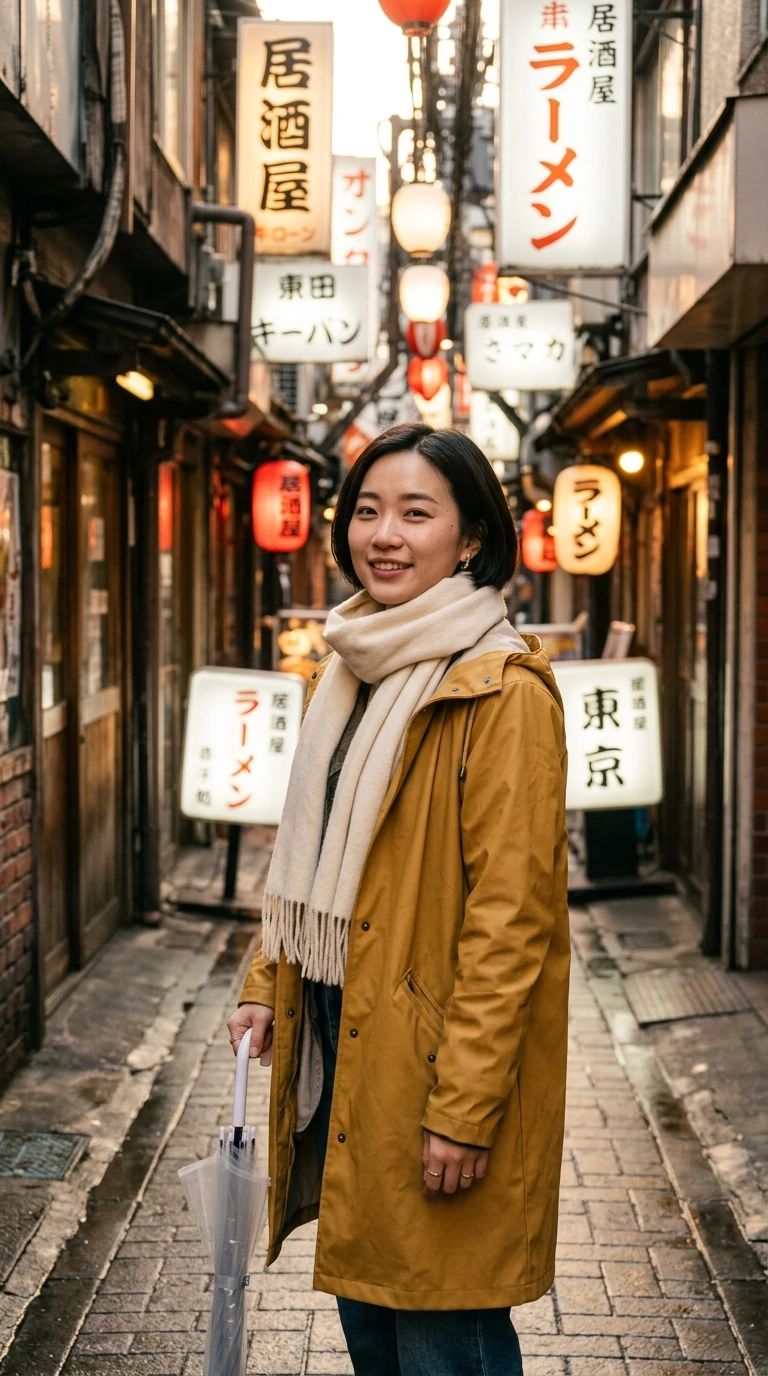
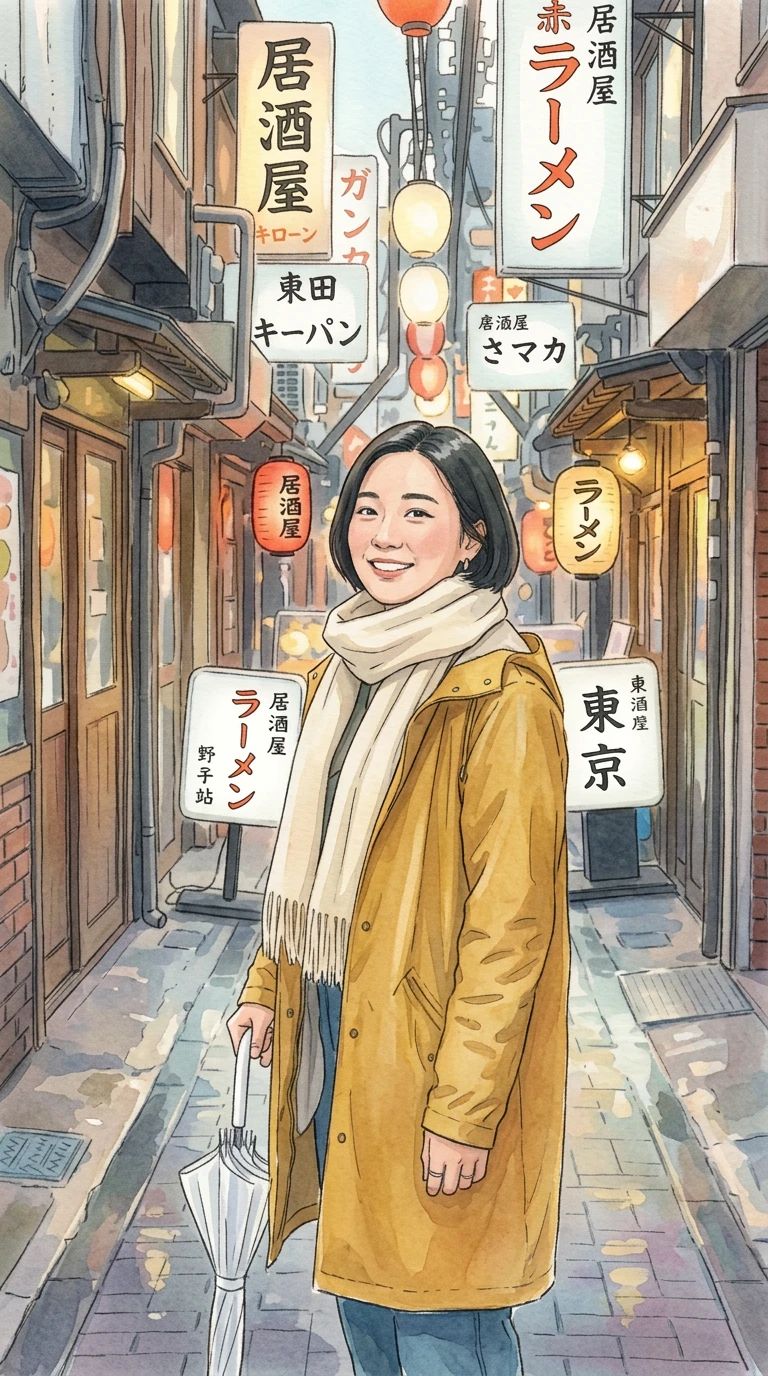
What is AI Cartoon Generator?
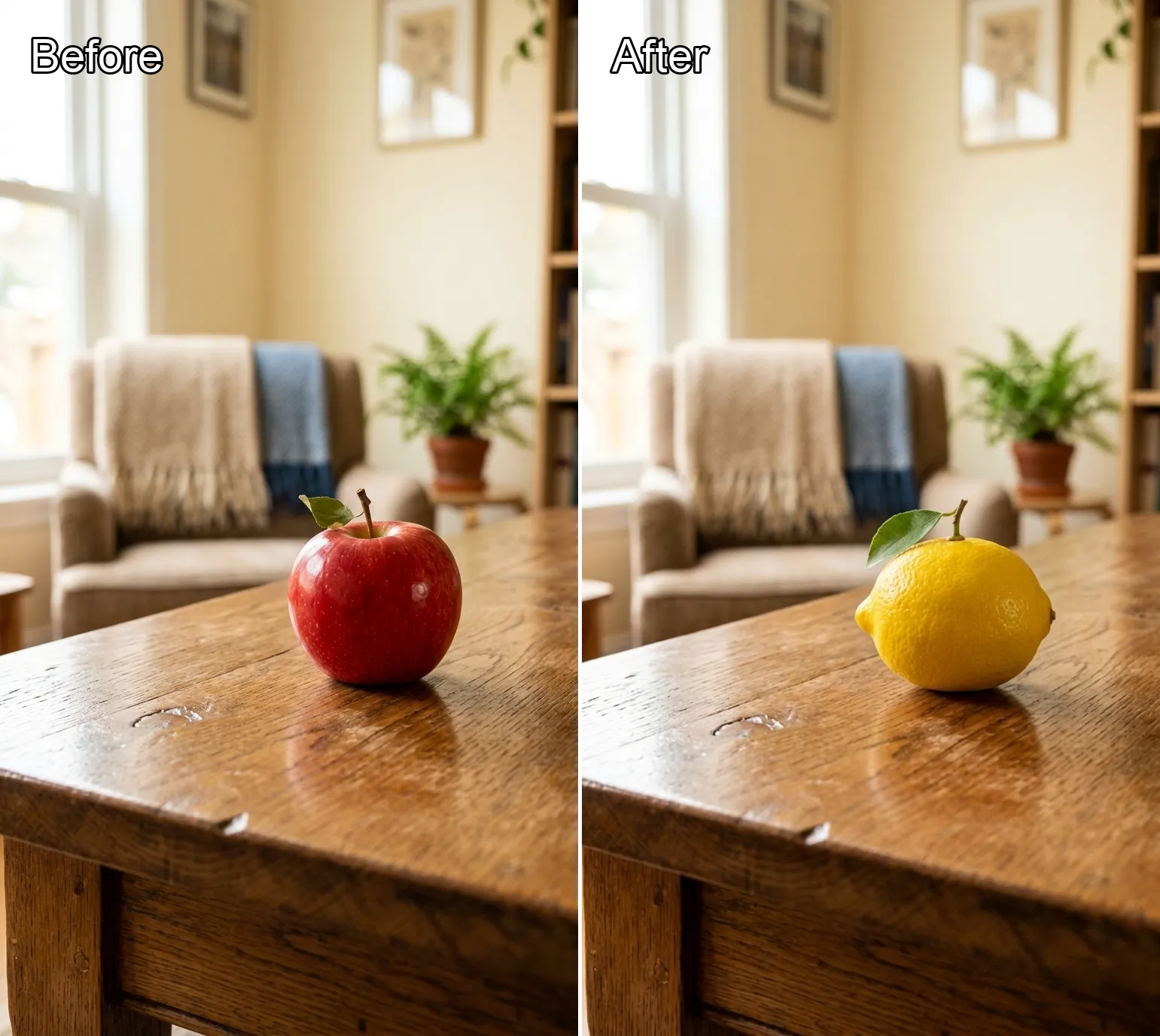
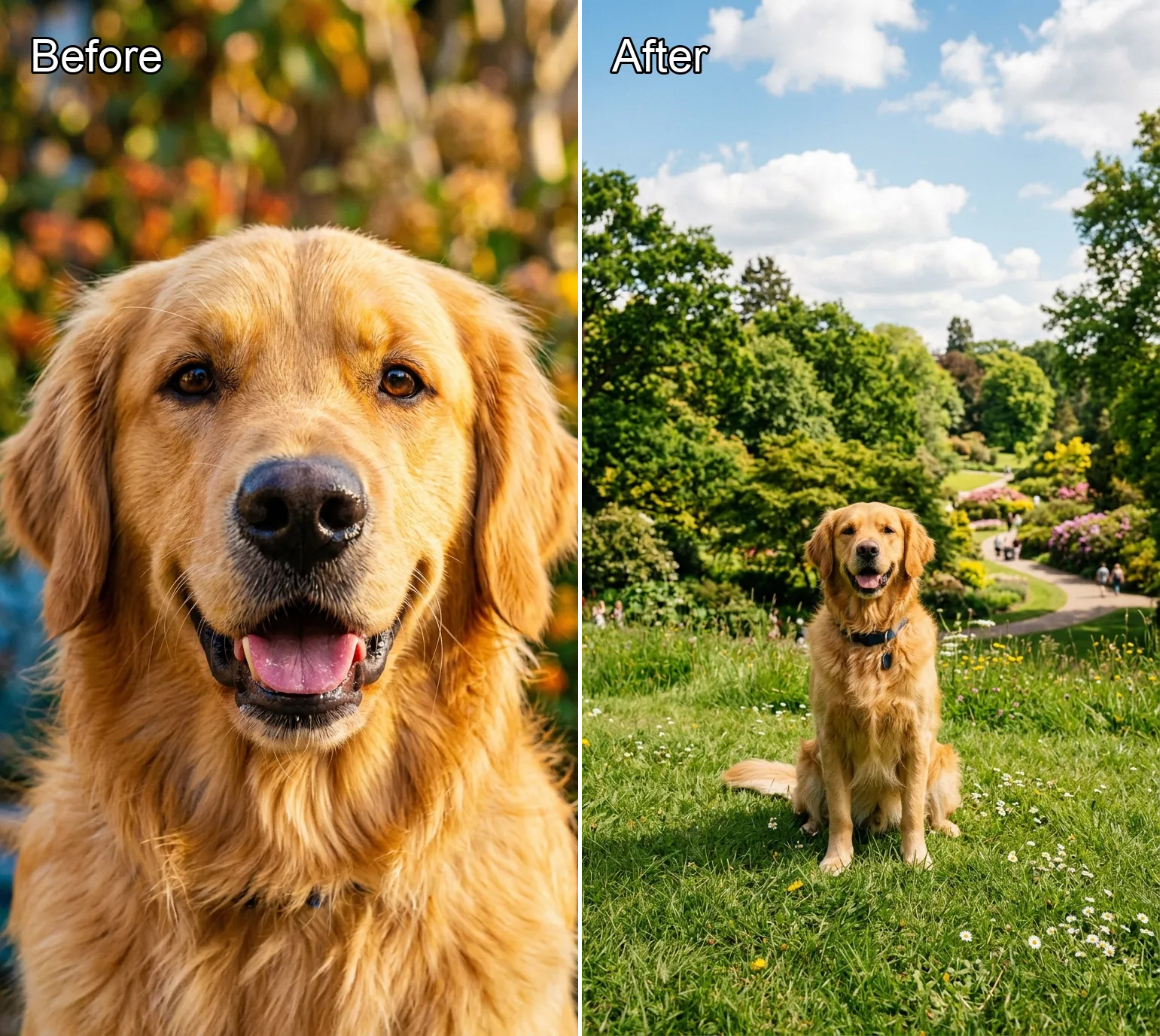
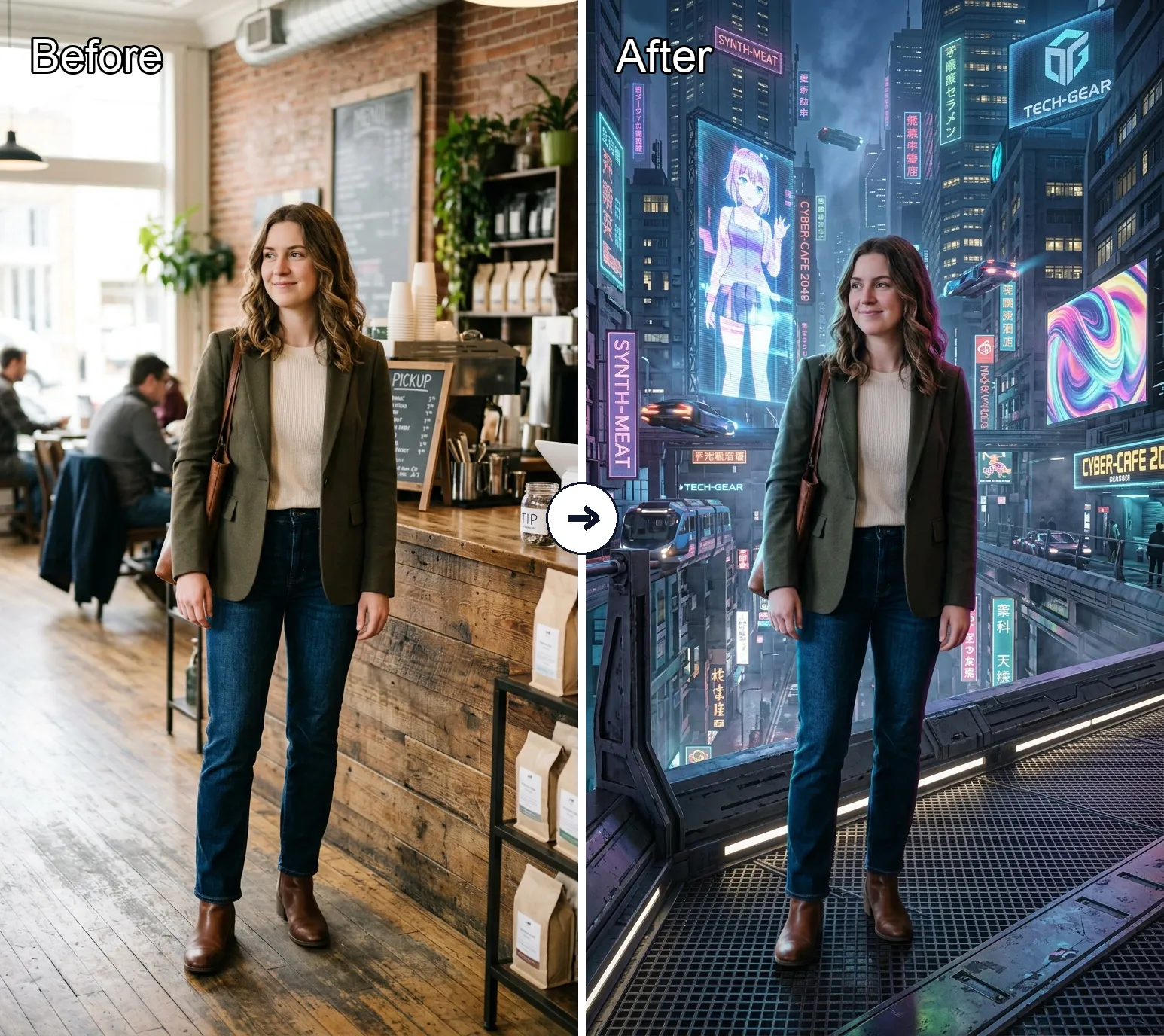
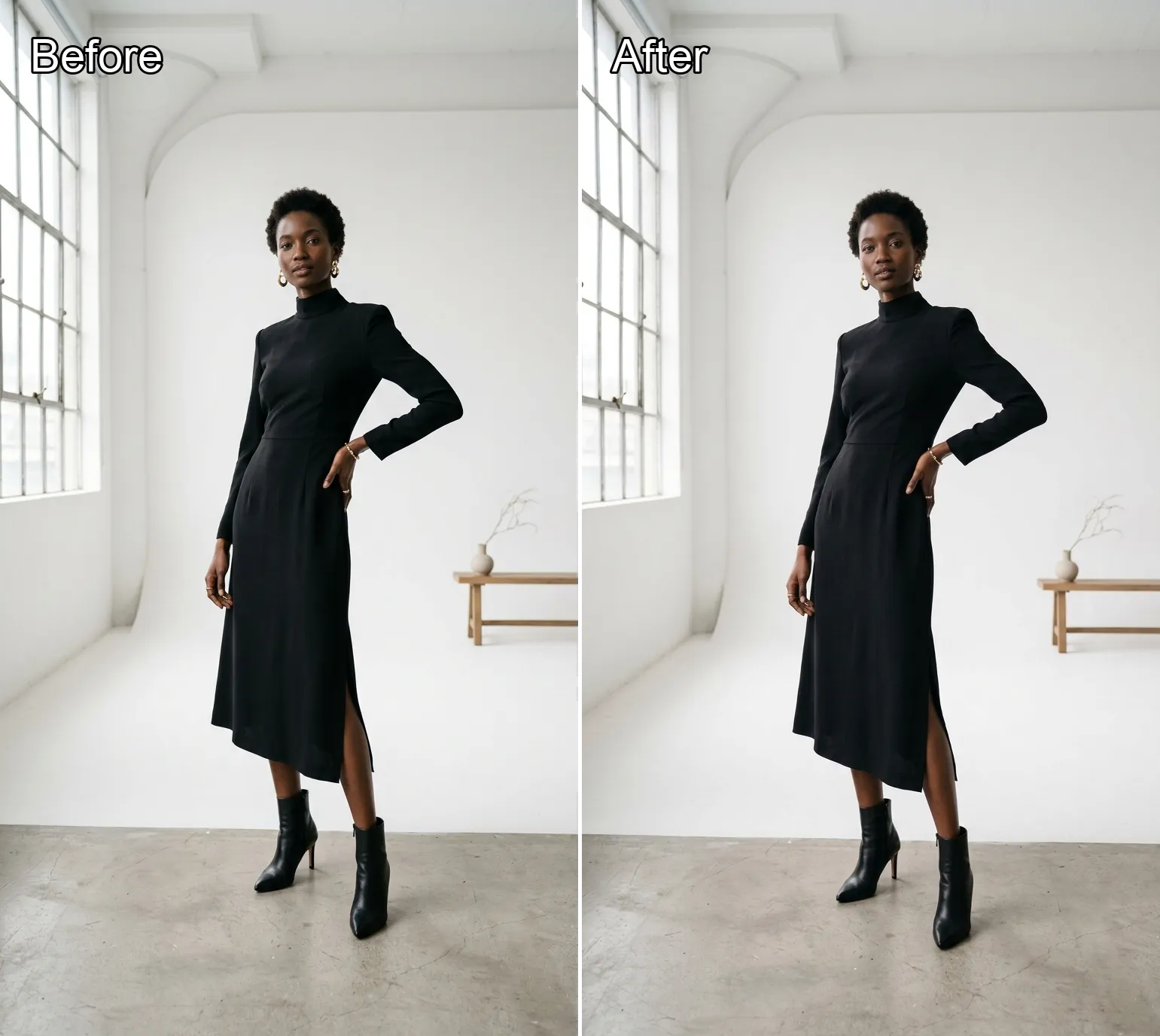
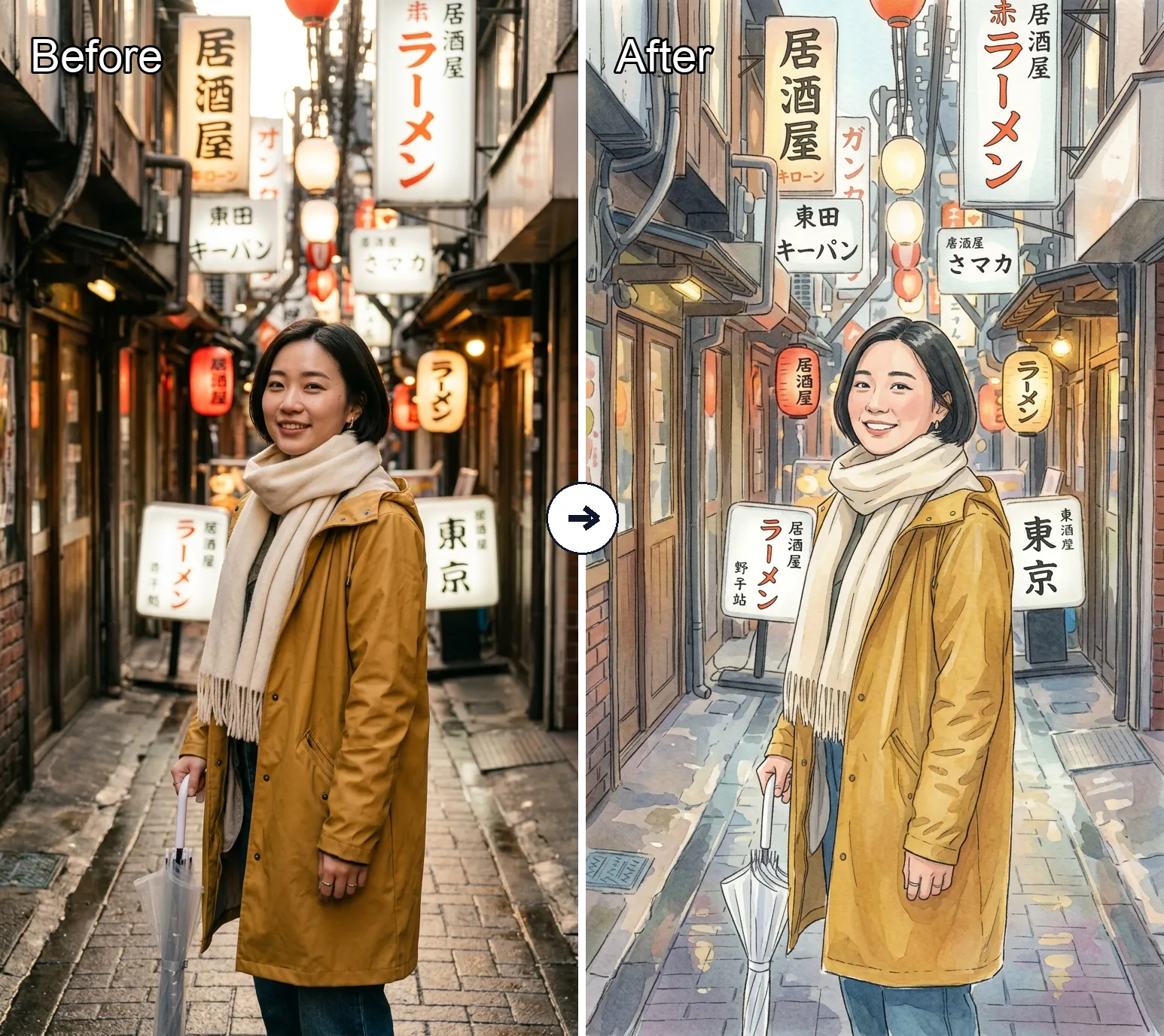
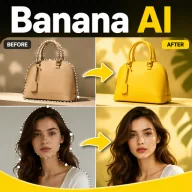
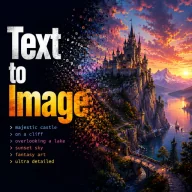
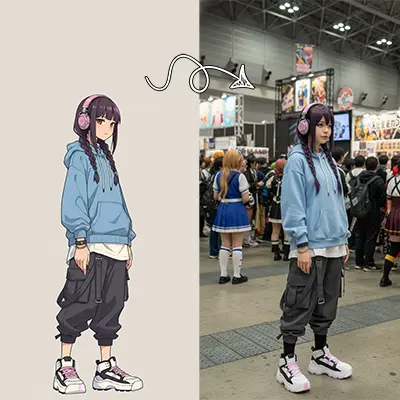
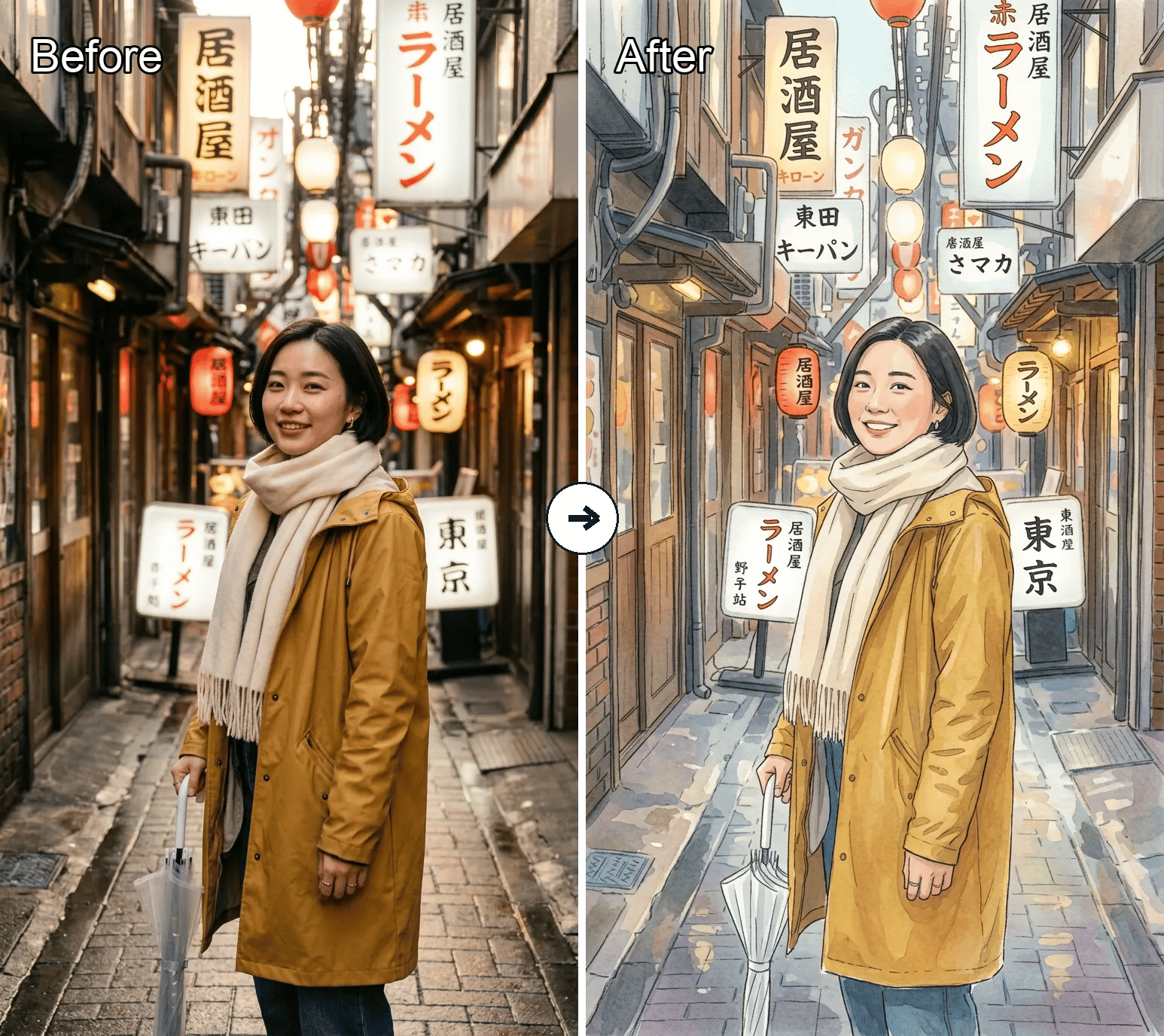
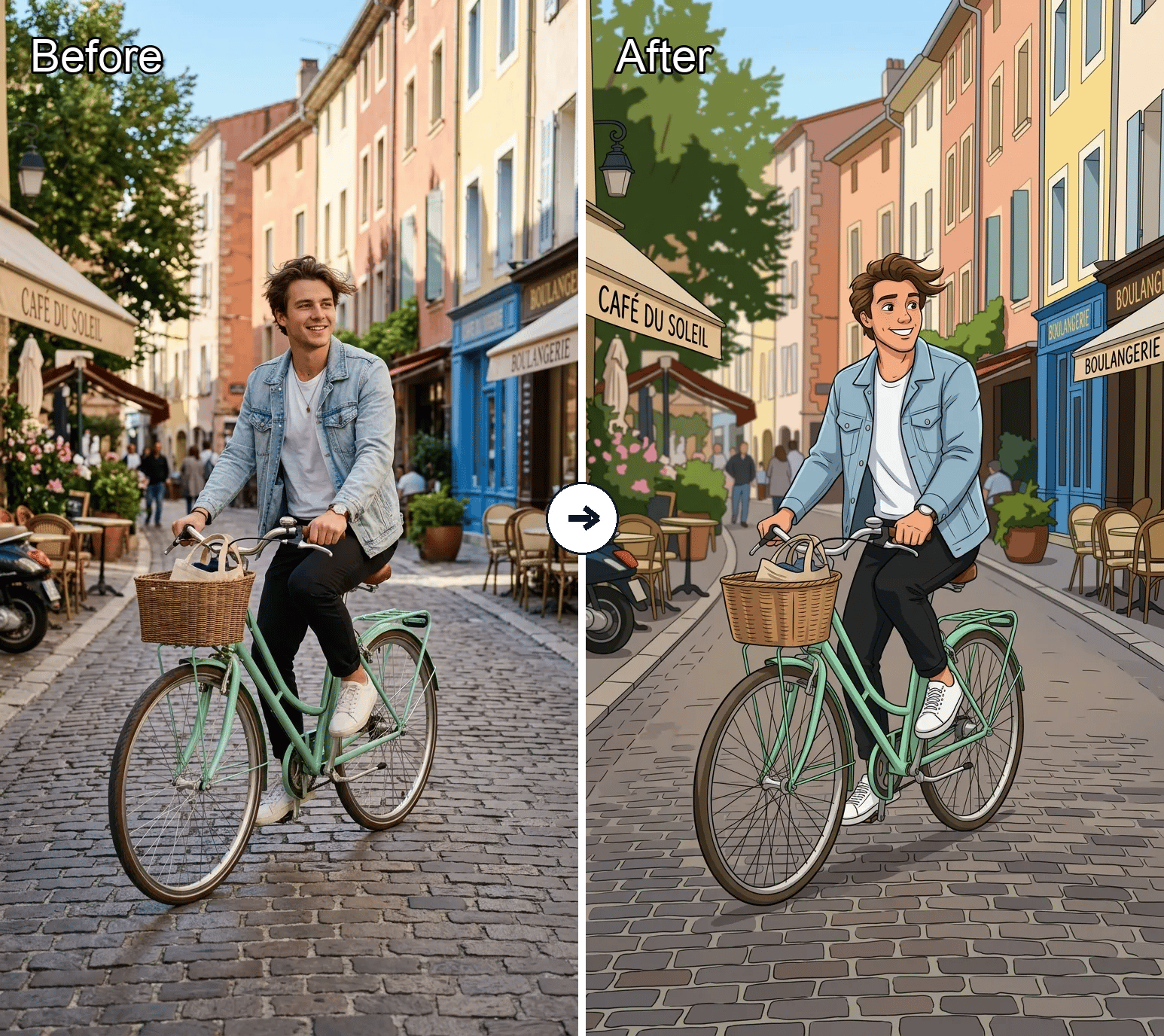
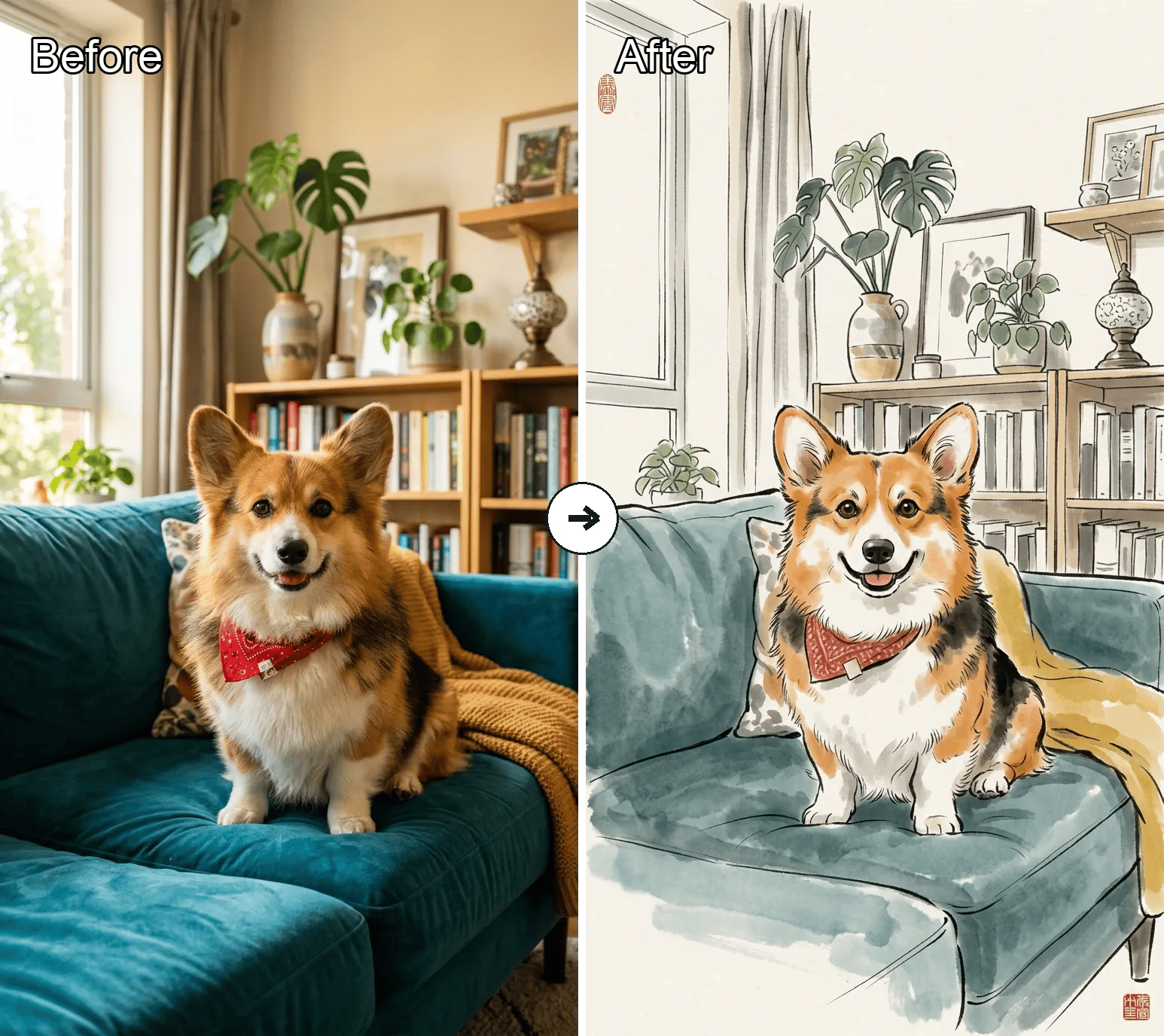
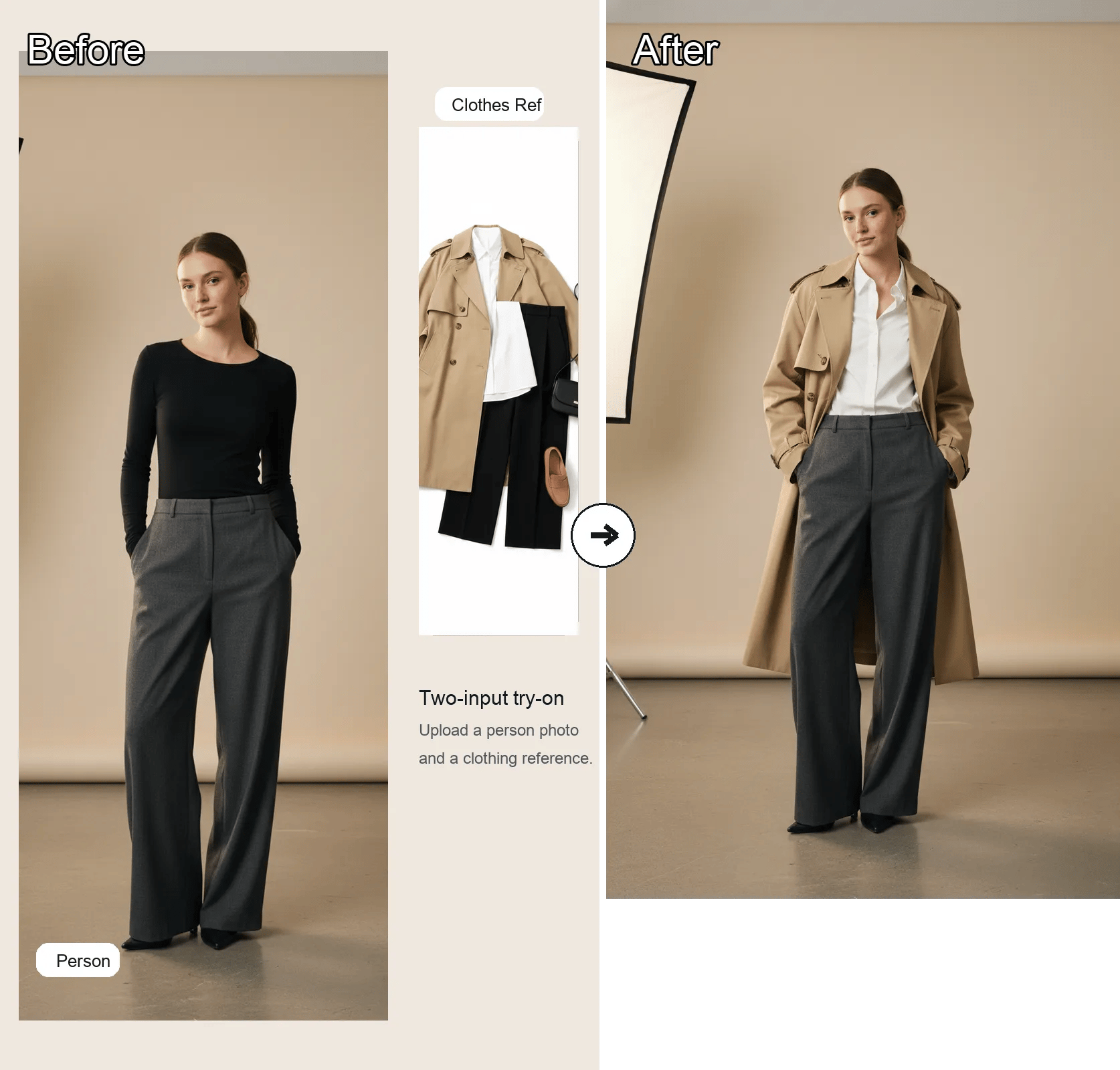
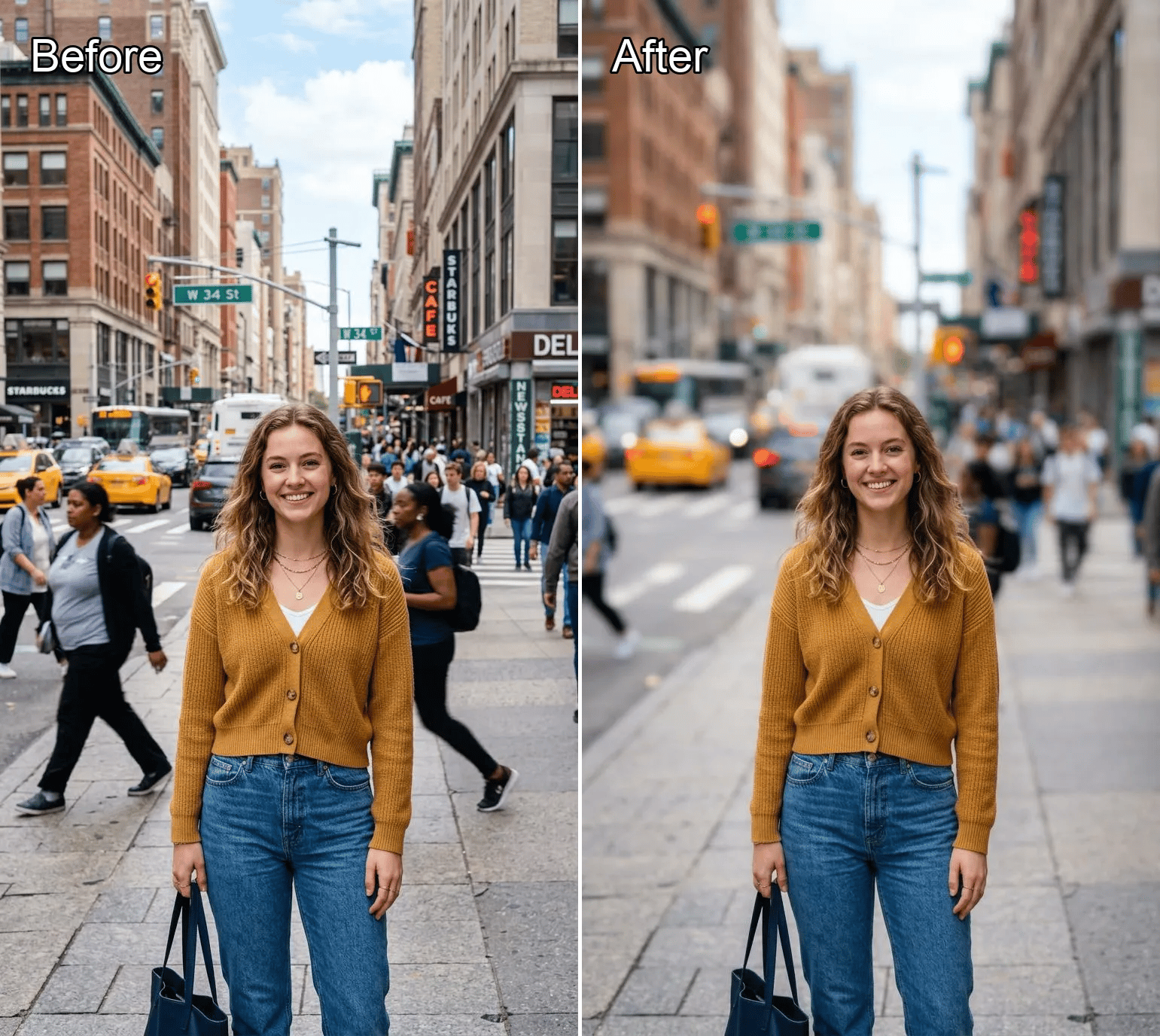
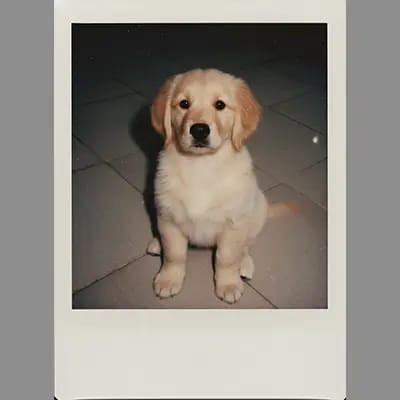
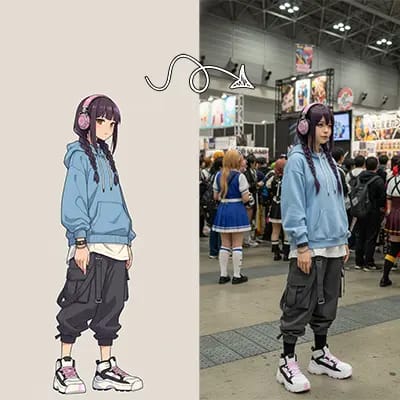
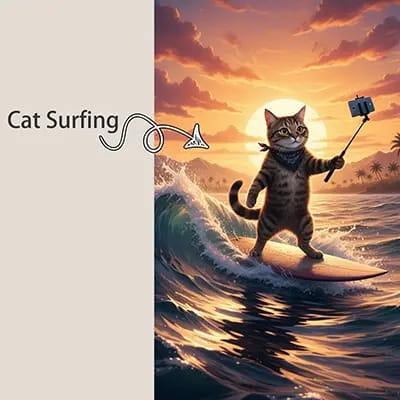
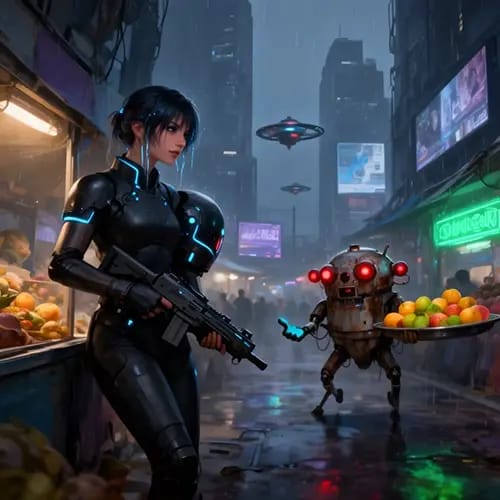
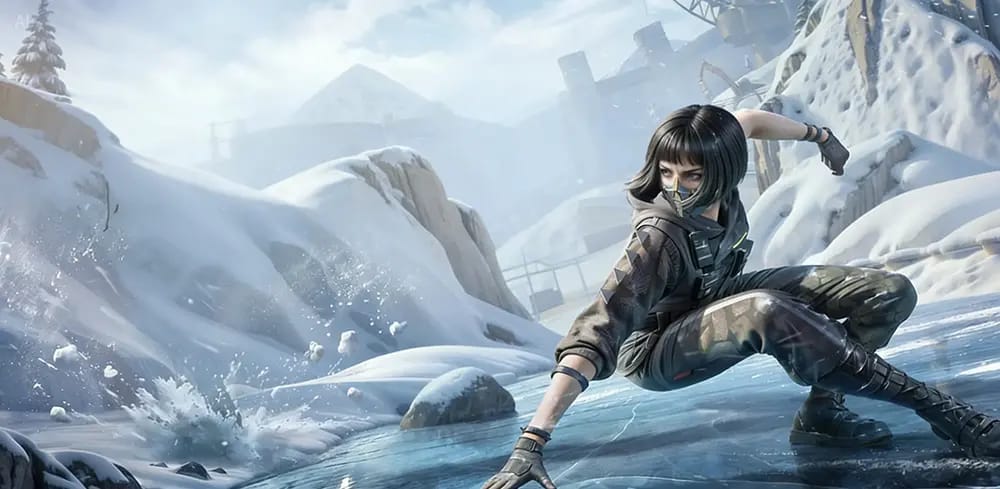
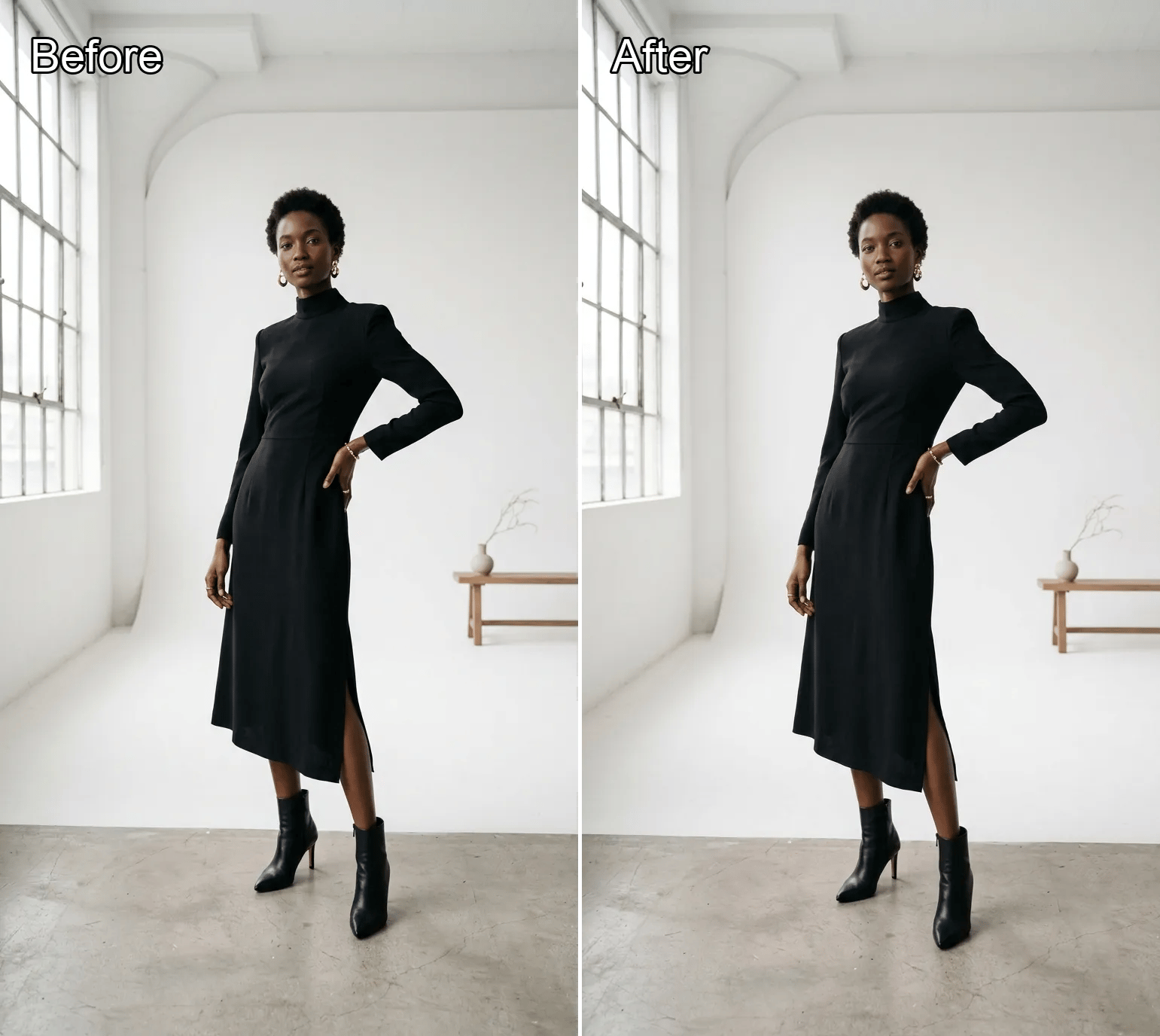
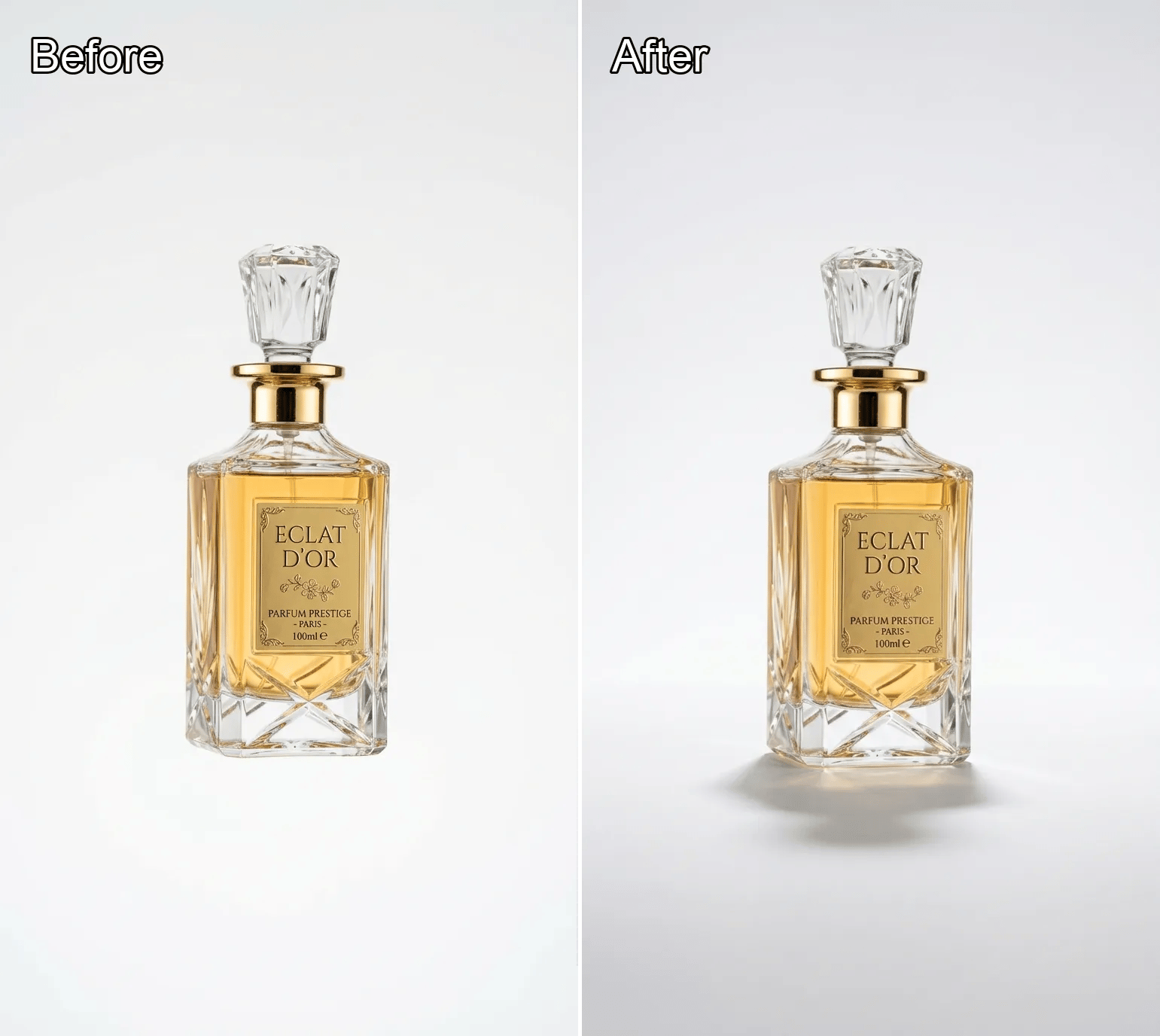
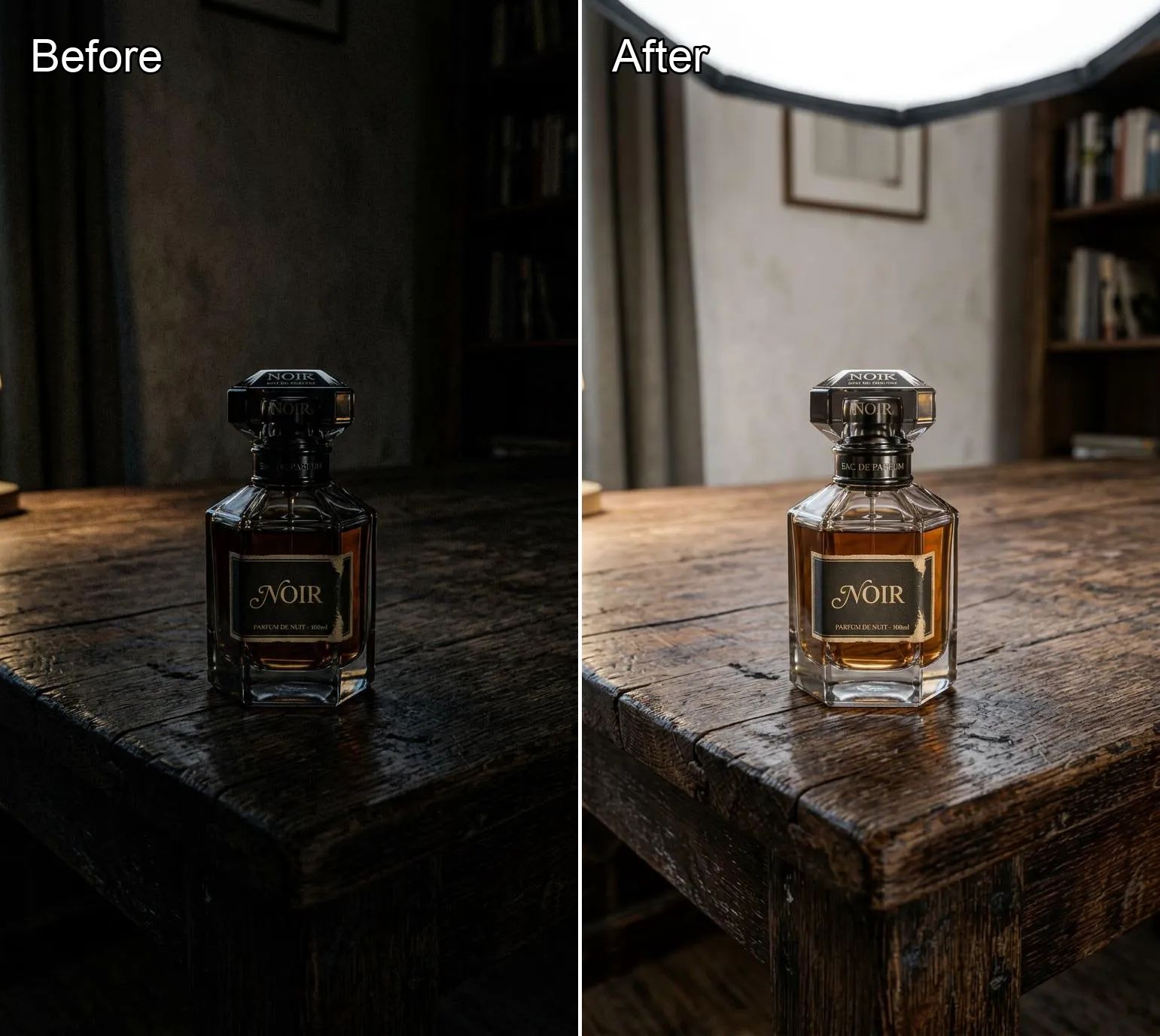
AI Cartoon Generator is a photo-to-cartoon tool powered by Nano Banana 2. Upload a portrait, selfie, or scene, then pick a style card to steer the final look without typing a prompt manually.
How to use AI Cartoon Generator
Three simple steps.
Why use AI Cartoon Generator?
Choose a style and get a consistent cartoon conversion without juggling prompt syntax.
Common Questions About AI Cartoon Generator
Quick answers about input, style control, and generation behavior.
Do I need to type a prompt?
No. The style card selection is the prompt input. You can optionally upload a reference image, but the visible user action is choosing a style preset.
Can I use multiple images?
Yes. The tool is configured for up to 8 images, which is useful when you want to test several references or variations.
How do style cards affect results?
Each card maps to a different prompt preset. The backend combines that preset with a shared cartoonization instruction before sending the request to Nano Banana 2.
What formats are supported?
PNG, JPG, JPEG, and WebP are supported, with a 20MB limit per file.
Is the output a real generation or just a UI filter?
It is a real generation path. The selected style is passed into the model request and changes the produced image.
What happens if I want a different cartoon look?
Pick a different style card and generate again. The presets are meant for fast A/B exploration without editing prompt text.
Start cartoonizing photos
Upload a photo, choose a style, and turn it into a cartoon with Nano Banana 2 on Banana AI.