

4K AI Local Recolor
Supports JPG, PNG, WebP formats, max 10MB
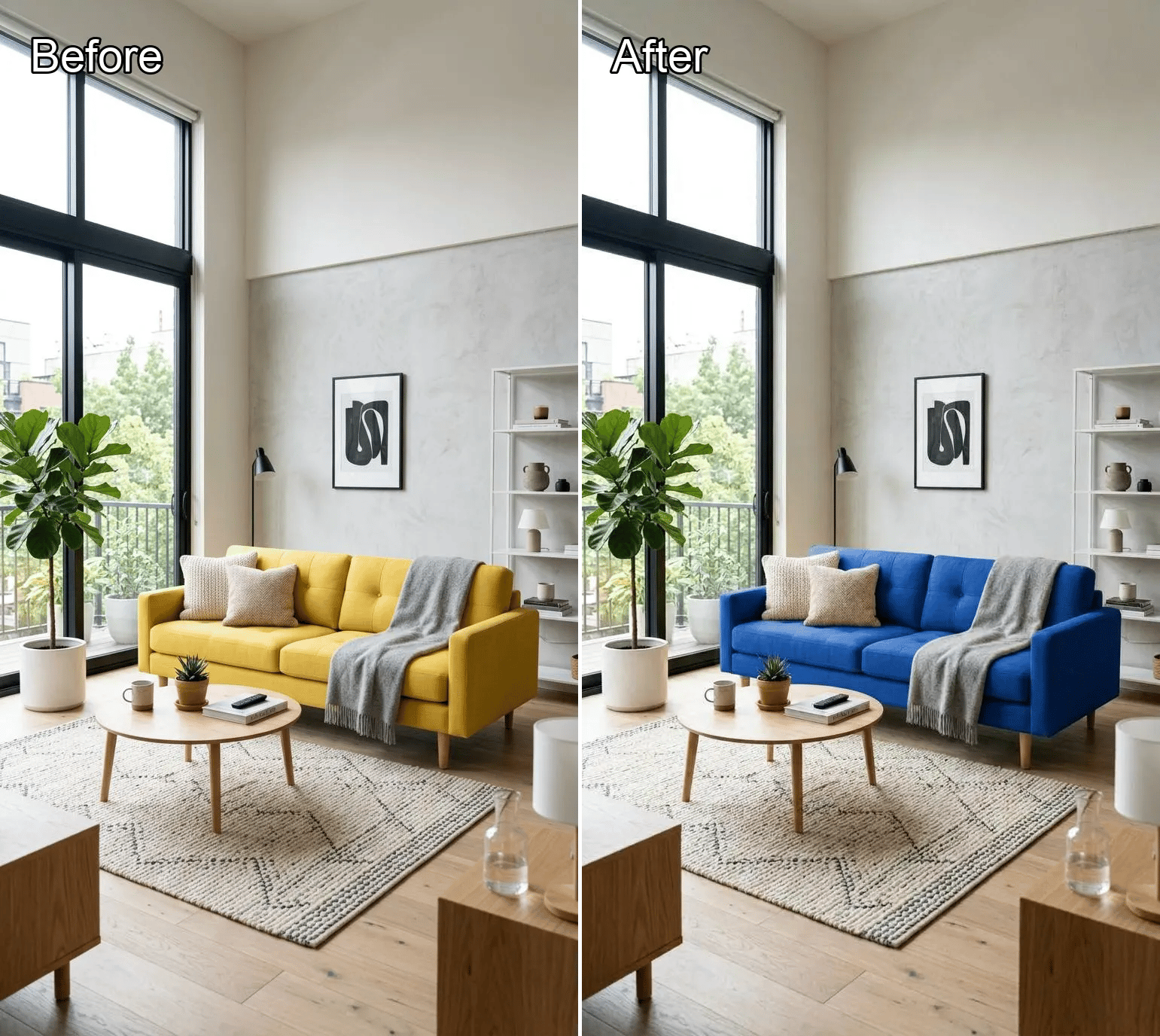
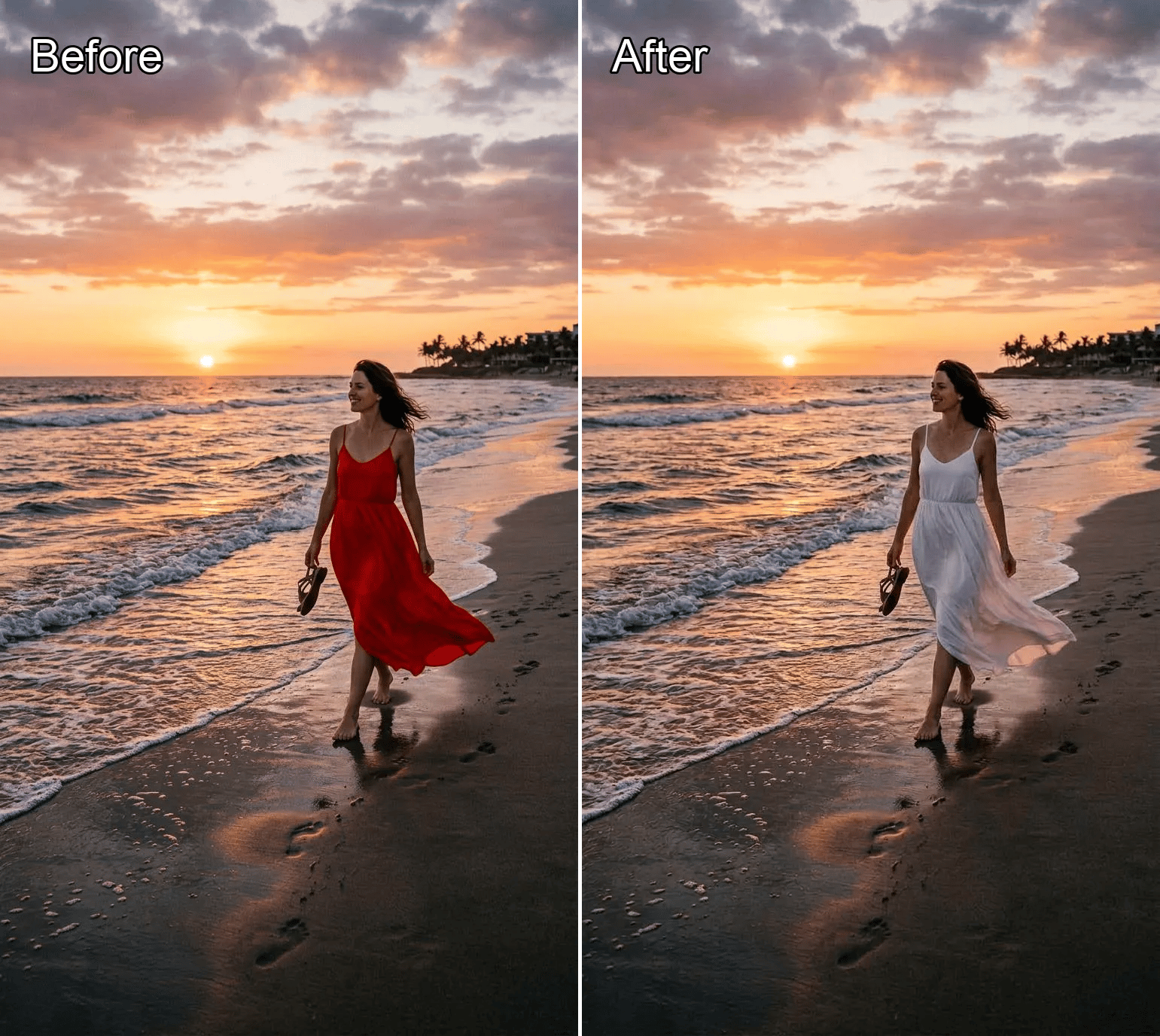
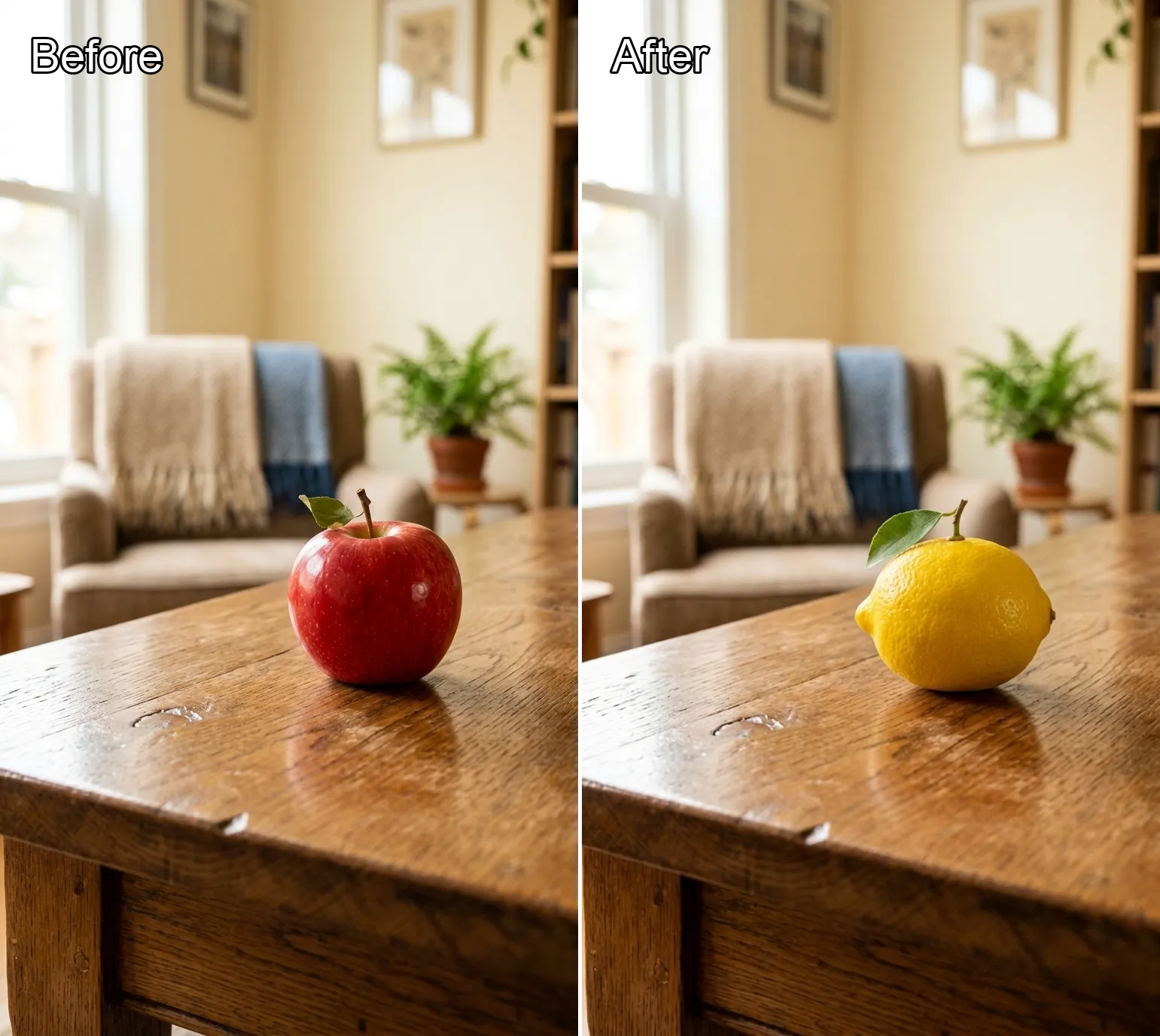
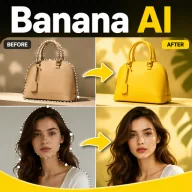
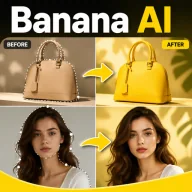
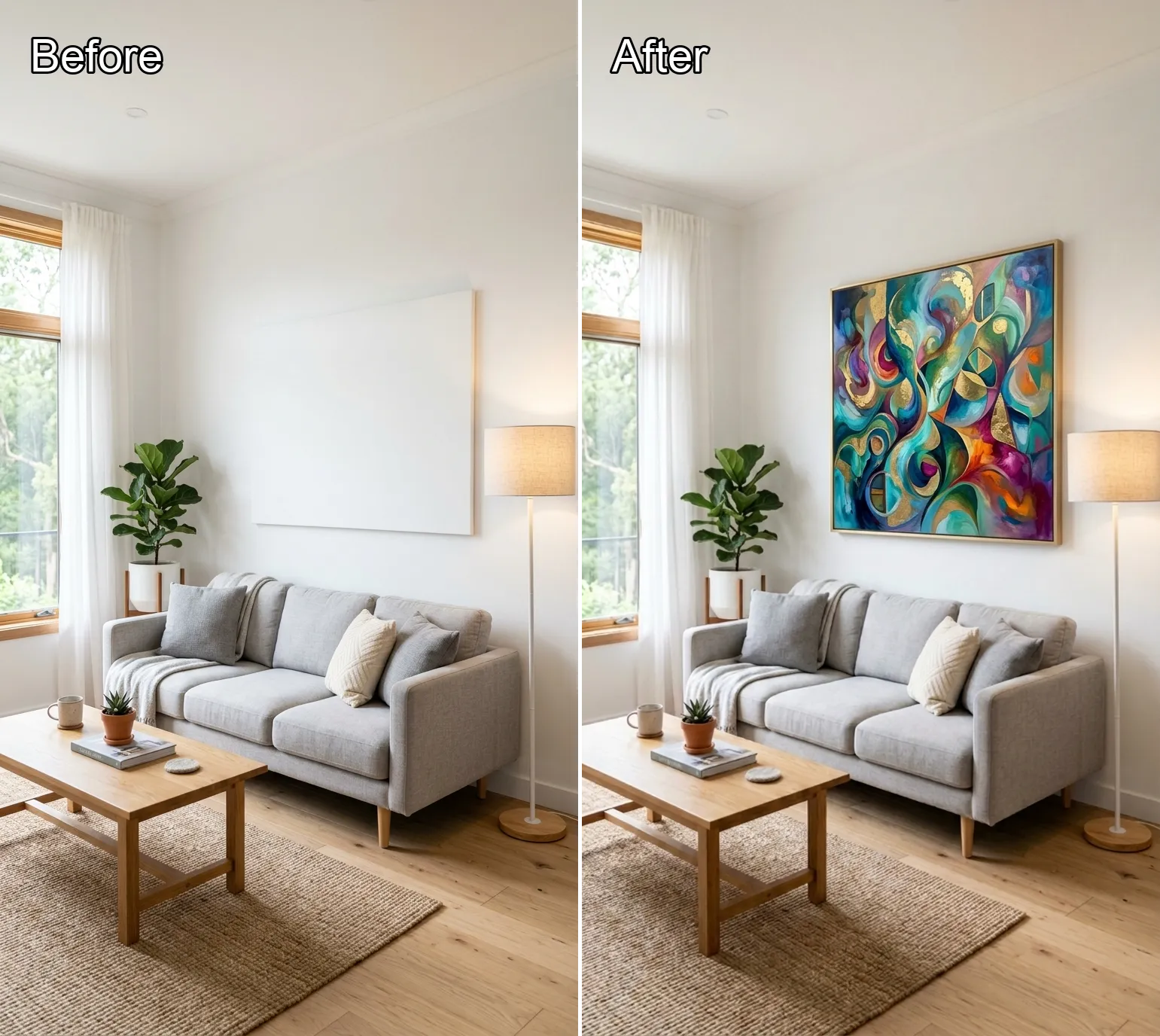
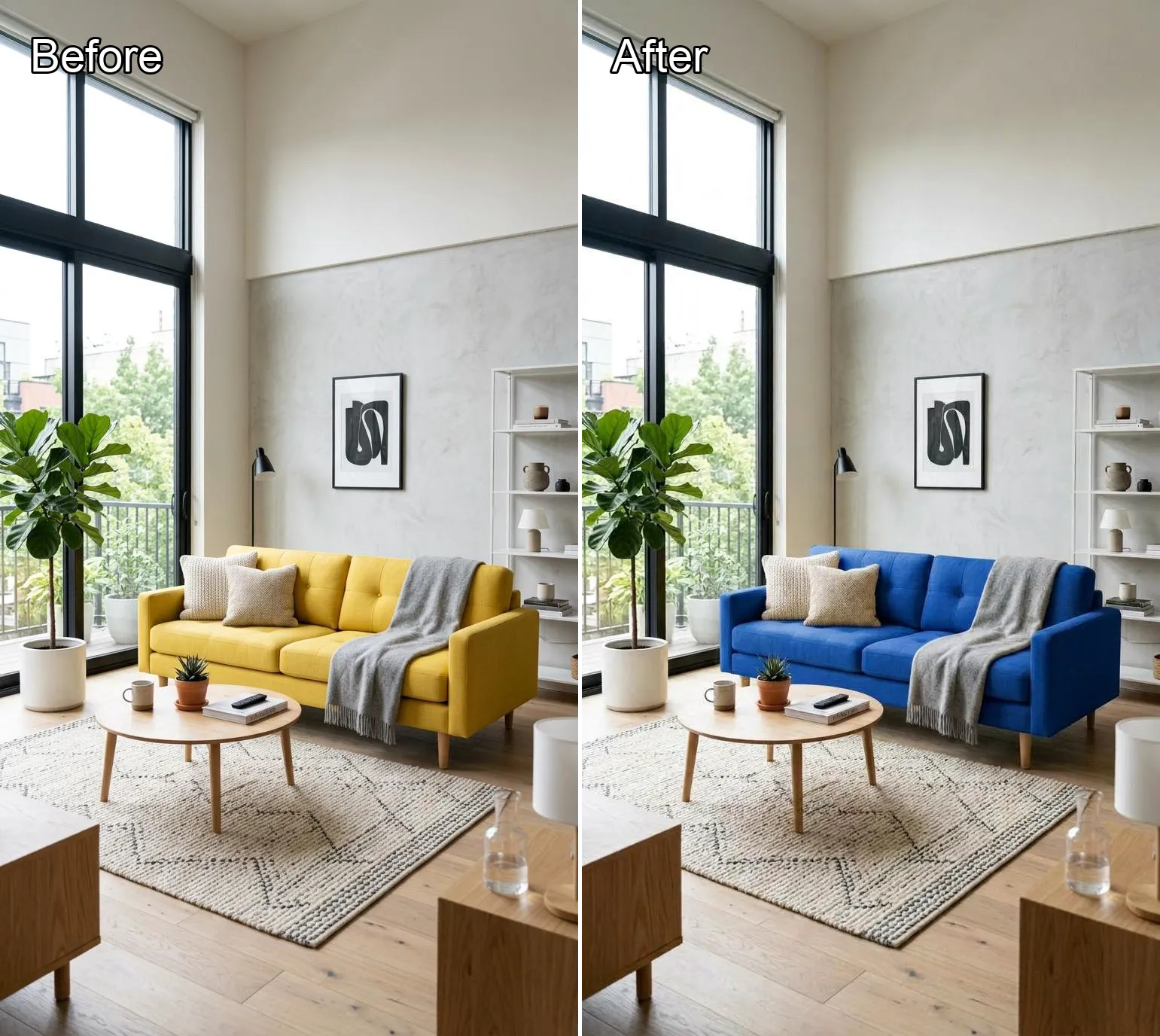
Recolor one marked area with AI local recolor
Upload an image, mark the exact region to recolor, then describe the new color, finish, or material look you want for that selected area.
More AI Tools

Background Remover
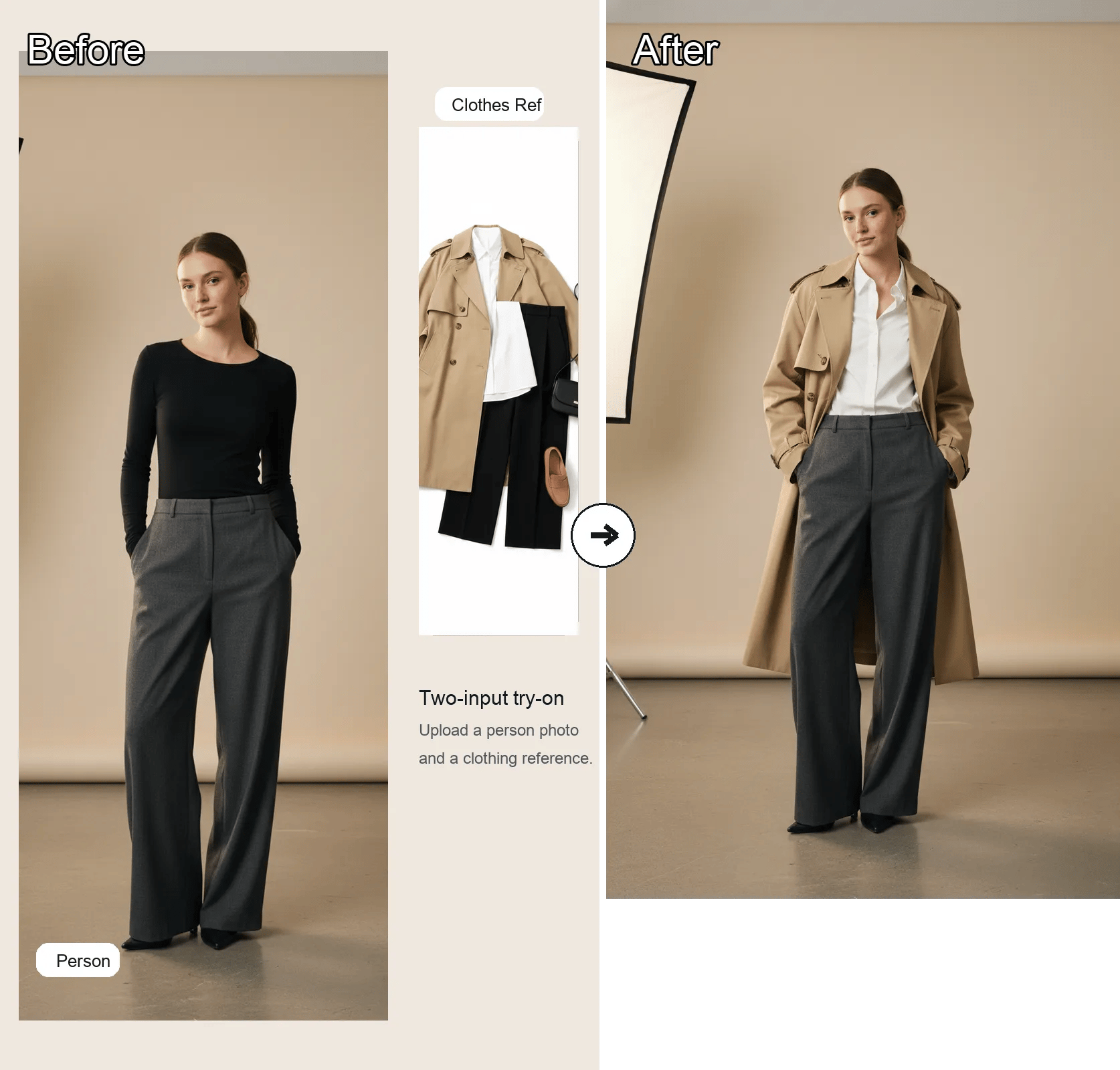
AI Clothes Changer
AI Headshot Generator
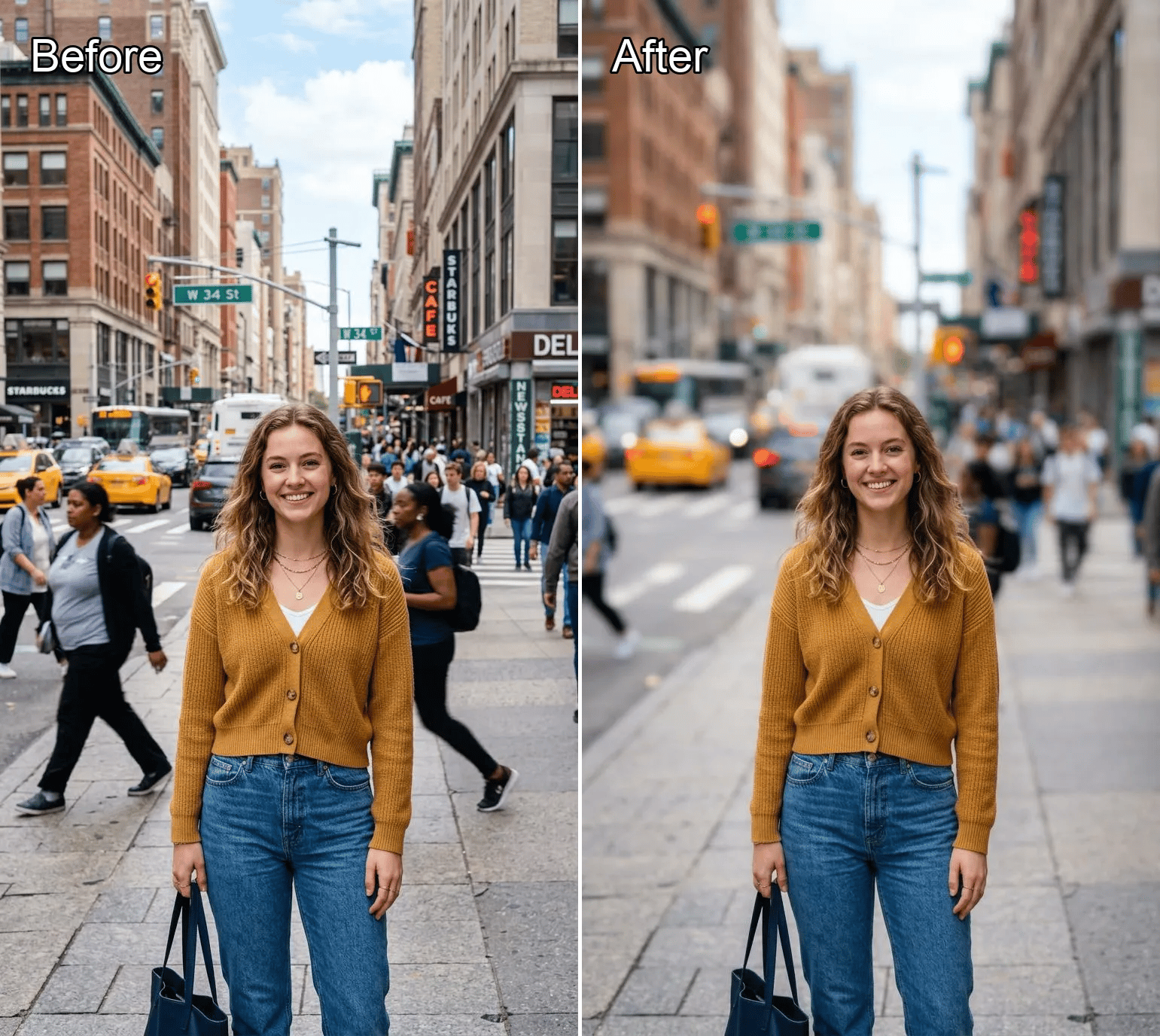
Background Blur

BANANA IMAGE
NANO BANANA PRO
AI Cartoon Generator
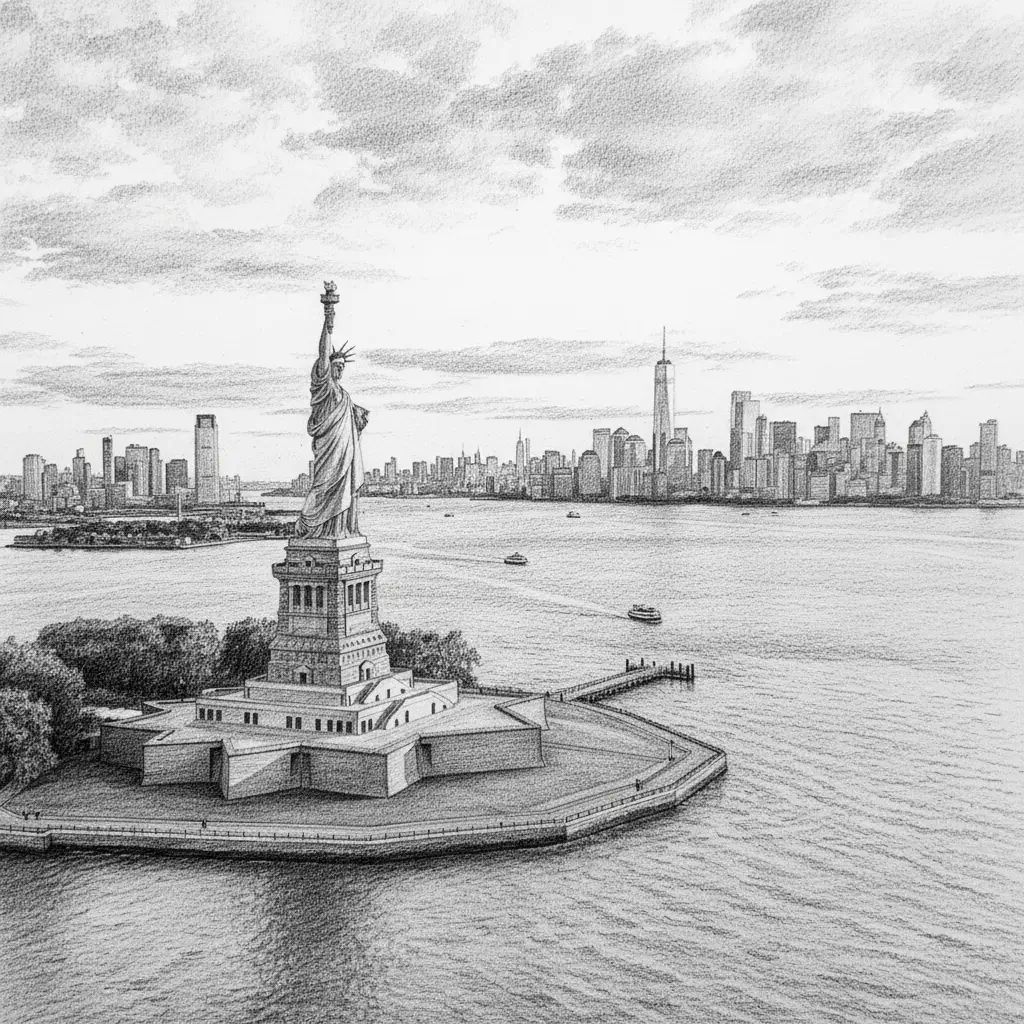
Photo to Sketch

Old Photo Restoration
Object Remover
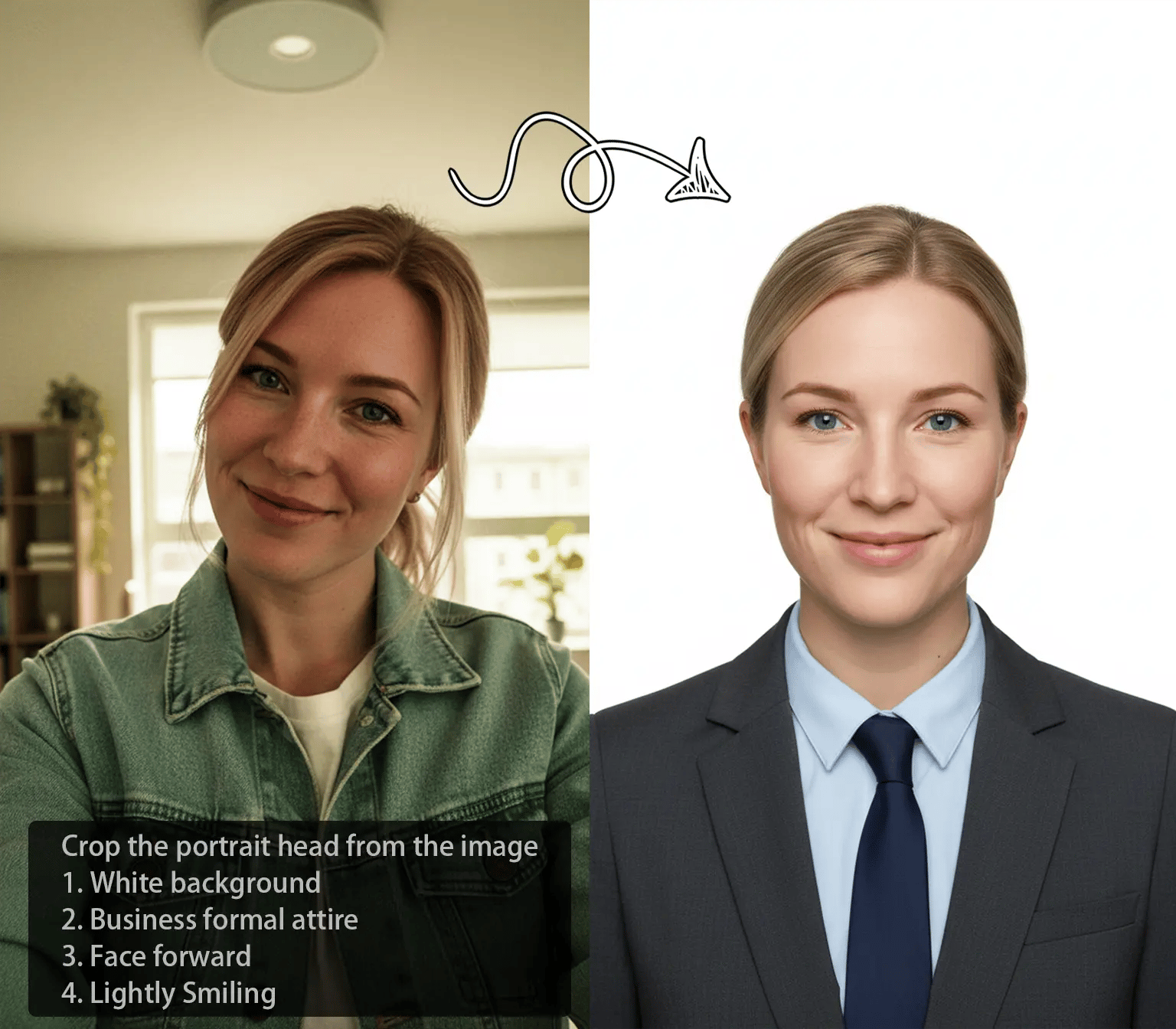
Object Replacer
Generative Fill
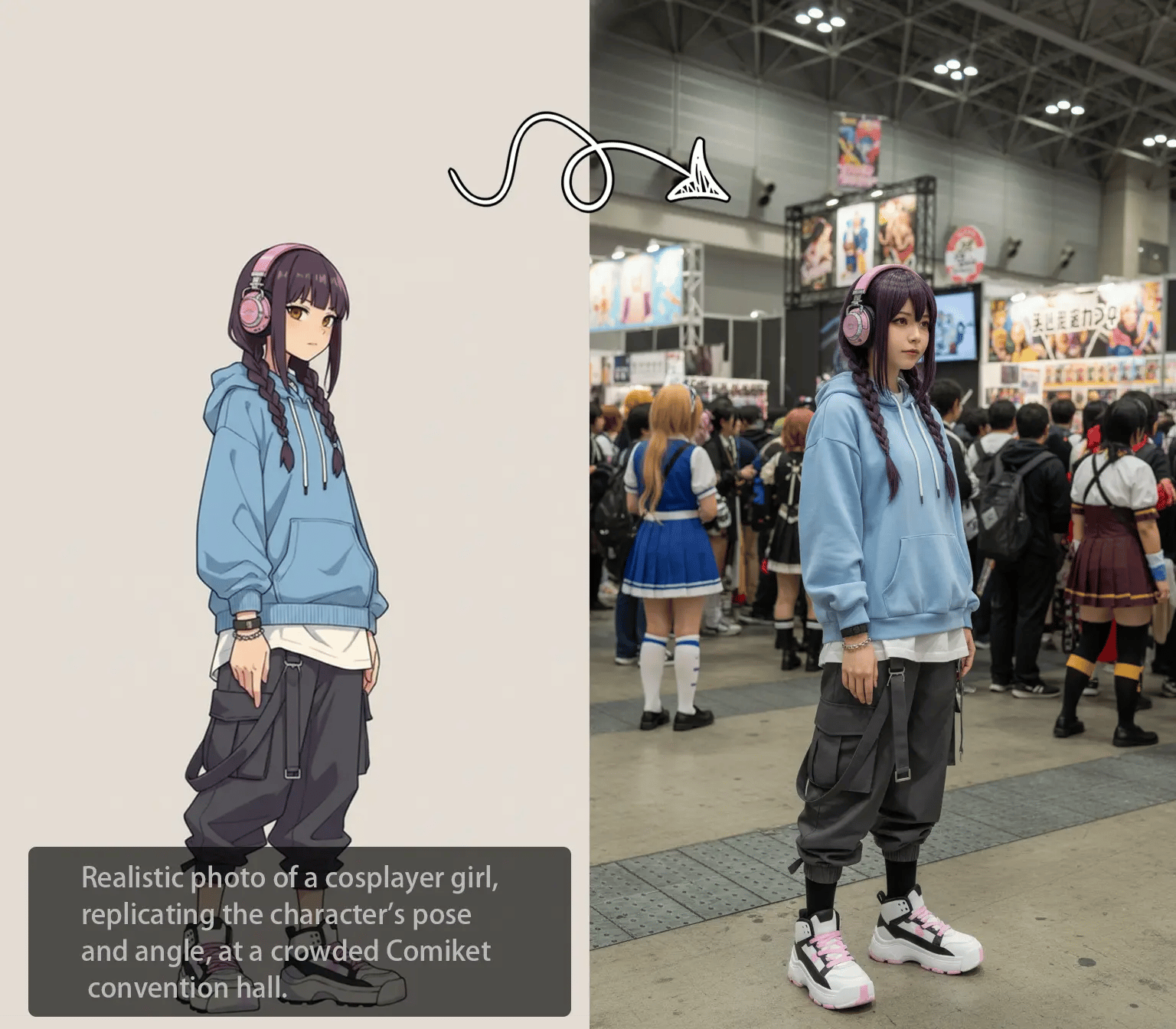
Local Recolor
Image Expander
Background Replacer
White Background Generator
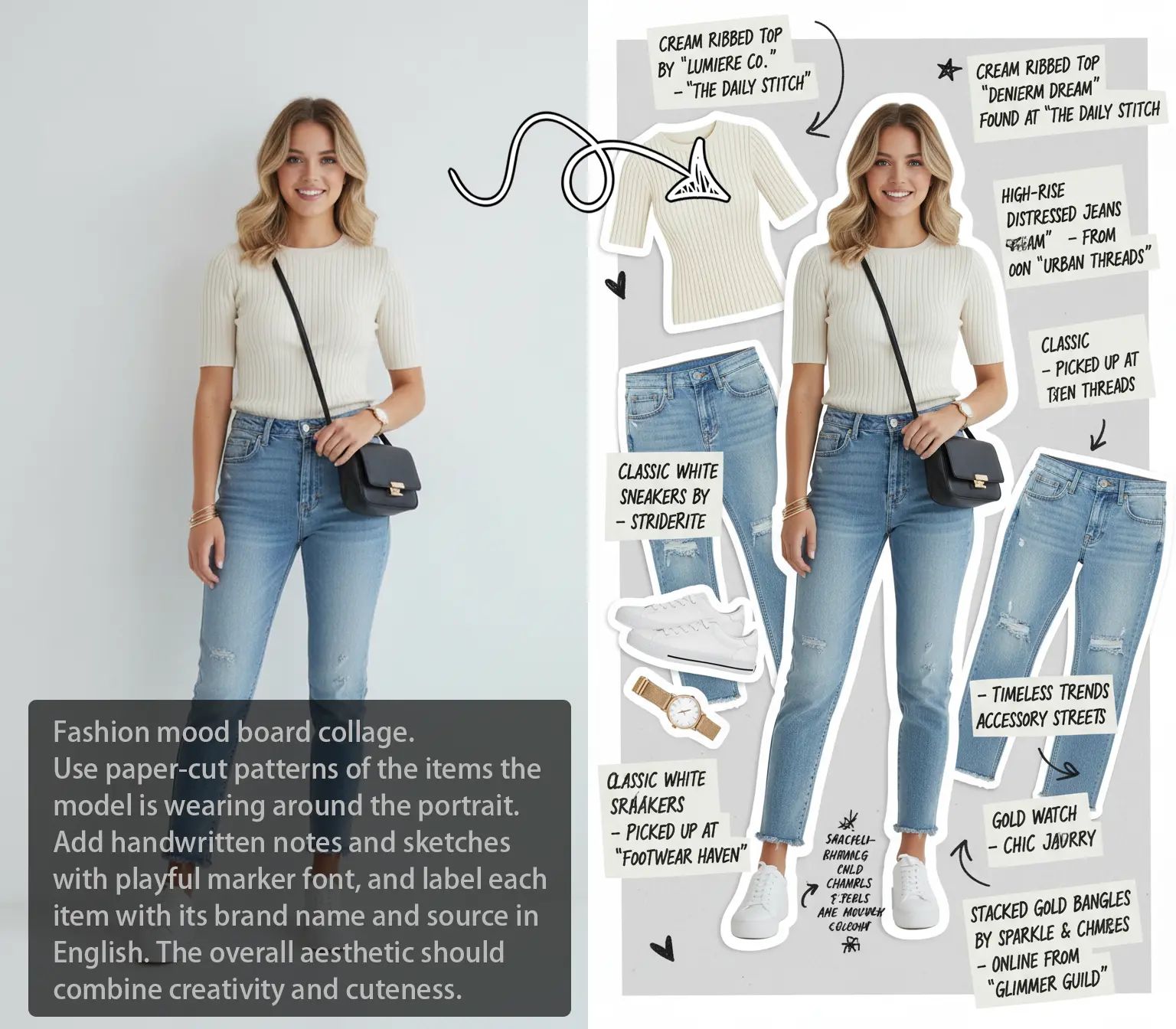
Product White Background
Product Beautifier
AI Polaroid
Image to Image AI
Text To Image AI
FLUX2
Seedream 4.5
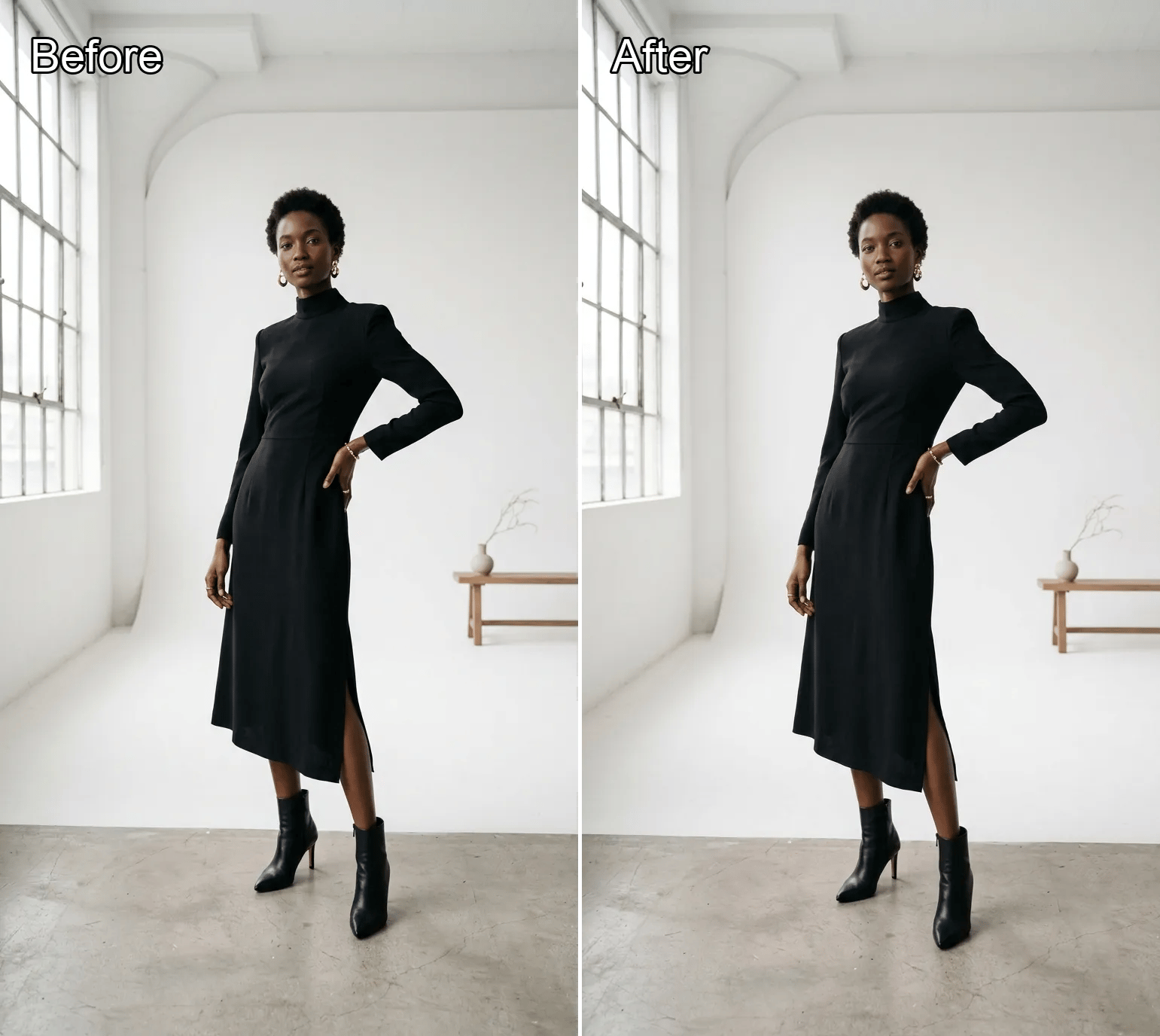
Background Color Changer
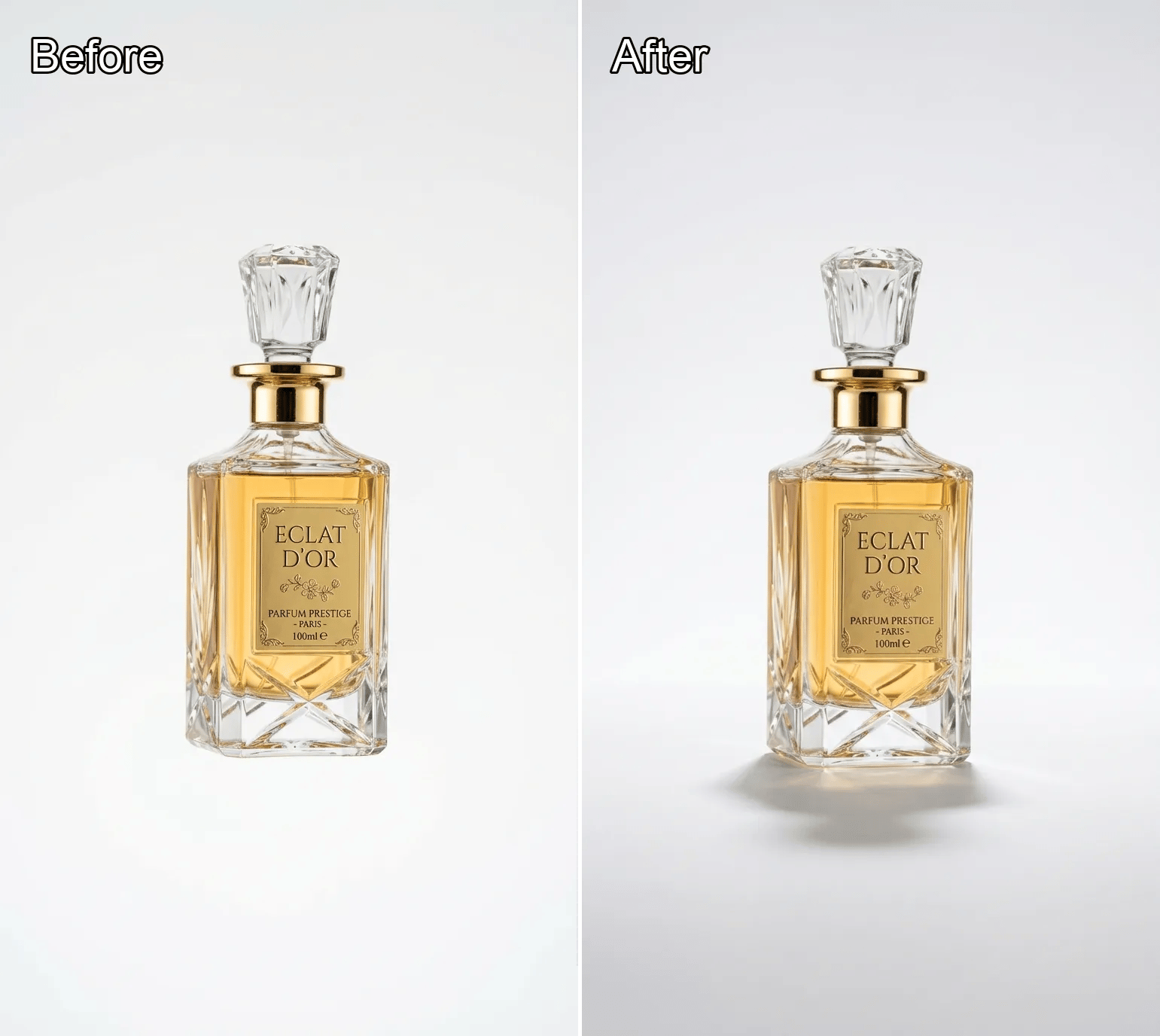
Product Shadow Generator
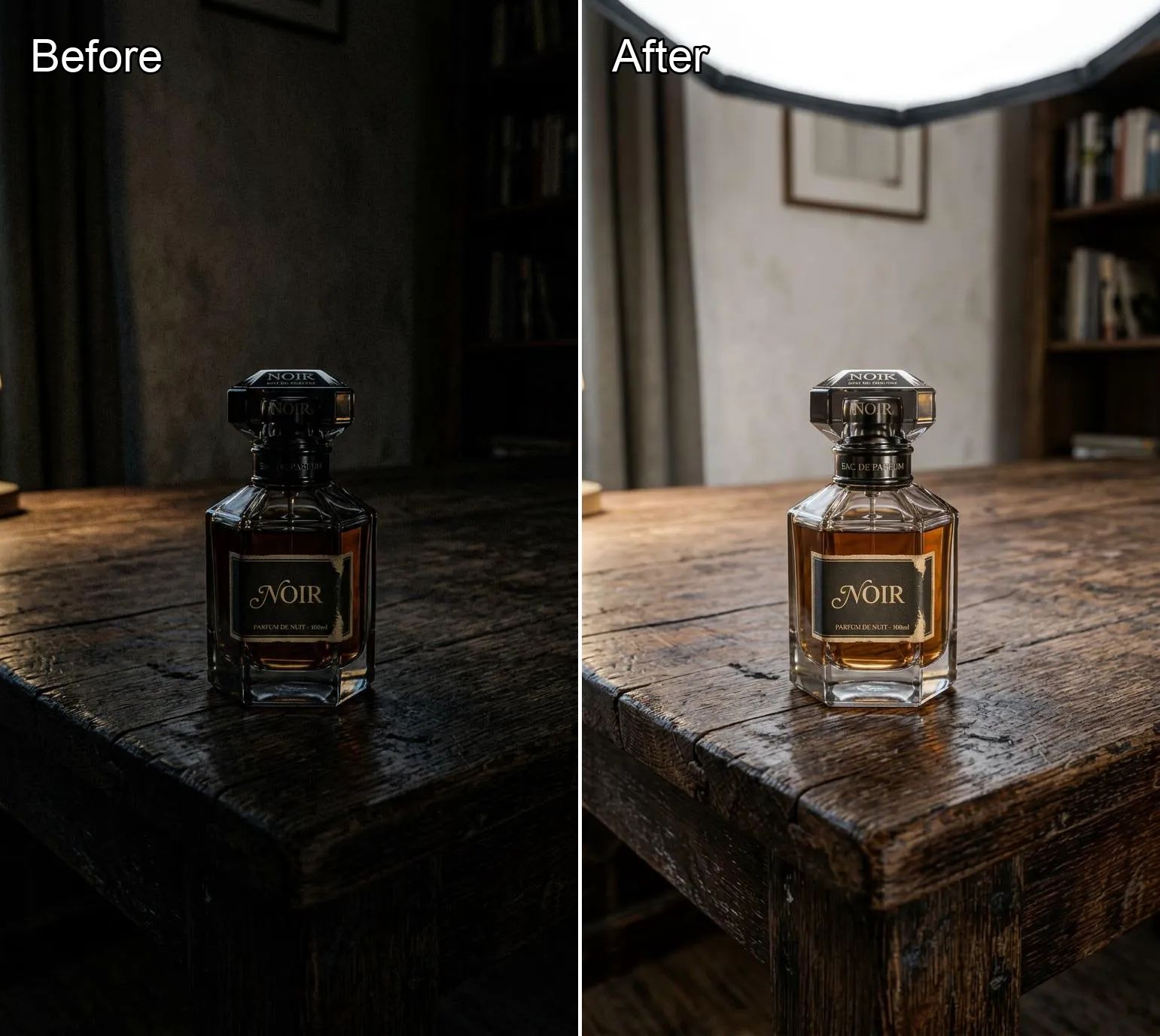
Product Lighting Optimizer
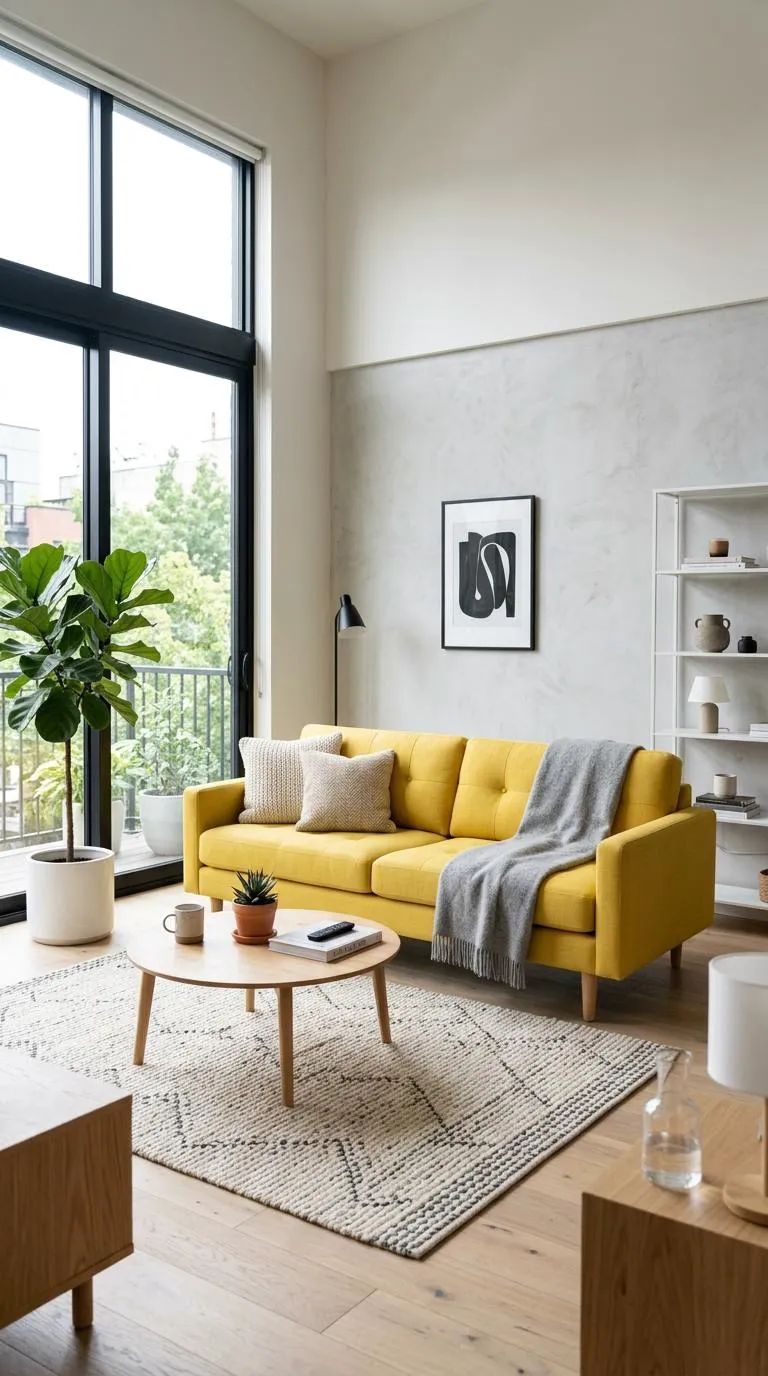
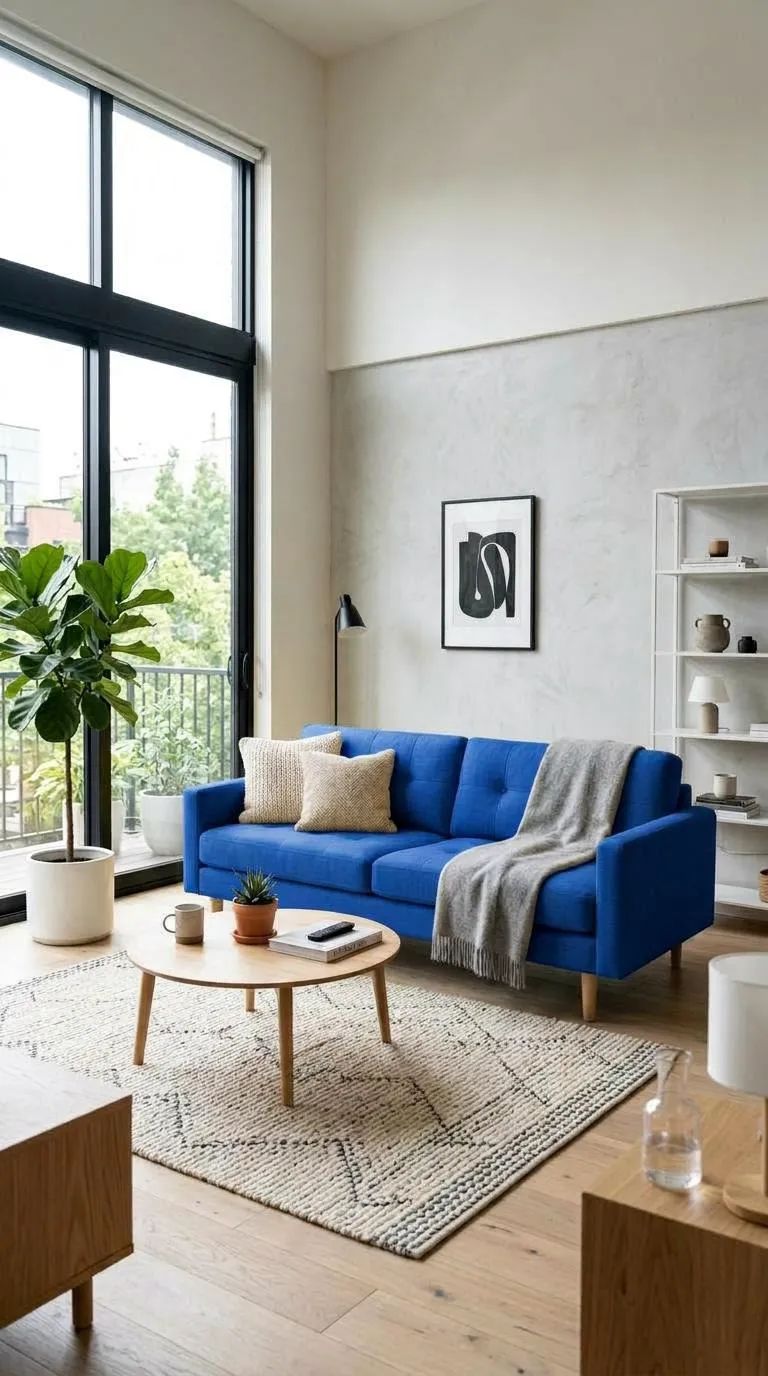
4K What Is AI Local Recolor for Selective Color Changes?
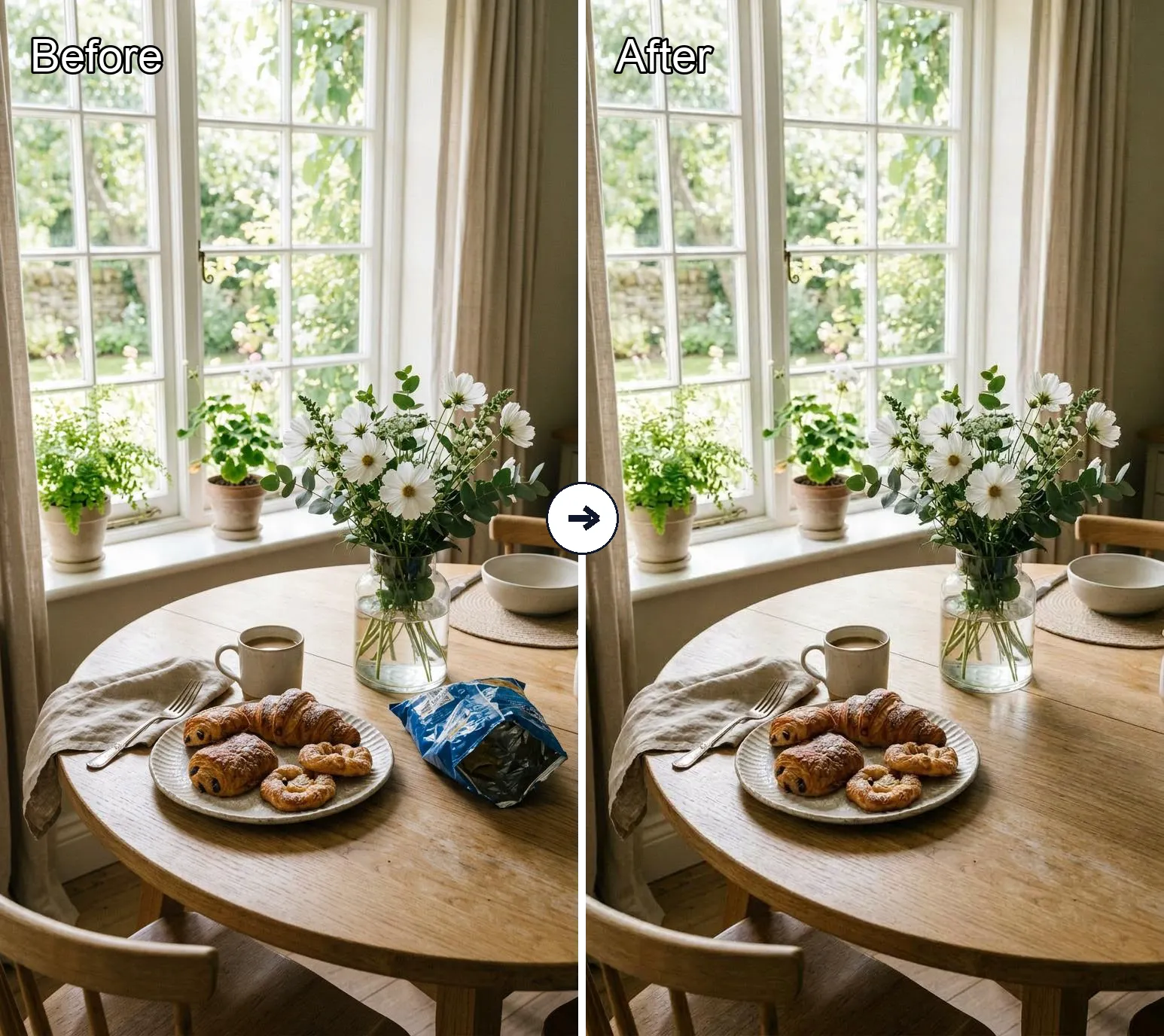
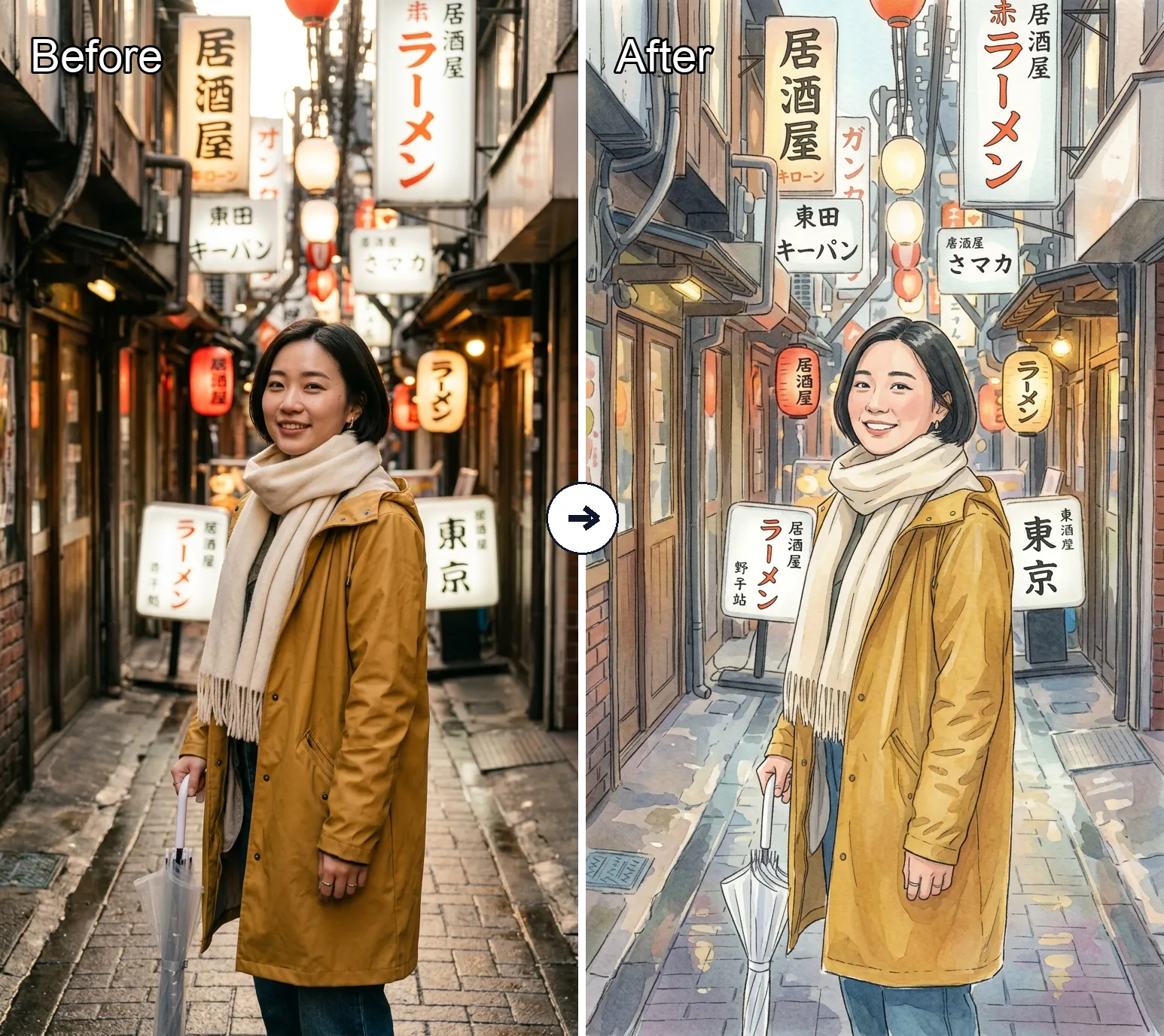
AI Local Recolor is a targeted editing workflow for changing color or finish in one selected part of an image. It is useful for selective color changes on products, outfits, surfaces, and details when you want to preserve the original composition and structure. Default 4K output.
4K How to Use AI Local Recolor on a Selected Area
4K Ready to Apply Local Recolor to the Marked Region?
Open the local recolor editor, mark the target region, and generate a controlled AI local recolor result in a few clicks. Default 4K output.