






FLUX.2 AI Image Generater
Supports JPG, PNG, WebP formats, max 10MB
Free FLUX.2 From BlackForestLabs on Banana AI
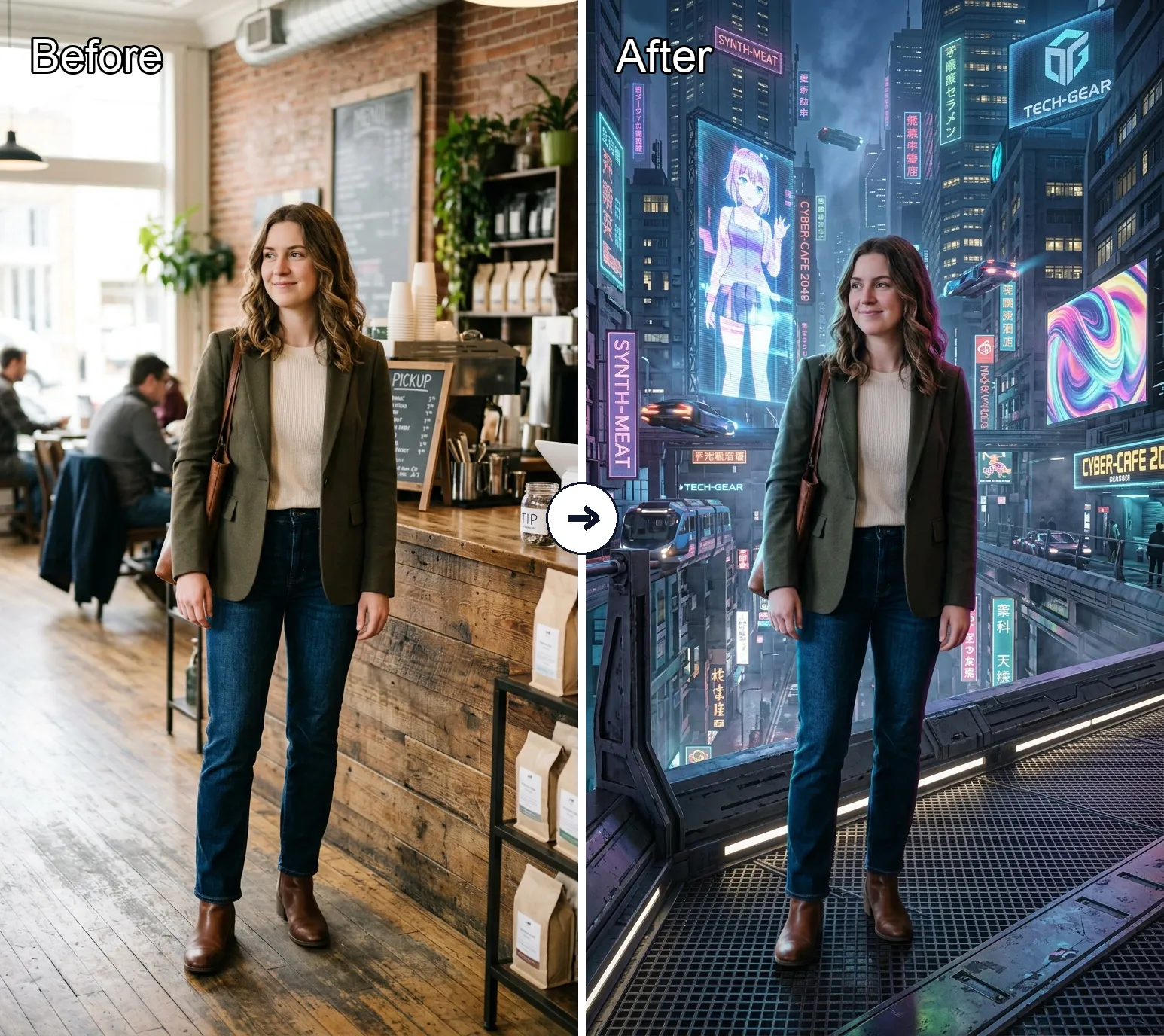
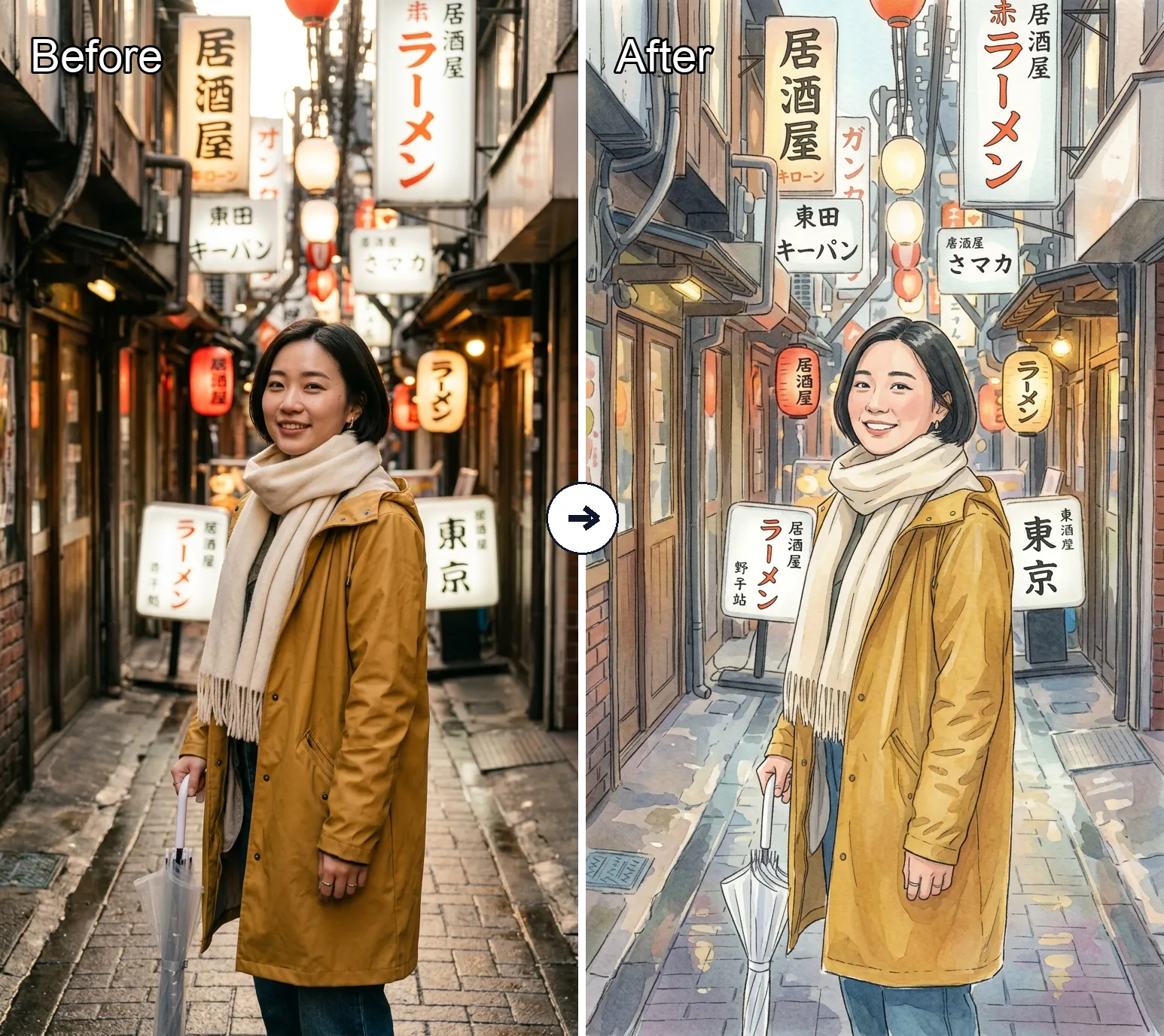
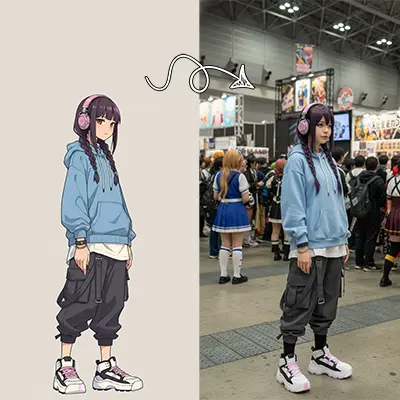
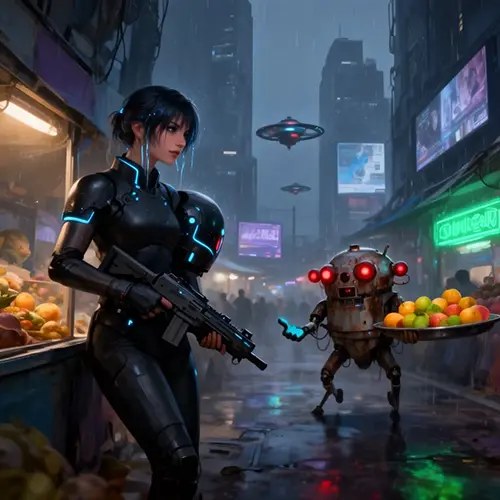
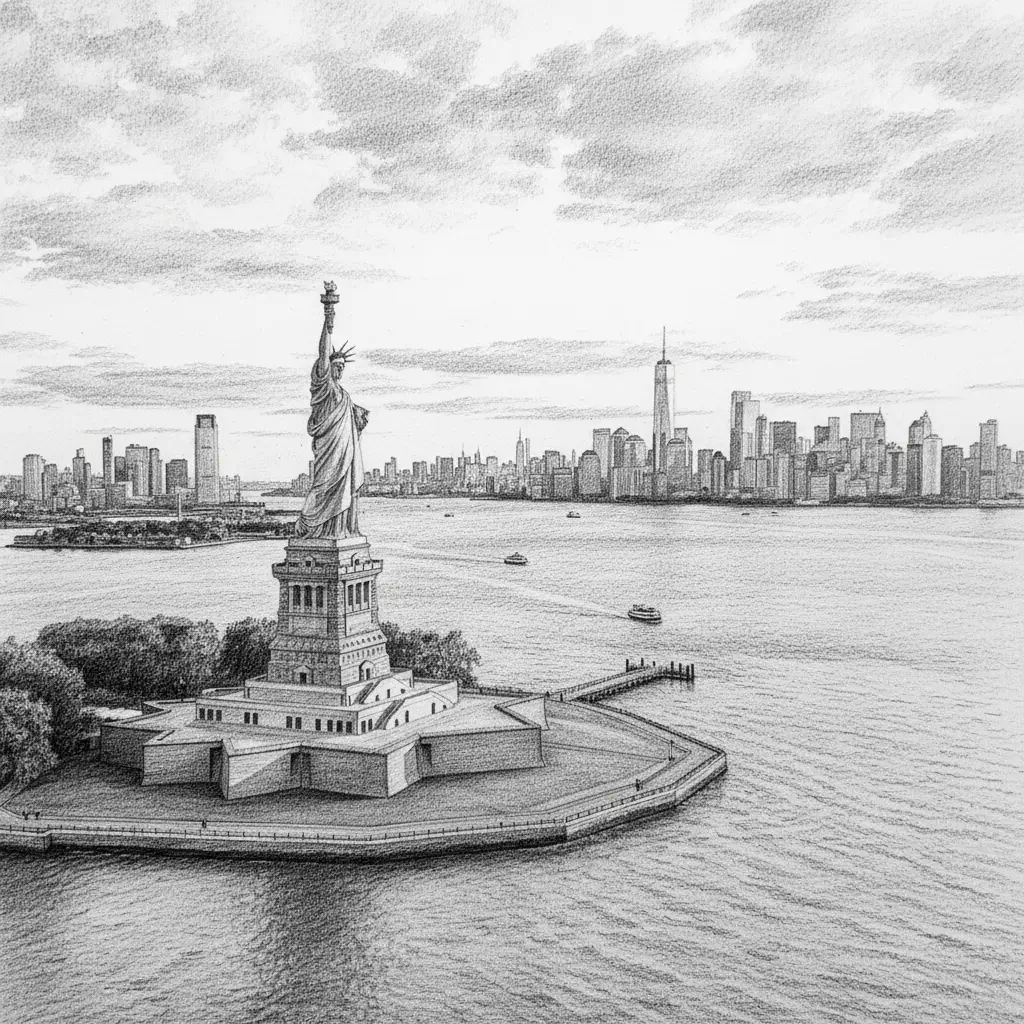
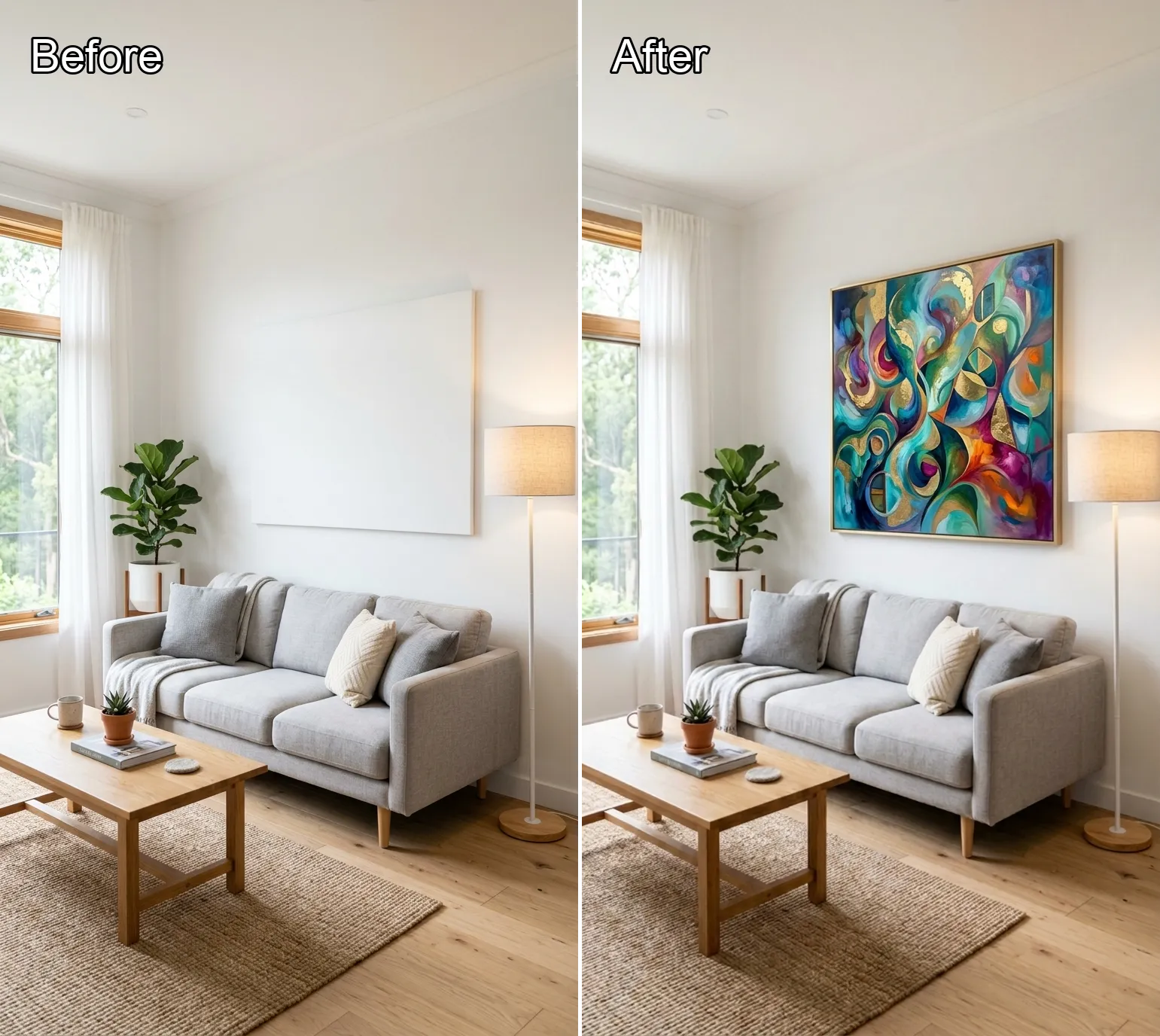
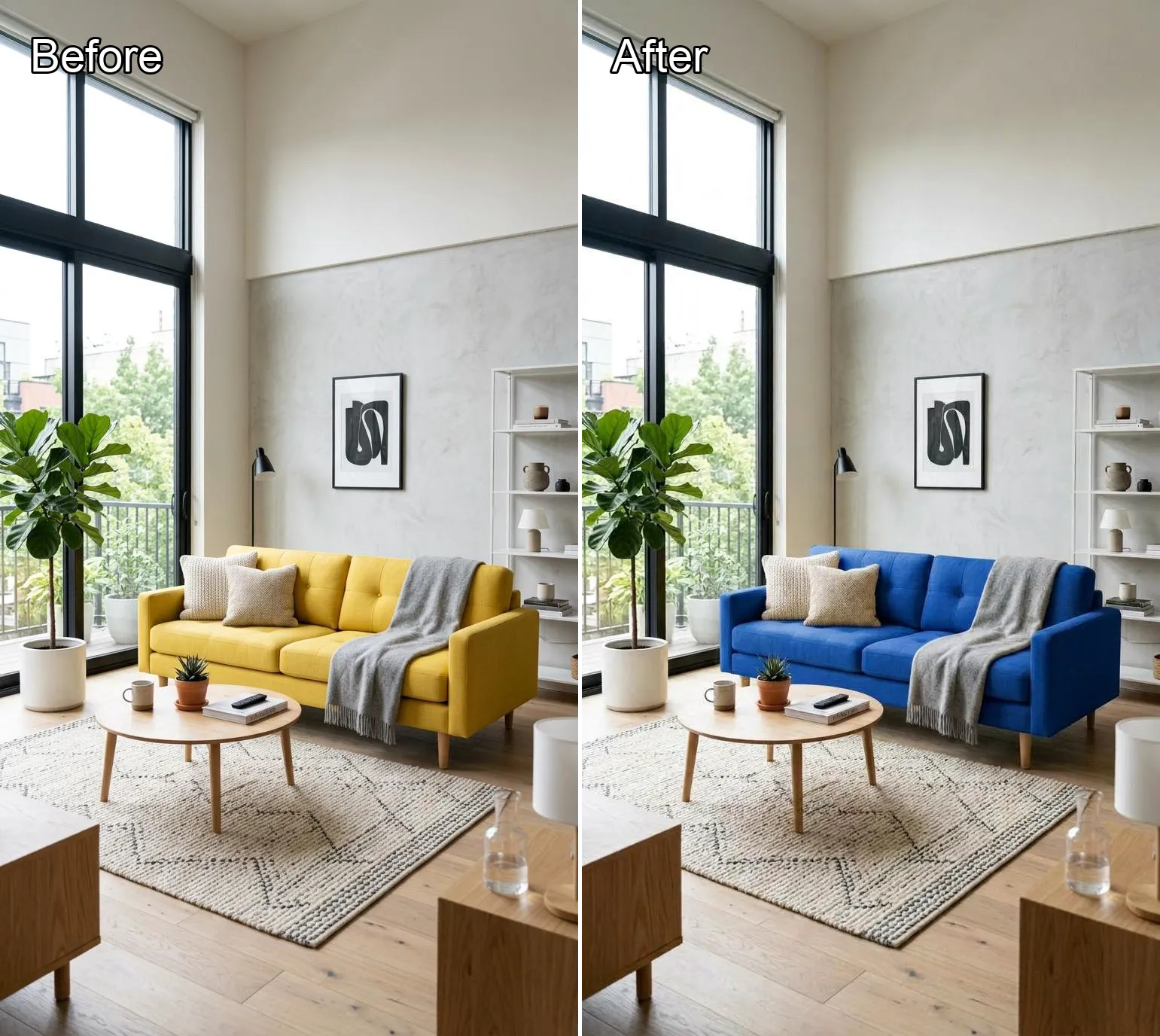
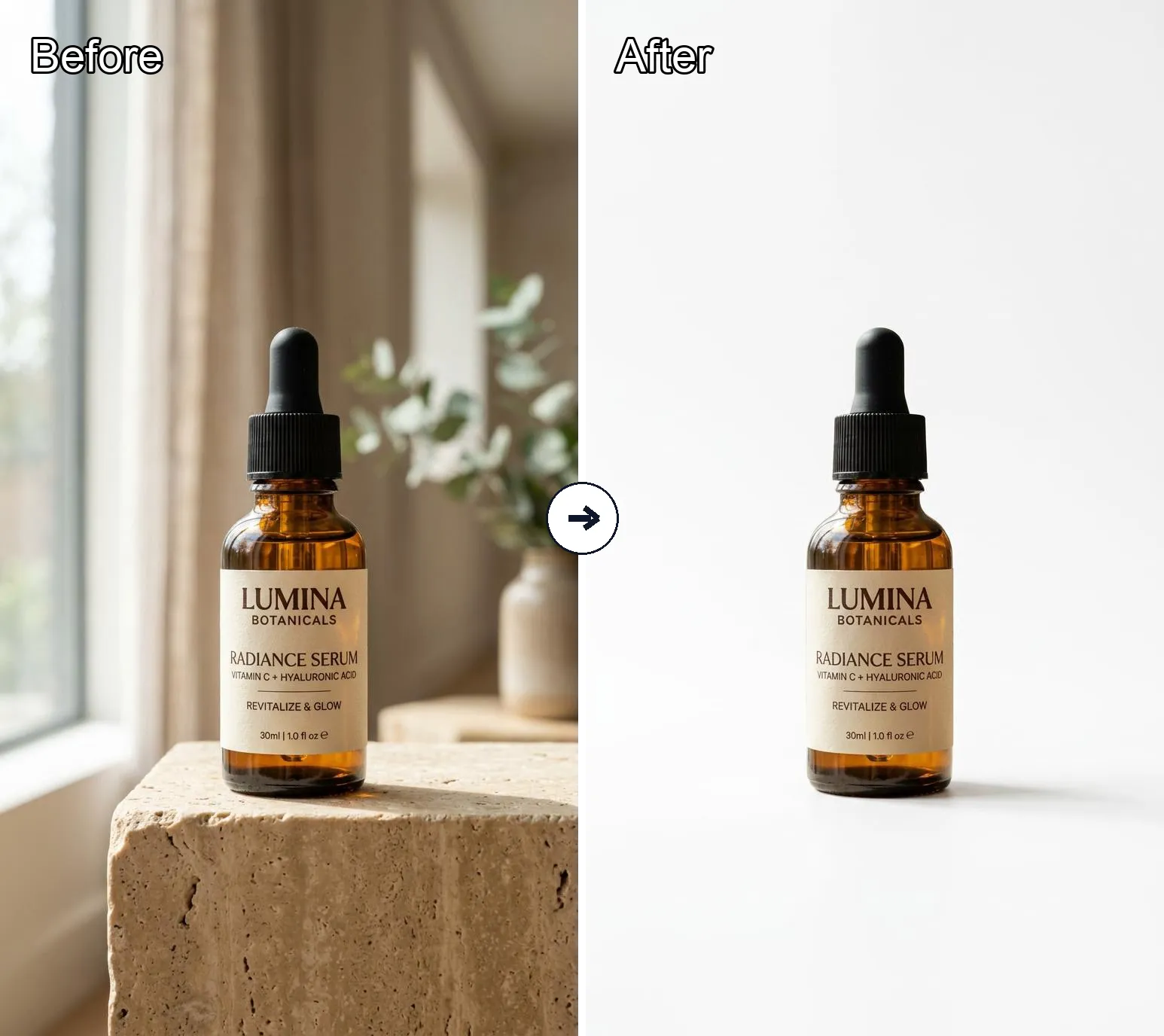
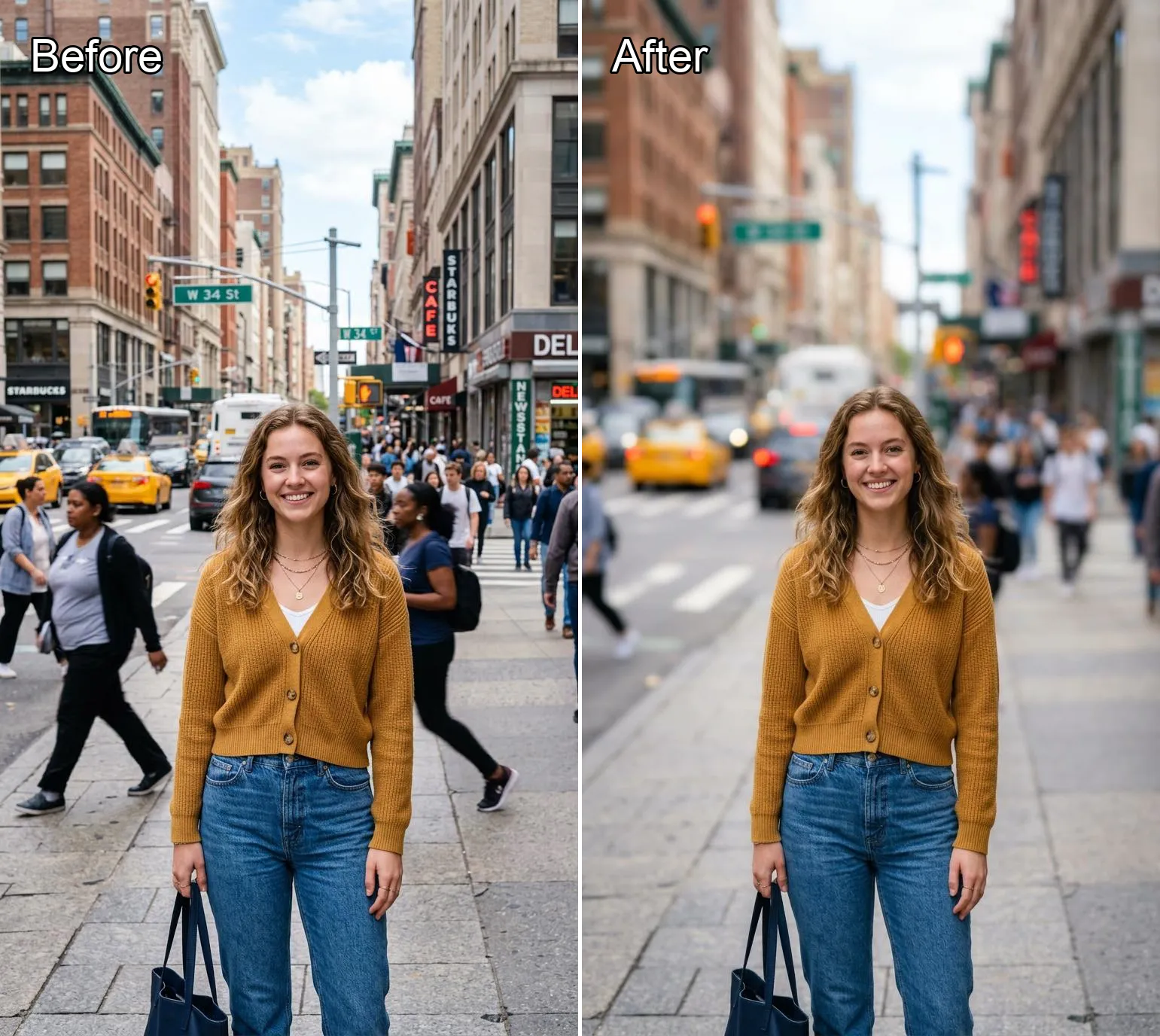
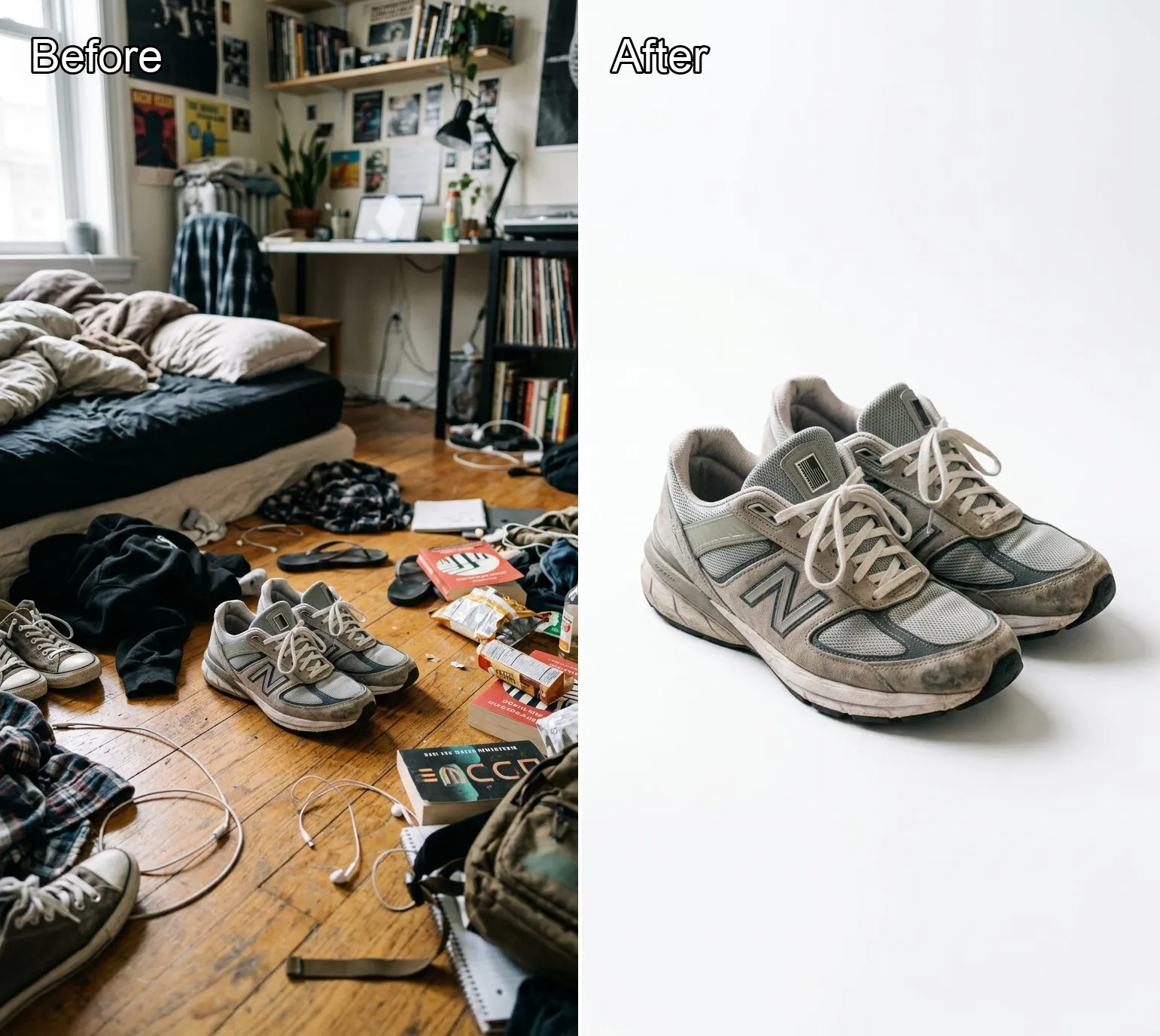
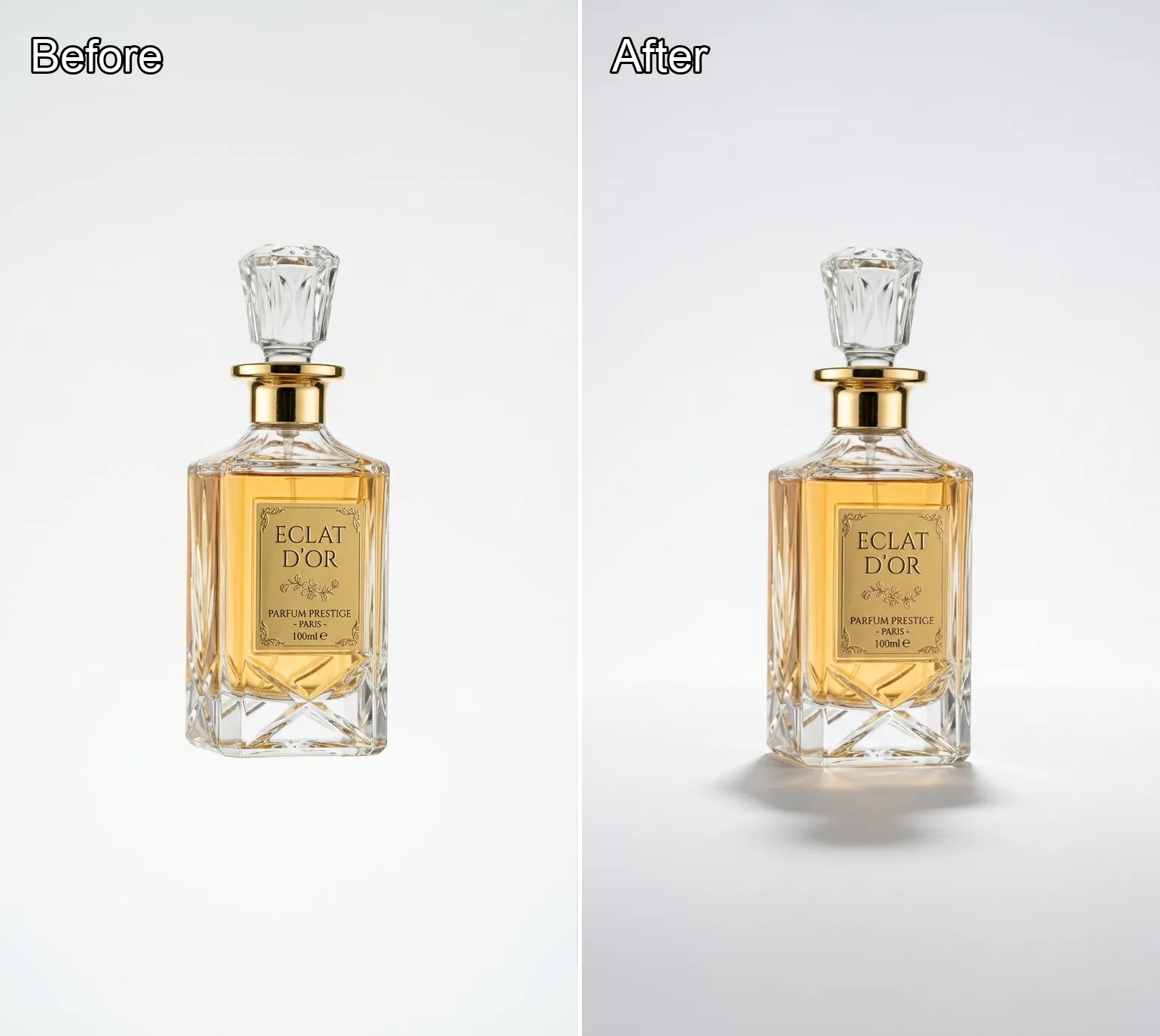
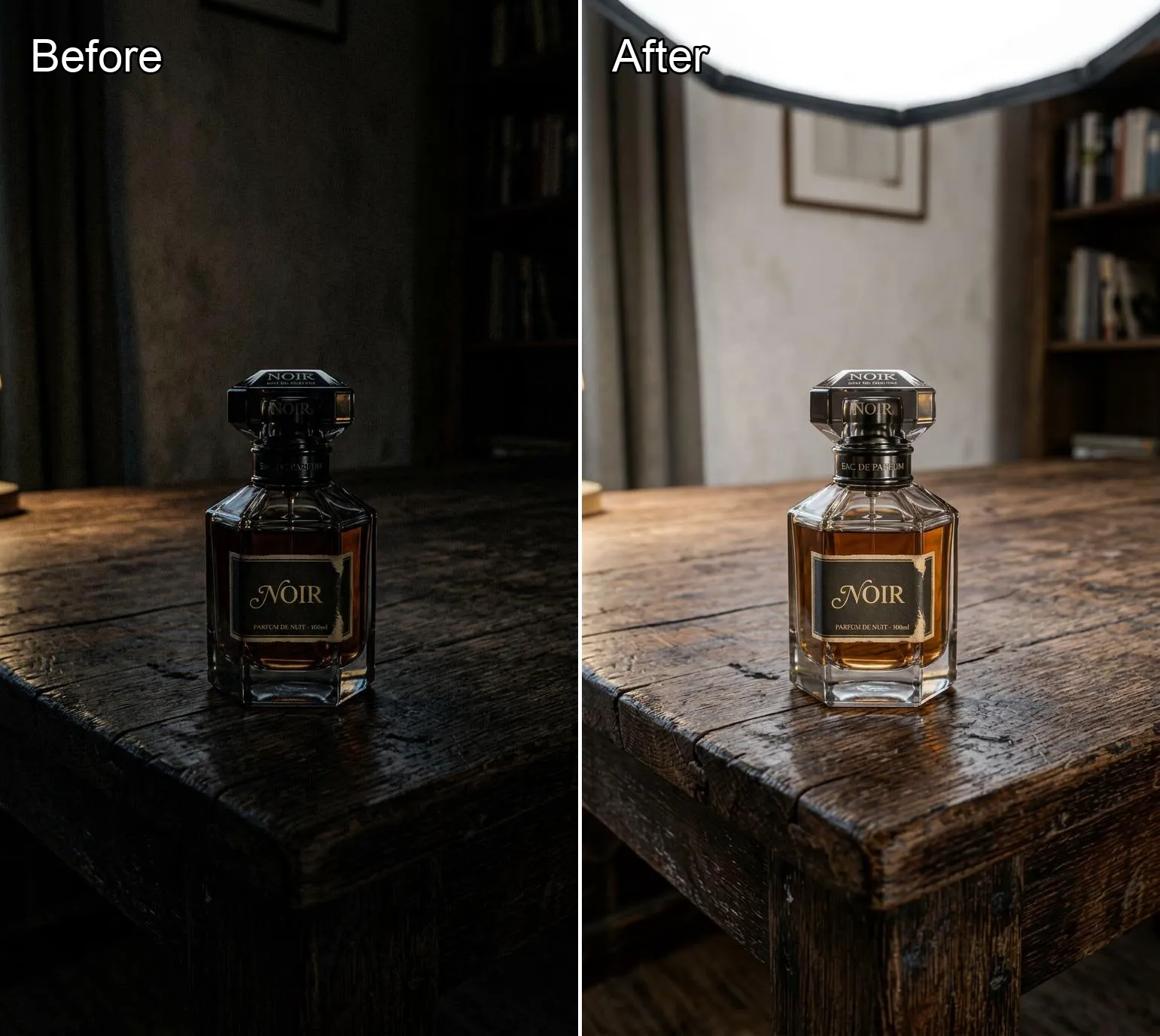
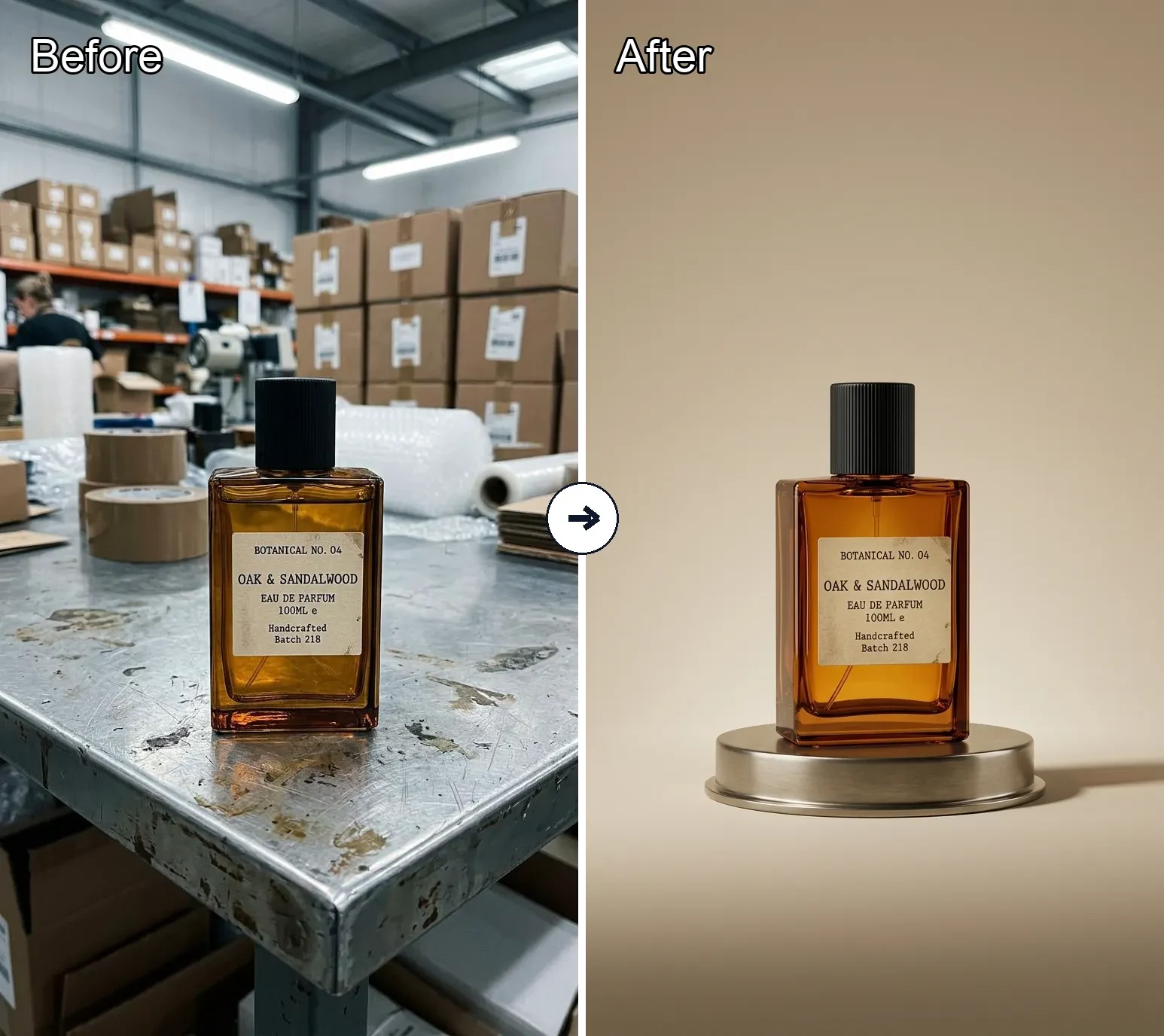
Play with Black Forest Labs’ FLUX.2 – a next‑generation image model for free FLUX.2 text to image and AI image to image. Turn short prompts into realistic, production‑ready images with sharp details, clean text, and consistent characters, plus JSON prompts, HEX colors, and multi‑reference editing, all wrapped in a simple Banana AI interface.
More AI Tools

Background Remover
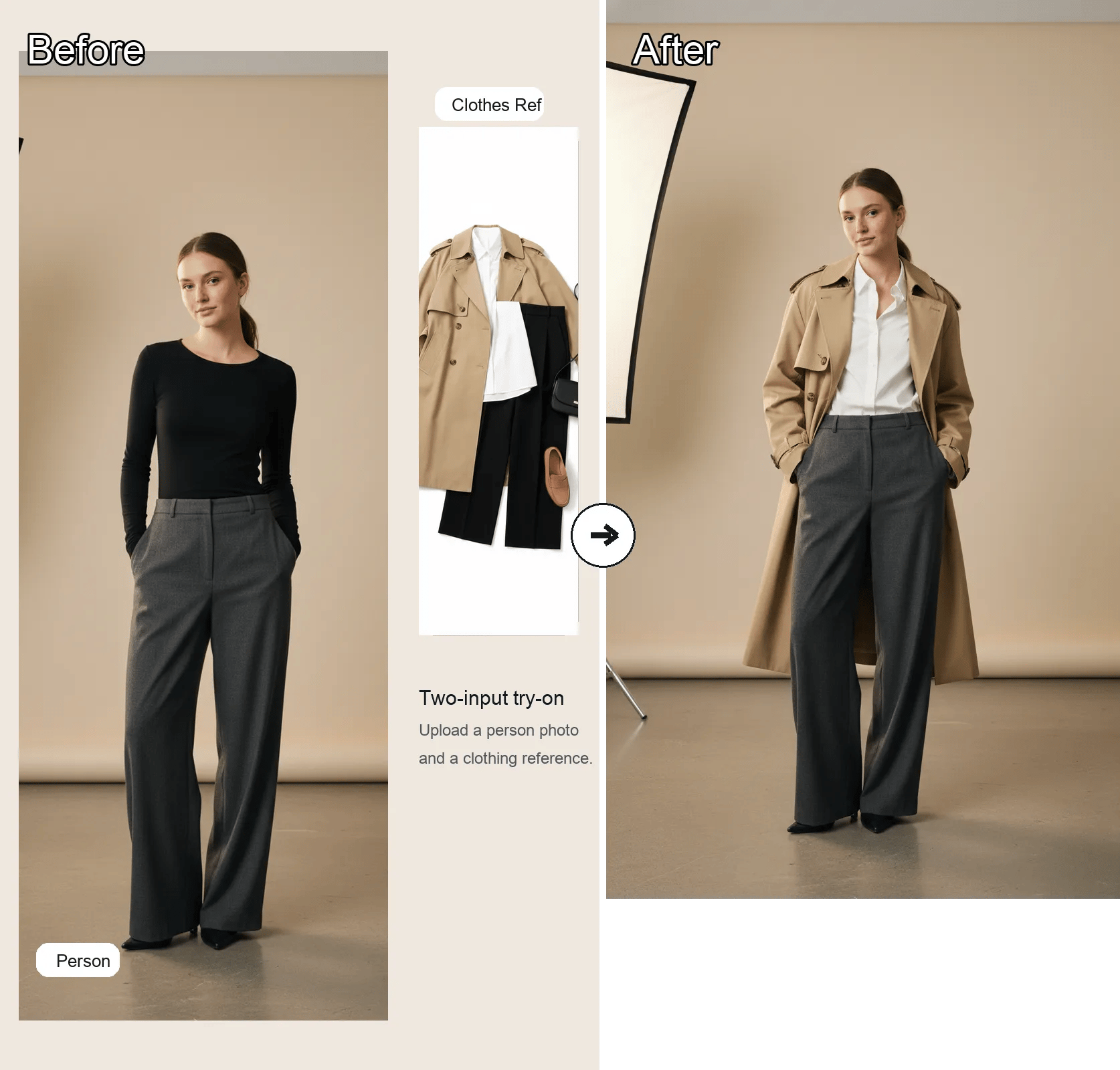
AI Clothes Changer

AI Headshot Generator
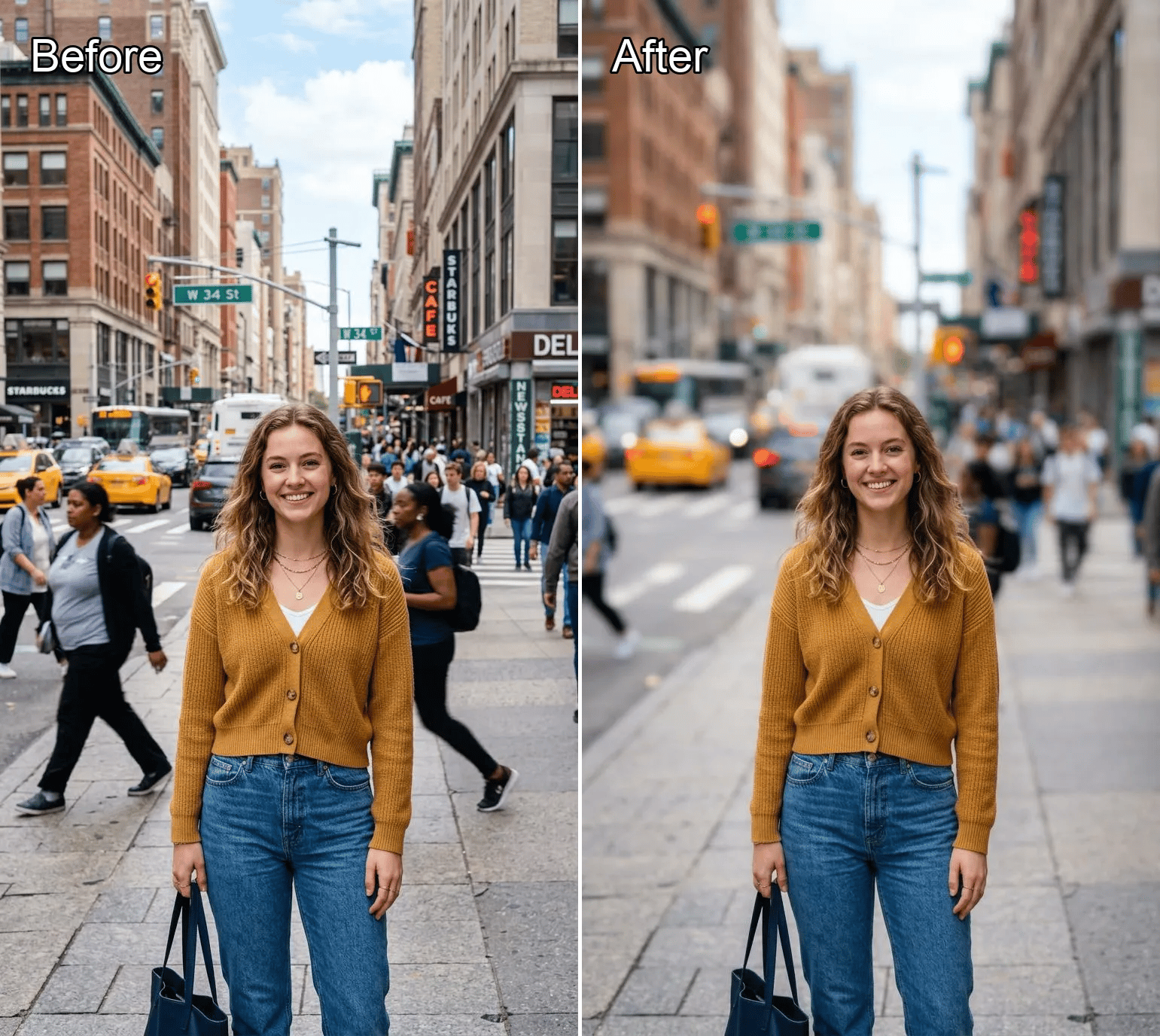
Background Blur

BANANA IMAGE

NANO BANANA PRO
AI Cartoon Generator
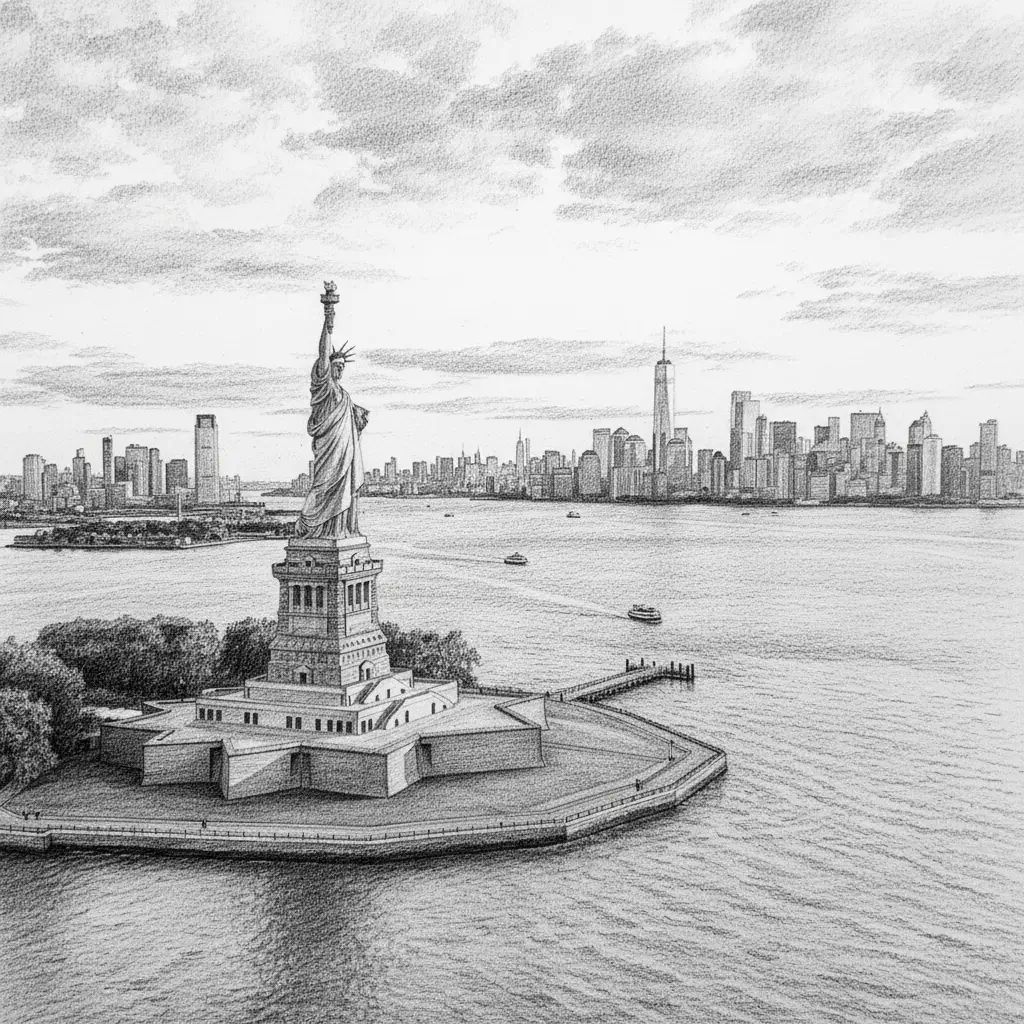
Photo to Sketch

Old Photo Restoration

Object Remover
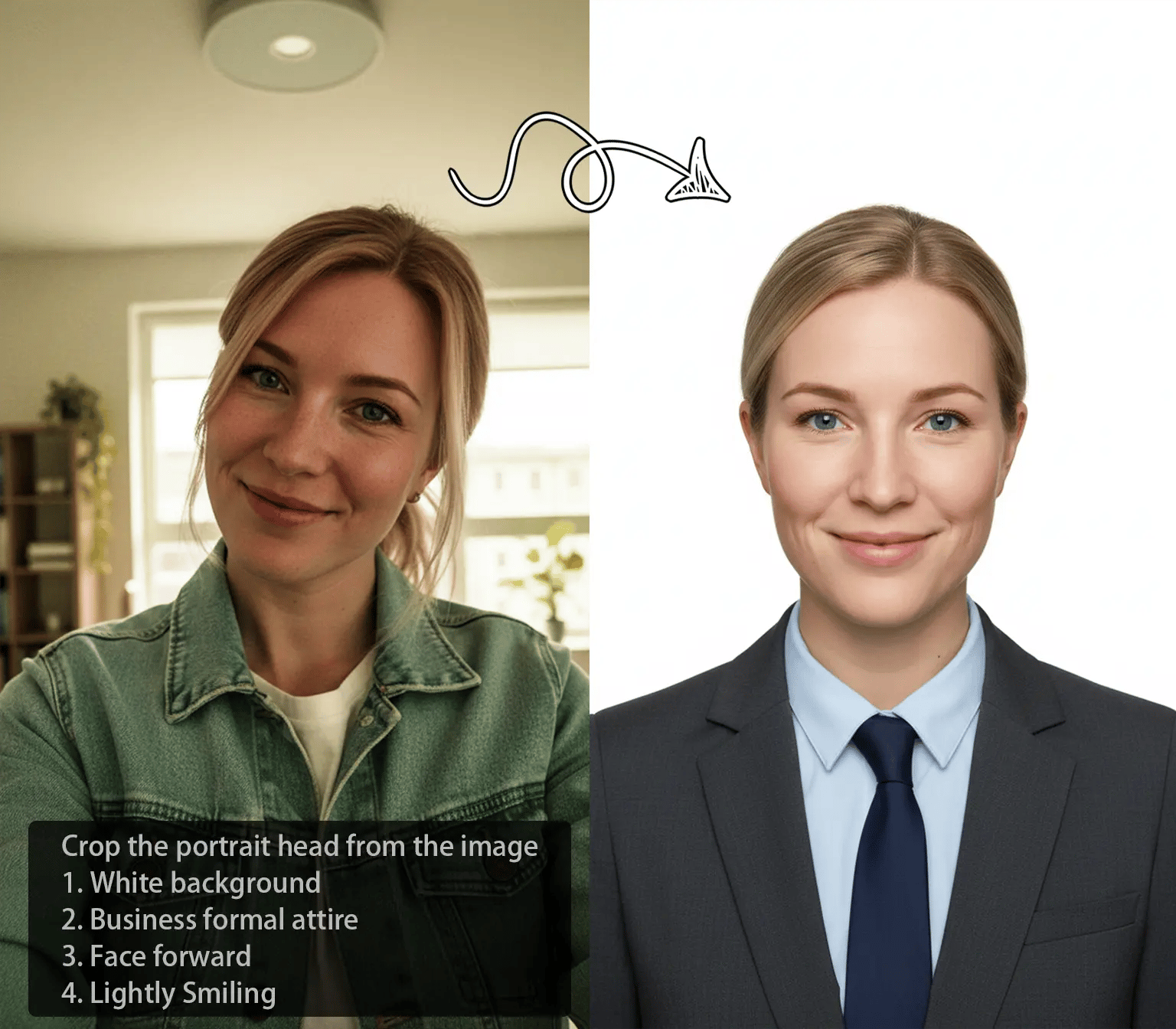
Object Replacer
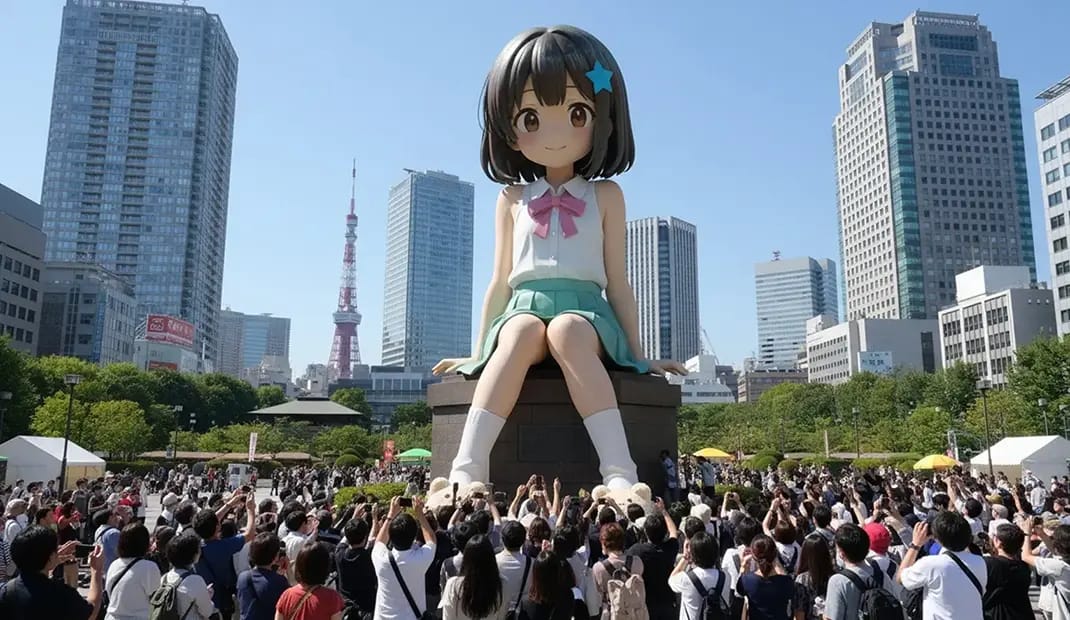
Generative Fill
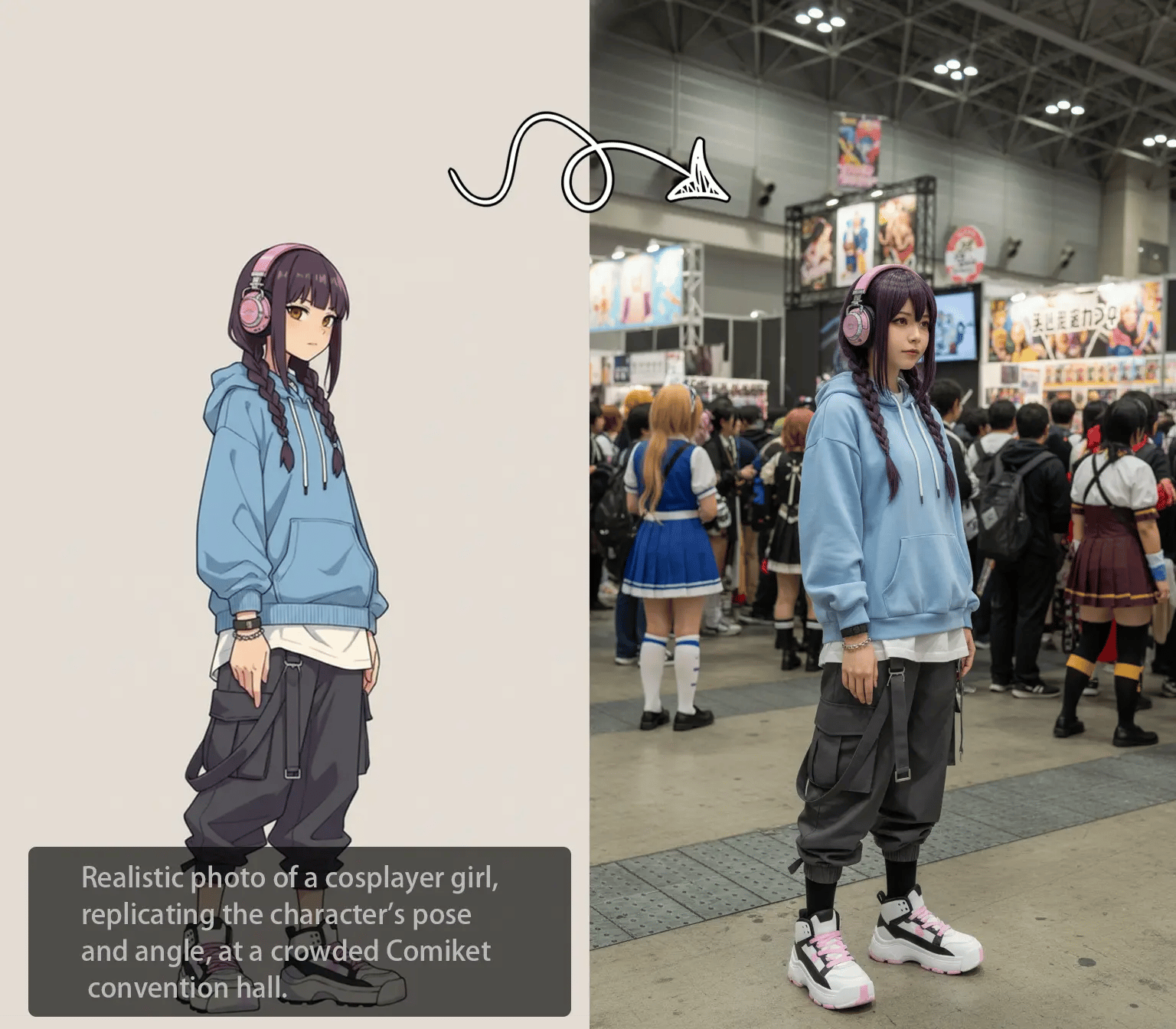
Local Recolor
Image Expander
Background Replacer
White Background Generator
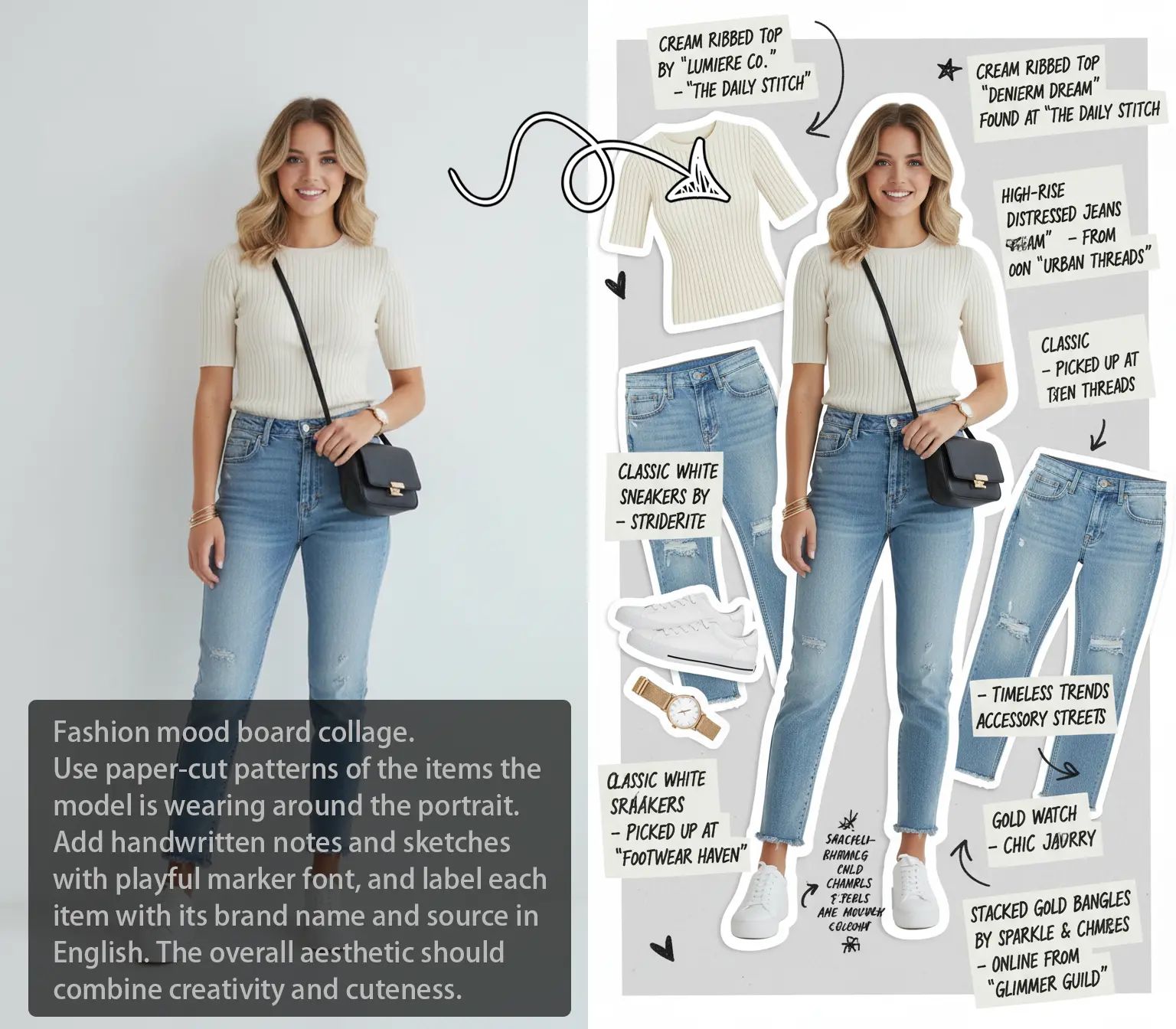
Product White Background
Product Beautifier
AI Polaroid
Image to Image AI
Text To Image AI
FLUX2

Seedream 4.5
Background Color Changer
Product Shadow Generator
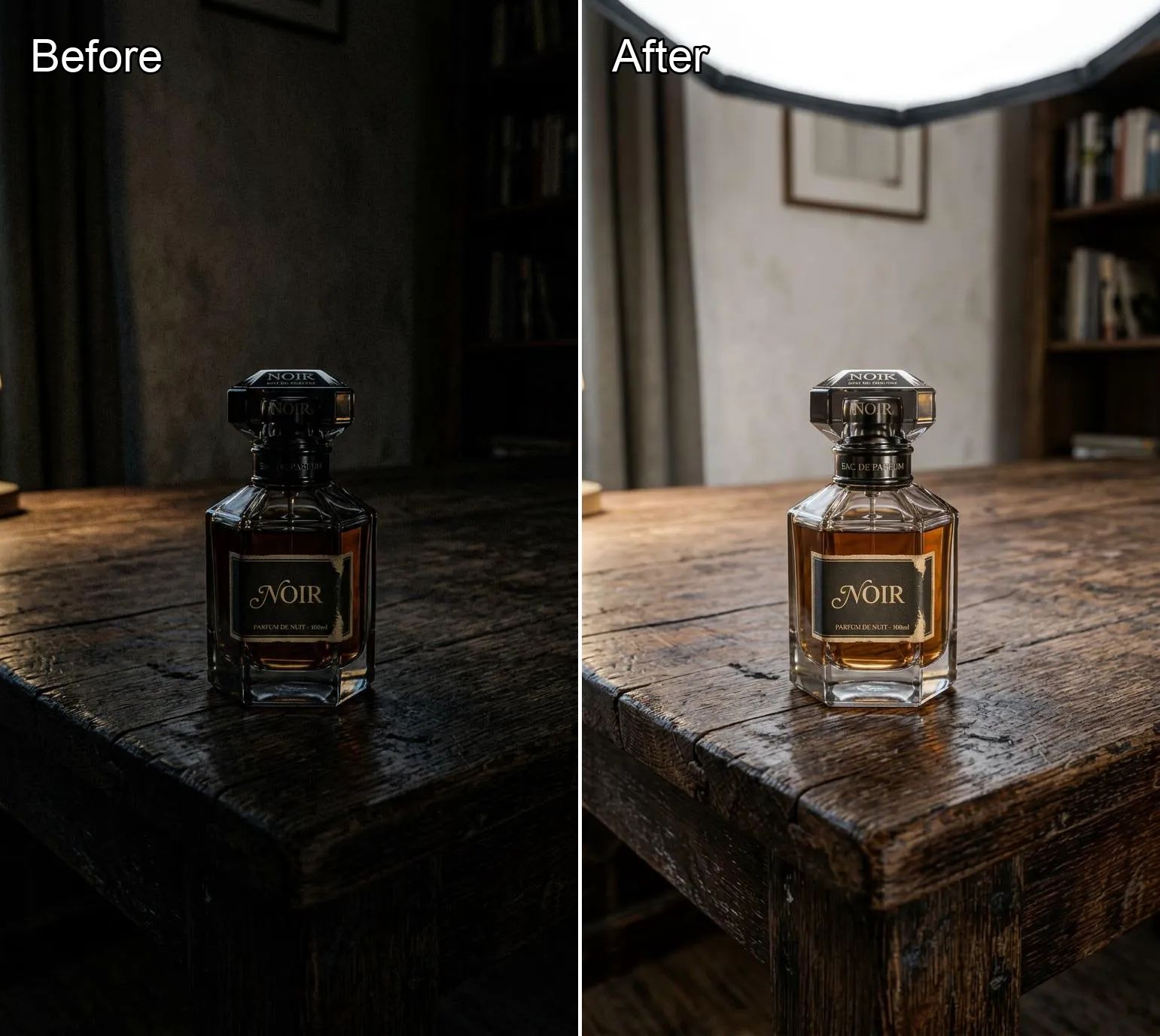
Product Lighting Optimizer
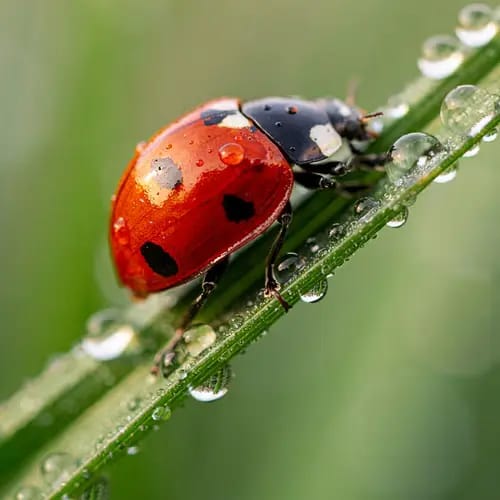
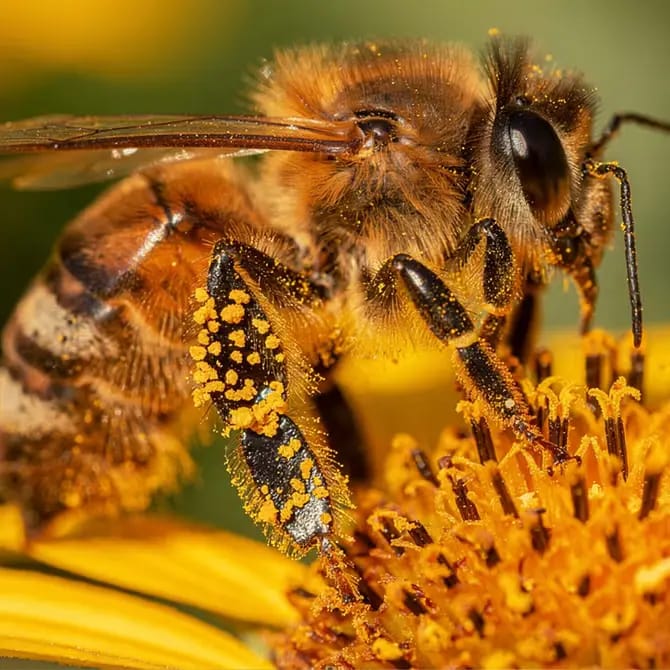
What is FLUX.2 AI?
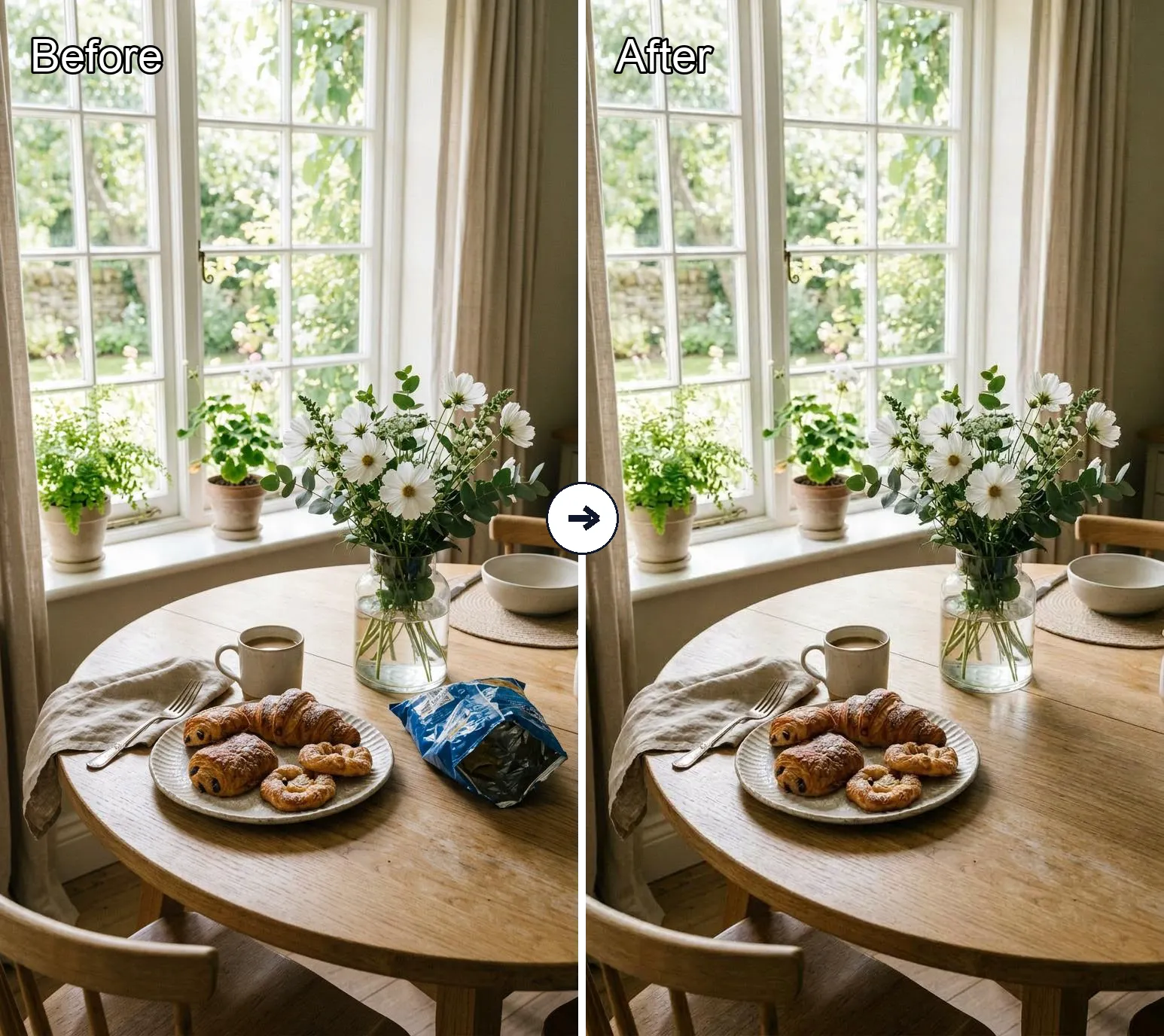
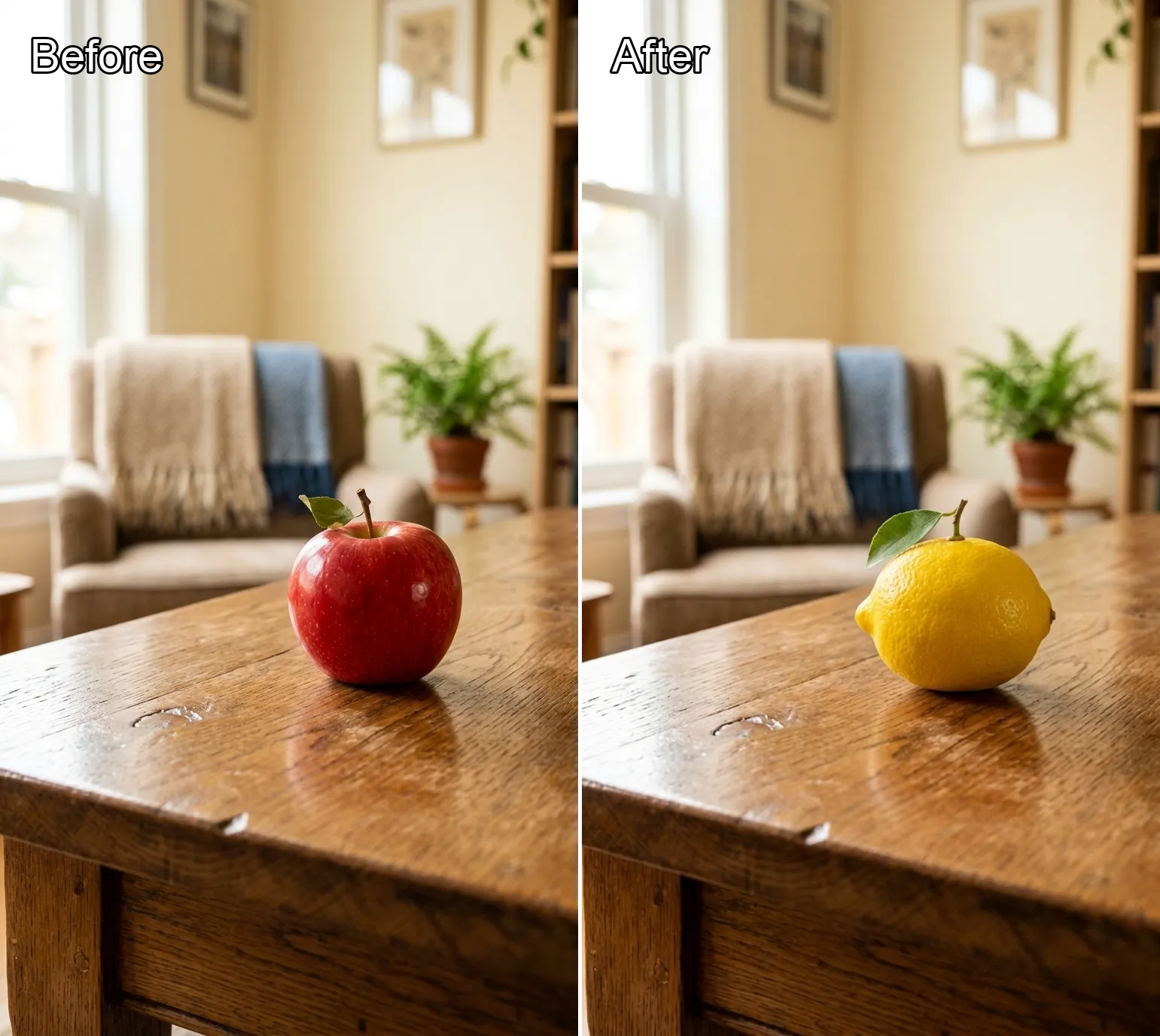
FLUX.2 AI is Black Forest Labs’ new frontier‑level image model. It can generate images from pure text or edit existing images while keeping structure, lighting and style consistent. Compared with traditional text‑to‑image models, FLUX.2 AI is better at realism, typography (clean text in UI, posters, infographics), and character consistency across many shots – making it useful not just for fun, but for real creative and marketing workflows.
How to Use FLUX.2 on Banana AI
Three simple steps from idea to image:
Why Use Our FLUX.2 AI Playground?
We run FLUX.2 AI with a clean, no‑nonsense UI so you get the power of a cutting‑edge model without the setup pain. Here’s what makes this page worth bookmarking:
Who is FLUX.2 AI For?
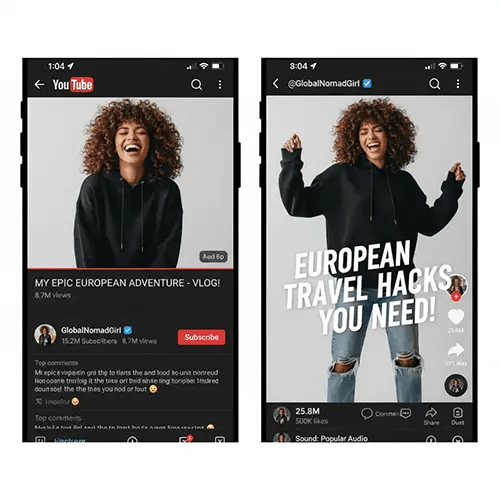
Tiktok, YouTube, Instagram, Facebook – FLUX.2 AI lets you turn one idea into a full set of posts. Generate feed images, thumbnails and stories with the same character or product across every shot, without manually editing each variation.
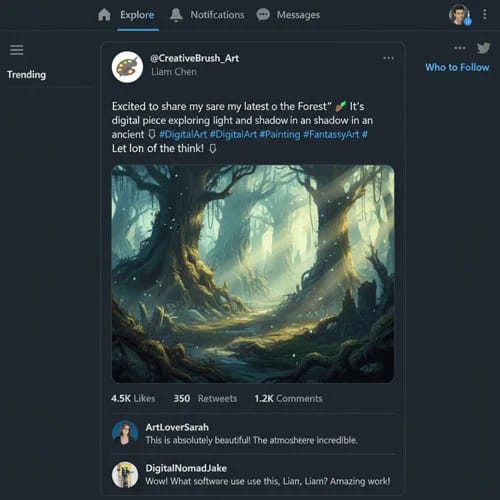
Use FLUX.2 AI Image Generator for YouTube thumbnails, blog headers, podcast covers, and explainer graphics. Generate multiple takes of the same layout or scene, then pick the one that fits your story best – no need to start from zero every time.

Drop your product into different environments – studio, city, beach, lifestyle – while keeping the product itself consistent. Combine FLUX.2’s realism with brand‑safe colors and layouts for ads, landings, and campaign experiments.
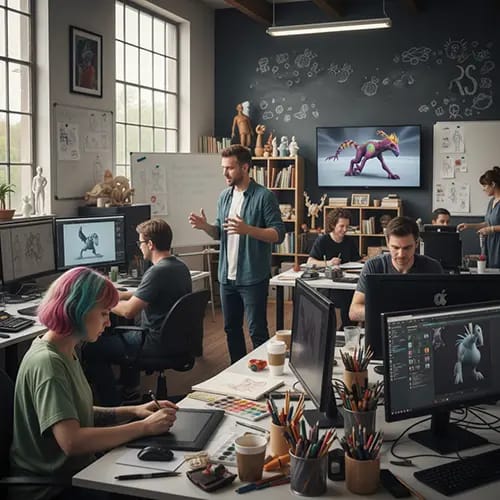
Use FLUX.2 AI to explore lighting, color palettes, camera angles and styles on top of your own ideas. Iterate on characters, environments and layouts quickly, then take the best frames back into your usual toolchain for polish.
Common Questions About FLUX.2
Quick answers before you dive in:
What exactly is FLUX.2?
FLUX.2 is Black Forest Labs’ 32B open‑weight image generation and editing model. It’s built to handle text‑to‑image, image editing, and multi‑reference workflows in a single model, with strong realism, typography, and prompt following. On Banana AI you get that power without touching model weights or infrastructure.
Is this text to image, image to image, or both?
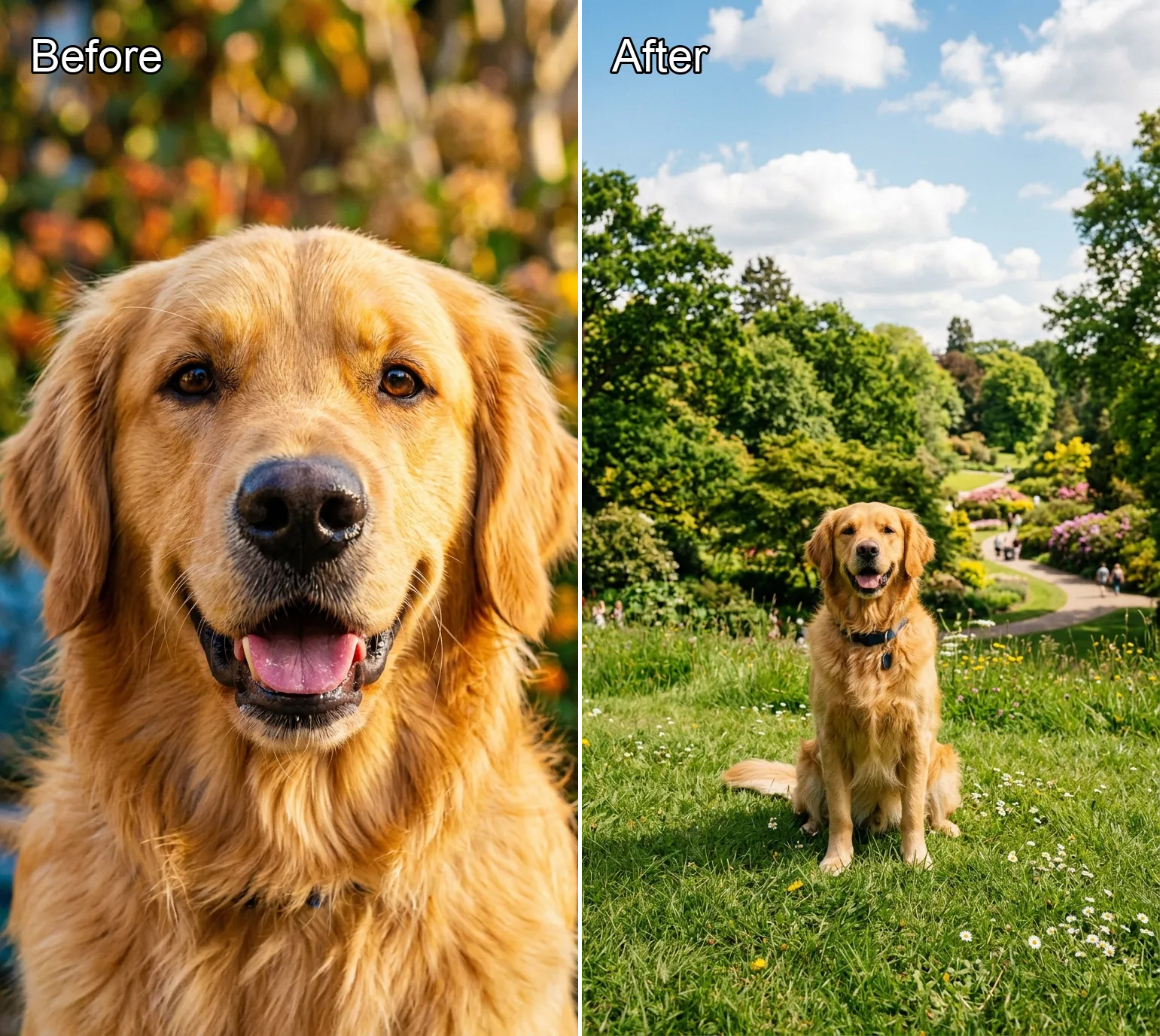
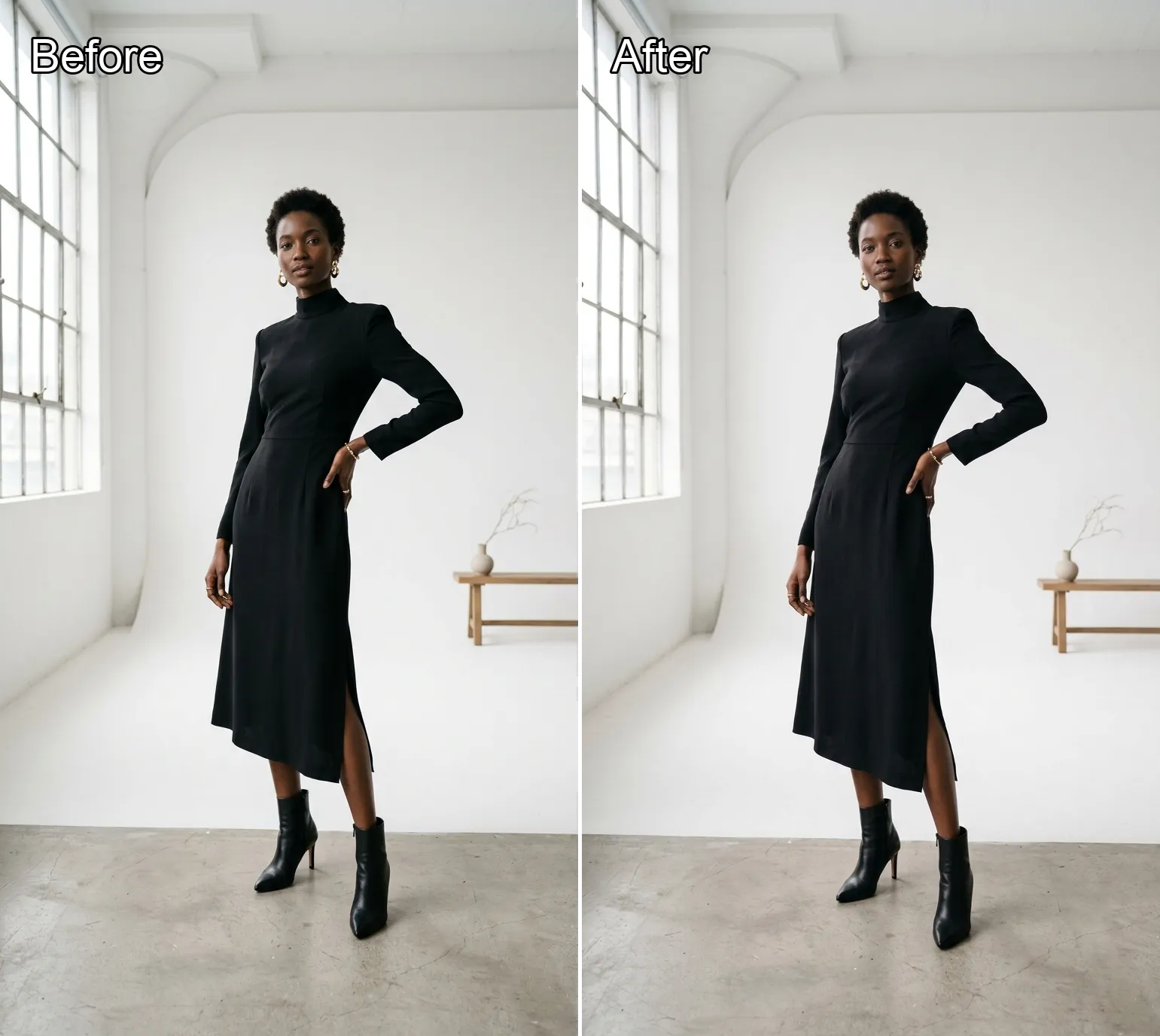
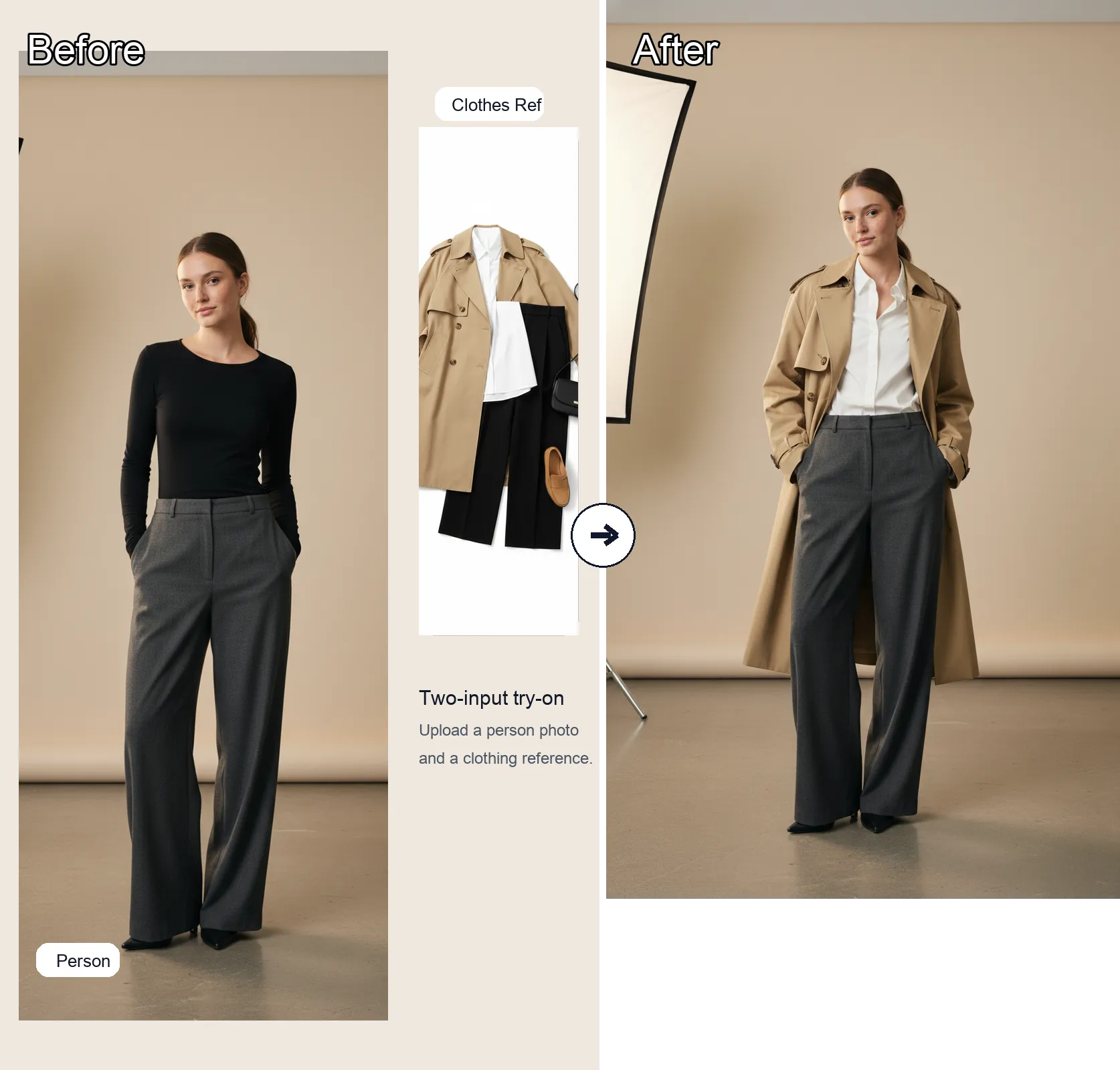
Both. You can generate images purely from text prompts, or start from one or more reference images and have FLUX.2 edit or remix them while keeping key details consistent. That’s useful for character sheets, product shots, and creative variations where you want the same subject in different scenes.
Do I need a powerful GPU to use FLUX.2?
No. We run FLUX.2 on our side, so you just use your browser. You get the benefits of a heavy, frontier‑scale model without worrying about VRAM, drivers, or setup.
Can I use FLUX.2 outputs commercially?
To use FLUX.2 outputs for commercial purposes, you need an active Banana AI subscription. Commercial use must also comply with Black Forest Labs’ licensing terms, so always check your plan and the latest FLUX.2 usage policy if you’re using images at scale or in high‑stakes campaigns.
Does FLUX.2 support multiple reference images?
Yes. One of FLUX.2’s biggest strengths is multi‑reference editing – you can use several images of a character, actor, or product to help the model keep identity and style stable while you change everything else around it.
What about JSON prompts and HEX colors?
FLUX.2 AI is built for structured prompting. You can describe scenes, subjects, lighting, camera, and layout in JSON‑like structures, and even control specific colors with hex codes (like brand colors). If you don’t want that complexity, you can stay with natural language prompts – it still works great.
Can I use these images for commercial stuff?
To use Banana AI for commercial purposes, you need an active subscription. Paid Banana AI plans generally include broader commercial rights, while the free tier is mainly for testing and experiments, so always review your workspace’s current plan and terms before using images in production.
What if the image isn’t what I imagined?
That’s normal for any powerful model. Try getting more specific, adjusting style and mood, or adding JSON‑style structure and hex colors. Generate a few variations, keep what you like, and iterate. FLUX.2 AI is built for exploration as much as final outputs.
Try FLUX.2 AI Free on Banana AI
Type a prompt, press generate, and see what FLUX.2 AI can do for your next campaign, design, or side project.